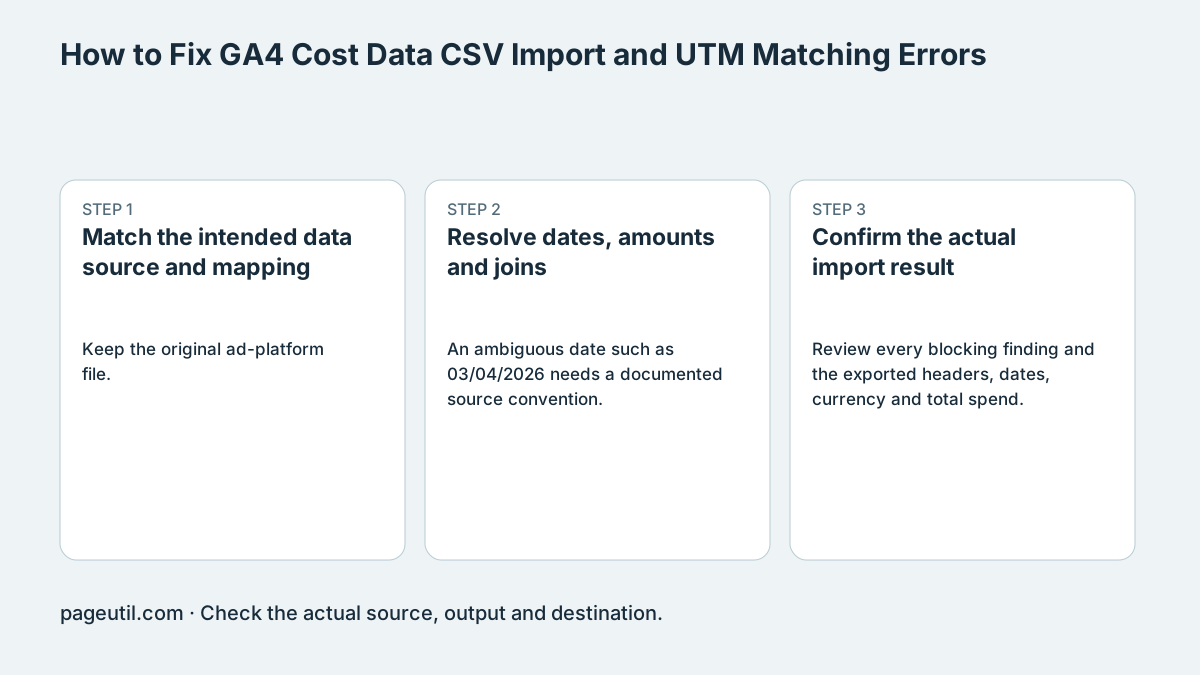
Match the intended data source and mapping
Keep the original ad-platform file. Obtain the template and mapping instructions for the cost-data source in your GA4 property; import workflows can have different supported fields and formats. The checker’s clean CSV is a candidate, not a universal official schema.
Map source, medium, campaign and date deliberately. A fallback value can fill a field your export omits only when it describes how the campaign was actually tagged. Preserve the original spelling when matching existing traffic rather than lowercasing data indiscriminately.
Resolve dates, amounts and joins
An ambiguous date such as 03/04/2026 needs a documented source convention. Prefer an unambiguous export. Google supports several date formats in some current import sources; a checker choosing ISO output does not mean every other platform format is forbidden.
For example, compare an ad row tagged Facebook / CPC with recorded facebook / cpc. Investigate whether these are genuinely the same campaign before changing them. The uploaded acquisition export has its own filters, date range and reporting scope; a local unmatched row does not prove GA4 will never join it.
Source date: 03/04/2026
Confirmed source convention: day/month/year
Reviewed date: 2026-04-03
Cost: 125.50 in the configured currency
Compare campaign keys and total spend before export.
Confirm the actual import result
Review every blocking finding and the exported headers, dates, currency and total spend. Use the destination mapping preview and processing result to confirm acceptance. Compare the resulting campaign report with the same source period after processing.
Do not change dates or currency labels merely to make validation pass. A clean file cannot prove account permissions, supported source fields, final match rate or conversion attribution. Keep the original, reviewed candidate and processing messages together.
References
Use the linked specifications and product documentation to check behavior in your own environment.
Continue troubleshooting
- How to Fix Google Ads Editor CSV Import Errors
- How to Fix CSV Encoding, Columns and Leading Zeros in Excel
- How to Fix Google Workspace Bulk User CSV Upload Errors
- How to Avoid Accidental Grade Overwrites in Moodle Gradebook CSV Imports
- How to Merge Recurring Microsoft Teams Attendance Reports
- How to Fix Azure DevOps Test Case CSV and Test Step Import Errors
- How to Check and Combine Windows Autopilot CSV Exports
- How to Preview Cloudflare Pages Header Rules Before Deployment
- How to Review Pinterest Bulk Pin Boards and Publishing Schedules
- How to Check Jira CSV Parent References and Hierarchy
- How to Check ShipStation Product CSV Updates Before Import
- How to Understand eBay Bulk Upload Results and Retry Failed Records
- How to Fix Google My Maps CSV Import and Coordinate Errors
- How to Fix Microsoft Teams Shifts Excel Import Errors
- How to Fix Webflow CMS CSV Import Reference and Slug Errors
- How to Fix Canva Bulk Create CSV and Spreadsheet Errors
- How to Clean and Split Email CSV for Klaviyo and Mailchimp
- How to Format and Map a Google Contacts CSV Import
- How to Fix Cloudflare Bulk Redirect CSV Errors
- How to Check a Google Business Profile Bulk Update CSV
- How to Explain a Stripe Payout That Does Not Match the Bank
- How to Fix a QuickBooks Bank CSV Import
- How to extract Word tables to Excel
- How to convert Excel formula commas and semicolons
Related tools
Frequently asked questions
Is the checker CSV a universal GA4 schema?
No. Confirm the fields and mapping for the actual import source in the destination property.
Does a locally unmatched campaign prove the GA4 join failed?
No. The comparison export has its own reporting scope, filters and dates. Check the actual processing and report result.
Should I lowercase every campaign key?
Only when that transformation matches the intended source convention and recorded data. Blind normalization can change join keys.