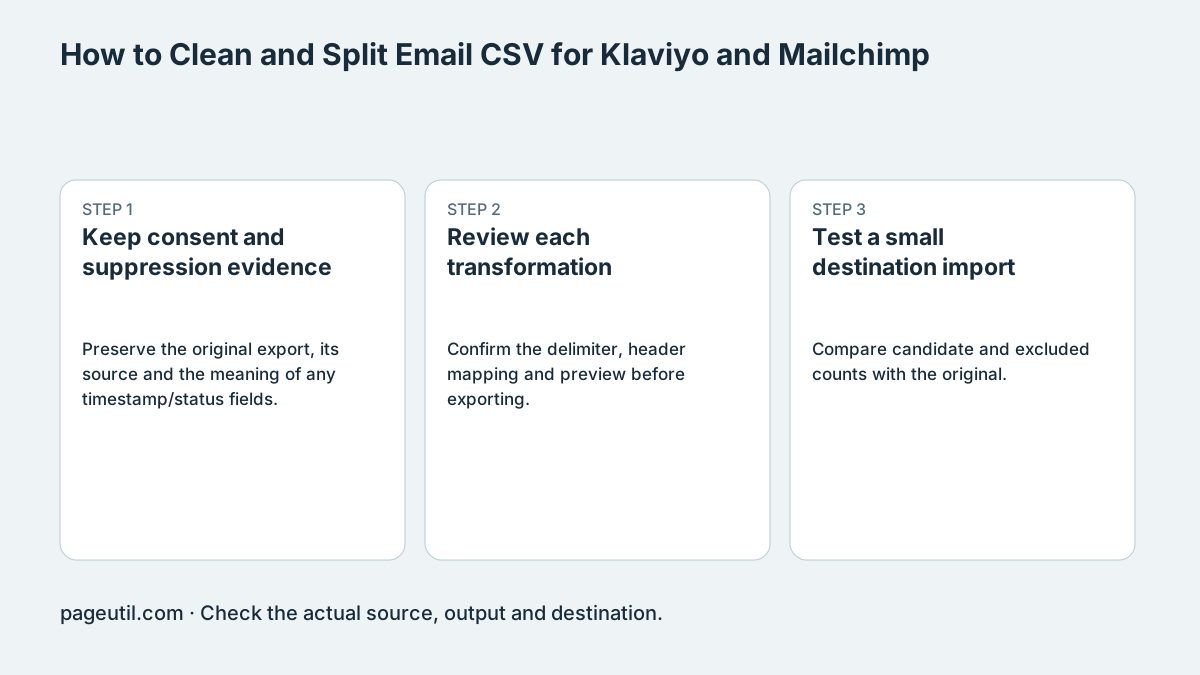
Keep consent and suppression evidence
Preserve the original export, its source and the meaning of any timestamp/status fields. Obtain the current import requirements for the destination list. Checker preset sizes are local batching choices, not verified universal account or platform row limits.
Suppose one email appears in an older subscribed row and a newer unsubscribed row. Retaining the last physical row is not necessarily the same as retaining the latest status, because an export can be sorted by any column. Resolve the record against the authoritative consent/suppression source before deduplication.
Email,Status,Updated
[email protected],unsubscribed,2026-11-02
[email protected],subscribed,2026-10-01

The final row is older. Do not infer consent from row order.
Review each transformation
Confirm the delimiter, header mapping and preview before exporting. Quarantine malformed records for investigation; do not manufacture missing addresses. A role-based inbox or a disposable-domain match is a heuristic flag, not proof of abuse or a reason to override a legitimate subscription.
Review which fields survive the candidate export. Maintain suppression handling in the destination platform and preserve evidence needed to explain exclusions. Syntax validation does not contact mail servers or prove that a mailbox exists.
Test a small destination import
Compare candidate and excluded counts with the original. Check a few normal, duplicate and suppressed records, then use the destination’s supported test/import review workflow without resubscribing opted-out contacts.
Read the actual processing result and inspect field mapping in Klaviyo, Mailchimp or the intended platform. Larger imports can encounter account limits or processing failures despite local validation. Keep the reviewed candidates and audit with the original export.
References
Use the linked specifications and product documentation to check behavior in your own environment.
Continue troubleshooting
- How to Fix Cloudflare Bulk Redirect CSV Errors
- How to Format and Map a Google Contacts CSV Import
- How to Fix GA4 Cost Data CSV Import and UTM Matching Errors
- How to Fix Google Workspace Bulk User CSV Upload Errors
- How to Avoid Accidental Grade Overwrites in Moodle Gradebook CSV Imports
- How to Merge Recurring Microsoft Teams Attendance Reports
- How to Fix Azure DevOps Test Case CSV and Test Step Import Errors
- How to Check and Combine Windows Autopilot CSV Exports
- How to Preview Cloudflare Pages Header Rules Before Deployment
- How to Review Pinterest Bulk Pin Boards and Publishing Schedules
- How to Check Jira CSV Parent References and Hierarchy
- How to Check ShipStation Product CSV Updates Before Import
- How to Understand eBay Bulk Upload Results and Retry Failed Records
- How to Fix Google My Maps CSV Import and Coordinate Errors
- How to Fix Microsoft Teams Shifts Excel Import Errors
- How to Fix Webflow CMS CSV Import Reference and Slug Errors
- How to Fix Canva Bulk Create CSV and Spreadsheet Errors
- How to Check a Google Business Profile Bulk Update CSV
- How to Fix Google Ads Editor CSV Import Errors
- How to Explain a Stripe Payout That Does Not Match the Bank
- How to Fix a QuickBooks Bank CSV Import
- How to Fix CSV Encoding, Columns and Leading Zeros in Excel
- How to extract Word tables to Excel
- How to convert Excel formula commas and semicolons
Related tools
Frequently asked questions
Does the last row contain the latest consent status?
Not necessarily. Physical row order can be unrelated to timestamps. Resolve conflicts against the authoritative consent source.
Does email syntax validation prove permission to send?
No. Preserve subscription and suppression evidence and follow the destination’s supported handling.
Are role-based inboxes necessarily invalid?
No. They are review flags, not proof that an address is abusive or lacks legitimate permission.