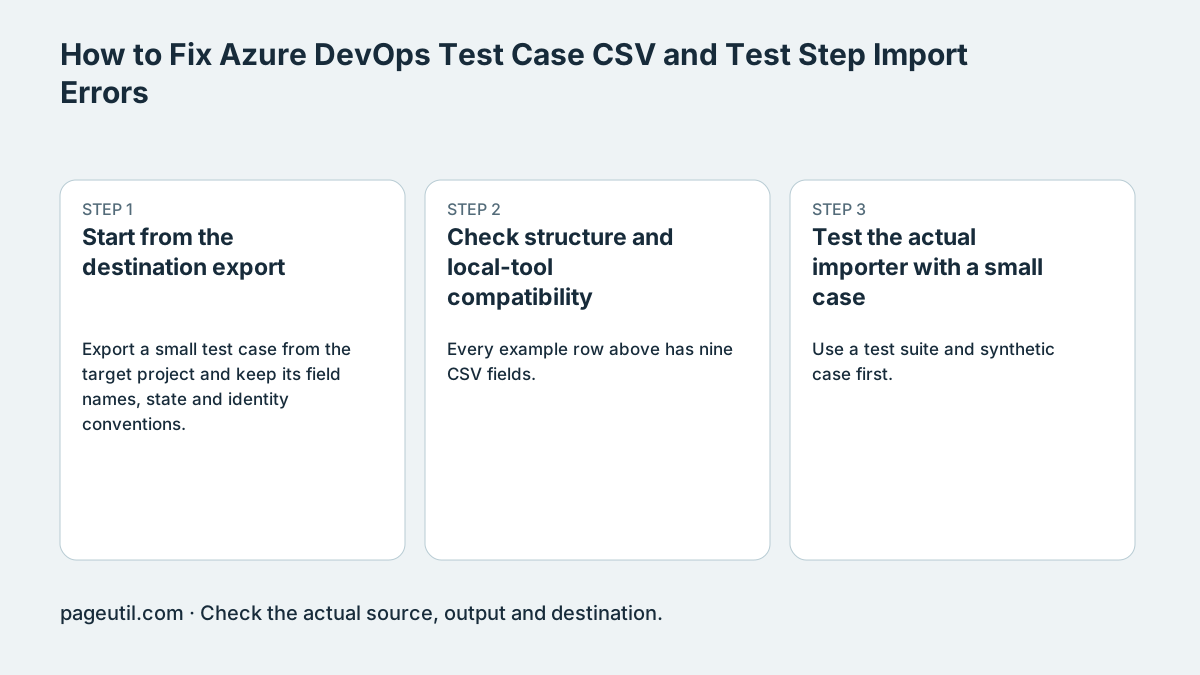
Start from the destination export
Export a small test case from the target project and keep its field names, state and identity conventions. Azure DevOps Services and Server versions can have different mapping interfaces and requirements. Check the current Microsoft instructions for that version.
For the currently documented Test Plans format, each step occupies a row with the same test-case fields repeated. Keep an existing ID consistent across its rows; leave it empty for a new case. Do not blank Title or Work Item Type on continuation rows solely to satisfy an older checker.
ID,Work Item Type,Title,Test Step,Step Action,Step Expected,Area Path,Assigned To,State
,Test Case,Check search,1,Open search,Search is displayed,Demo\Web,[email protected],Design
,Test Case,Check search,2,Submit a query,Results are displayed,Demo\Web,[email protected],Design
Check structure and review the export
Every example row above has nine CSV fields. Replace the example project path, user and state with values valid in your project. Quote cells containing commas or newlines, and preserve identifiers as text when editing in a spreadsheet.
Validate the file and confirm the preview contains one case with steps 1 and 2. The checker repeats case fields in both CSV and Excel exports and blocks conflicting continuation fields. Review the exported file against your destination mapping before importing.
Test the actual importer with a small case
Use a test suite and synthetic case first. Confirm that two step rows create one case with two ordered actions, rather than two cases. For an existing test ID, confirm the intended update and preserve a backup export.
Read the import mapping and returned row errors. An unknown-column error can involve a blank header, but is not proof that every error has that cause. Stop when the actual destination contains the intended case and steps; a local green banner is insufficient.
References
Use the linked specifications and product documentation to check behavior in your own environment.
Continue troubleshooting
- How to Check Jira CSV Parent References and Hierarchy
- How to extract Word tables to Excel
- How to Fix GA4 Cost Data CSV Import and UTM Matching Errors
- How to Fix Google Workspace Bulk User CSV Upload Errors
- How to Avoid Accidental Grade Overwrites in Moodle Gradebook CSV Imports
- How to Merge Recurring Microsoft Teams Attendance Reports
- How to Check and Combine Windows Autopilot CSV Exports
- How to Preview Cloudflare Pages Header Rules Before Deployment
- How to Review Pinterest Bulk Pin Boards and Publishing Schedules
- How to Check ShipStation Product CSV Updates Before Import
- How to Understand eBay Bulk Upload Results and Retry Failed Records
- How to Fix Google My Maps CSV Import and Coordinate Errors
- How to Fix Microsoft Teams Shifts Excel Import Errors
- How to Fix Webflow CMS CSV Import Reference and Slug Errors
- How to Fix Canva Bulk Create CSV and Spreadsheet Errors
- How to Clean and Split Email CSV for Klaviyo and Mailchimp
- How to Format and Map a Google Contacts CSV Import
- How to Fix Cloudflare Bulk Redirect CSV Errors
- How to Check a Google Business Profile Bulk Update CSV
- How to Fix Google Ads Editor CSV Import Errors
- How to Explain a Stripe Payout That Does Not Match the Bank
- How to Fix a QuickBooks Bank CSV Import
- How to Fix CSV Encoding, Columns and Leading Zeros in Excel
- How to convert Excel formula commas and semicolons
Related tools
Frequently asked questions
Should continuation rows have blank titles?
Not for the currently documented repeated-field format. Keep test-case fields consistent across the step rows and follow the target version’s export.
What does a passing local check establish?
It checks supported spreadsheet structure and shows how steps are grouped. It cannot confirm a project ID, account permission, or whether the destination importer accepts the file.
Is a blank header the only cause of undefined-column errors?
No. Inspect the actual file, mapped fields and importer result rather than diagnosing solely from a generic message.