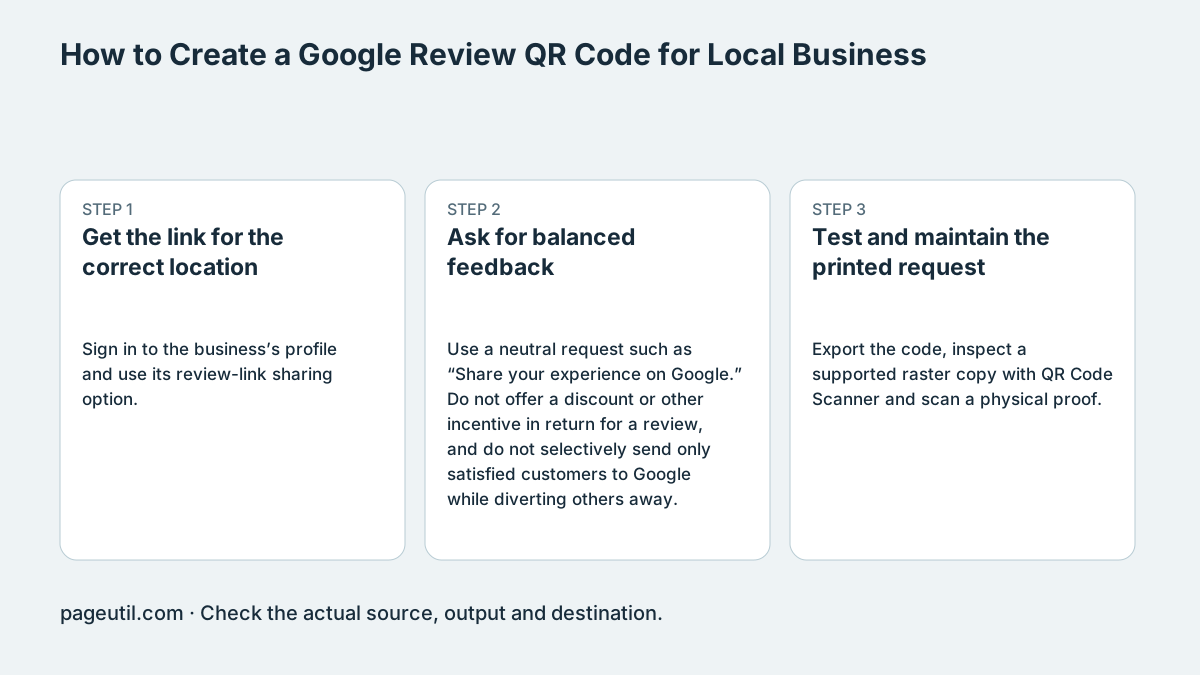
Get the link for the correct location
Sign in to the business’s profile and use its review-link sharing option. Control labels can change; use the current Google instructions linked below. For a business with several locations, obtain and test the link for each one rather than copying a general search result.
Open the link on a customer-style device and confirm the business name and location. A person must sign into a Google Account to post a review. The link does not create an anonymous review or guarantee that an app opens instead of a browser.
Ask for balanced feedback
Use a neutral request such as “Share your experience on Google.” Do not offer a discount or other incentive in return for a review, and do not selectively send only satisfied customers to Google while diverting others away.
Google can restrict content or profiles for policy violations, but outcomes depend on the case. This guide does not promise a specific penalty or a numerical conversion uplift. Review requests should also follow the laws and professional rules that apply to your business.
Test and maintain the printed request
Export the code, inspect a supported raster copy with QR Code Scanner and scan a physical proof. Keep the quiet zone and a short instruction beside it. A stable review link can be useful on a receipt or counter sign, but placement results need your own measurement.
Check the link again when a location moves, changes profile or closes. Reply professionally to feedback and use Google’s reporting process only for content that violates policy; criticism alone is not grounds for removal. Stop when the final proof opens the intended profile’s review action.
References
Use the linked specifications and product documentation to check behavior in your own environment.
Continue troubleshooting
- How to Create Restaurant Menu QR Codes
- QR Code Print Size and Scanning Distance Guide
- How to Create a WhatsApp QR Code
- How to Customise QR Code Logos, Colours and Frames
- How to Choose QR Code SVG, PNG or JPEG
- How to Create Calendar Event and Location QR Codes
- How to Create Email, SMS and Phone QR Codes
- How to Create QR Codes for PDFs, Videos and Pages
- How to Create Guest WiFi QR Codes
- How to Create vCard QR Codes for Business Cards
- How to Track QR Code Campaigns with UTM and GA4
- How to Put QR Codes on Product Packaging and Manuals
- Wedding Invitation and Event RSVP QR Codes
- How to Troubleshoot Printed QR Codes Not Scanning
- Static vs Dynamic QR Codes for Business Printing
- Best Free QR Code Generators
- How to make a QR code for a URL
Related tools
Frequently asked questions
Can a customer review without signing into Google?
Google requires a Google Account. The review link does not bypass that requirement.
Can I reward people for posting a review?
Google prohibits incentives in exchange for reviews or changes/removal of reviews. Use a neutral, voluntary request.
Does placement guarantee more reviews or rankings?
No. Measure your own results and avoid presenting unsupported conversion or ranking promises.