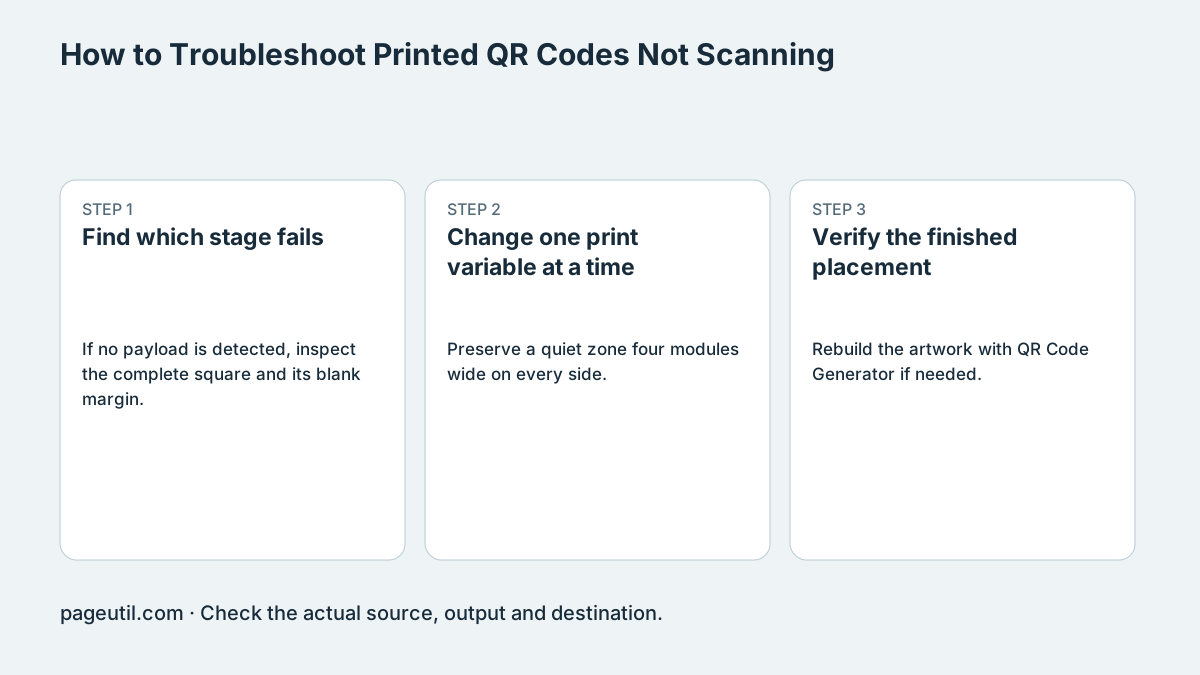
Find which stage fails
If no payload is detected, inspect the complete square and its blank margin. If a link decodes but the page fails, check the link, permissions and network instead of changing the printed pattern.
Compare the original export with a screenshot of the placed design. Upload a PNG, JPEG or other supported raster image to the scanner; render an SVG to a raster image first. A successful digital decode does not establish print quality.
Change one print variable at a time
Preserve a quiet zone four modules wide on every side. A module is one cell of the symbol. Use dark modules on a plain light background; move logos, labels and decorative borders outside the blank margin.
Print a larger proof, remove a logo, shorten an unnecessarily long URL or change a glossy finish, testing one change at a time. Payload, encoding and correction level affect module count. There is no universal phone-camera module-size floor or one-second scan guarantee.
Example investigation:
Original PNG decodes; laminated card does not.
Print the same artwork on matte paper at the same size.
Compare in the intended lighting before changing the URL or ordering a batch.
Verify the finished placement
Rebuild the artwork with QR Code Generator if needed. Test a proof at its final size and position on several representative phones and from the intended distances. Check the decoded payload and the destination separately.
Record artwork version, physical dimensions, material, lighting and the tested devices. Error correction can restore some codeword damage; it does not make an obscured finder pattern or arbitrary damaged area safe. Approve a print batch only after its actual proof works.
References
Use the linked specifications and product documentation to check behavior in your own environment.
Continue troubleshooting
- Static vs Dynamic QR Codes for Business Printing
- Best Free QR Code Generators
- How to Create a WhatsApp QR Code
- How to Customise QR Code Logos, Colours and Frames
- How to Choose QR Code SVG, PNG or JPEG
- How to Create Calendar Event and Location QR Codes
- How to Create Email, SMS and Phone QR Codes
- How to Create QR Codes for PDFs, Videos and Pages
- QR Code Print Size and Scanning Distance Guide
- How to Create Restaurant Menu QR Codes
- How to Create Guest WiFi QR Codes
- How to Create vCard QR Codes for Business Cards
- How to Track QR Code Campaigns with UTM and GA4
- How to Put QR Codes on Product Packaging and Manuals
- How to Create a Google Review QR Code for Local Business
- Wedding Invitation and Event RSVP QR Codes
- How to make a QR code for a URL
Related tools
Frequently asked questions
Why does the image decode while the printed card fails?
The physical size, finish, light, placement or print reproduction may differ. Compare controlled proofs instead of assuming the payload is wrong.
Can I upload an SVG directly to the scanner?
Render it to a supported raster image first. Inspect the vector original separately in your design software.
Does a digital decode prove the destination works?
No. Decoding reads the stored payload. Opening and using the destination is a separate network and application check.