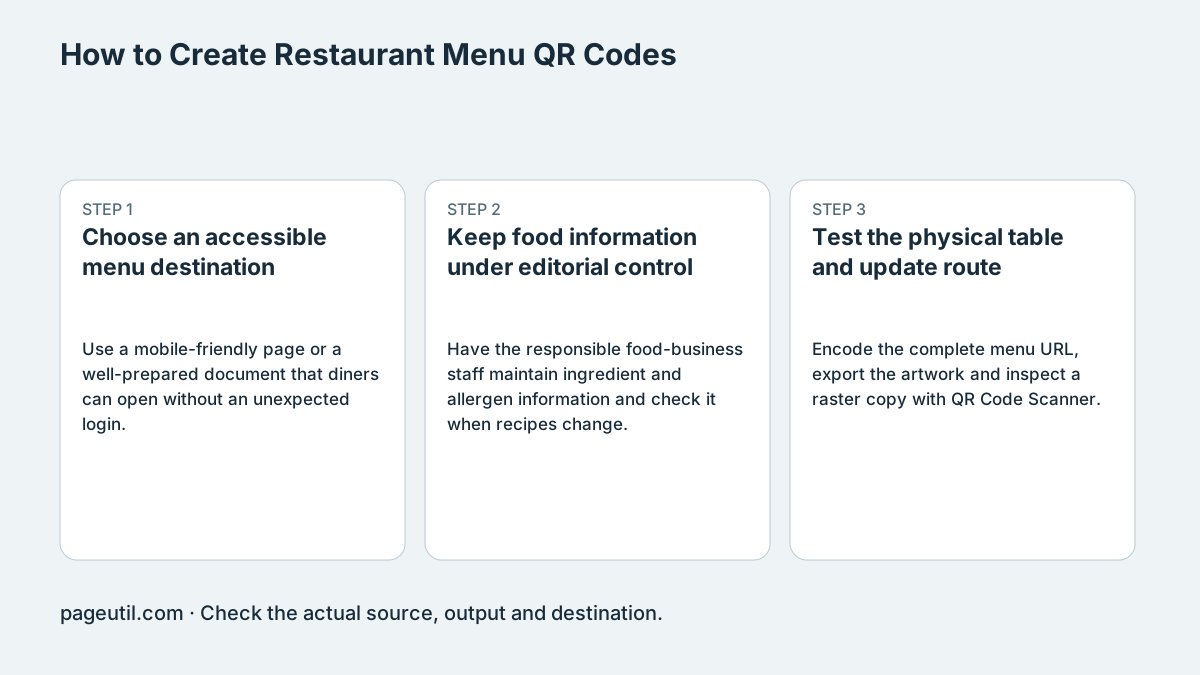
Choose an accessible menu destination
Use a mobile-friendly page or a well-prepared document that diners can open without an unexpected login. HTML is often easier to adapt to small screens, but neither HTML nor PDF has a guaranteed file size or load time. Test the actual destination over a representative mobile connection.
For example, open the menu in a signed-out phone browser, enlarge the text and find one dish, its price and its allergen information. Keep a readable alternative for a diner without a suitable phone or connection. Avoid making an essential service depend solely on a scan.
Keep food information under editorial control
Have the responsible food-business staff maintain ingredient and allergen information and check it when recipes change. A QR code or dietary icon does not establish legal compliance or that food is safe for a particular diner.
Requirements vary by jurisdiction and food type. In England, Northern Ireland and Wales, FSA guidance distinguishes non-prepacked food from prepacked-for-direct-sale food; Natasha’s Law concerns the latter. Check the rules applicable to your operation rather than treating a digital menu as a substitute for required labeling or staff procedures.
Test the physical table and update route
Encode the complete menu URL, export the artwork and inspect a raster copy with QR Code Scanner. Preserve the four-module quiet zone. Test the proof on the actual table under service lighting; glare and dense backgrounds may require a different placement.
Use a stable URL you maintain if the menu changes. After an update, check that the same printed code opens the new approved menu and that a customer-facing cache has not retained an obsolete price or dish. Stop when both the physical proof and the published menu have been checked.
References
Use the linked specifications and product documentation to check behavior in your own environment.
Continue troubleshooting
- How to Create Guest WiFi QR Codes
- QR Code Print Size and Scanning Distance Guide
- How to Create a WhatsApp QR Code
- How to Customise QR Code Logos, Colours and Frames
- How to Choose QR Code SVG, PNG or JPEG
- How to Create Calendar Event and Location QR Codes
- How to Create Email, SMS and Phone QR Codes
- How to Create QR Codes for PDFs, Videos and Pages
- How to Create vCard QR Codes for Business Cards
- How to Track QR Code Campaigns with UTM and GA4
- How to Put QR Codes on Product Packaging and Manuals
- How to Create a Google Review QR Code for Local Business
- Wedding Invitation and Event RSVP QR Codes
- How to Troubleshoot Printed QR Codes Not Scanning
- Static vs Dynamic QR Codes for Business Printing
- Best Free QR Code Generators
- How to make a QR code for a URL
Related tools
Frequently asked questions
Must a menu be HTML rather than PDF?
No. Choose a format diners can read and access on their devices, and test the actual file or page.
Does a dietary icon establish allergen compliance?
No. Responsible staff must maintain accurate information and follow rules for the relevant jurisdiction and food type.
Can the code replace an alternative menu?
It should not be the only route for someone without a usable phone or connection. Provide an appropriate alternative.