What to run
Open QR Code Generator. It stays in the browser.
How to read the result
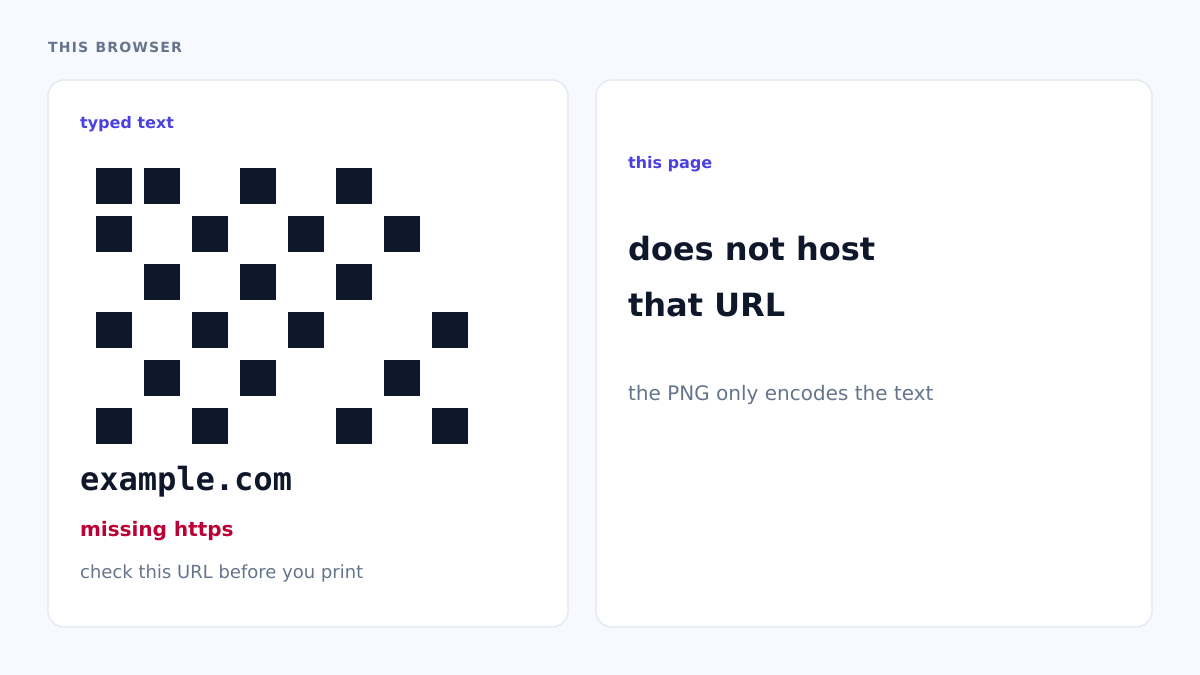
Choose URL / Link and enter the full URL, including https:// or http://.
Customise colours, shapes, a logo, and a frame if needed, then download SVG, PNG, or JPEG.
Scan it before you print.
The page does not host the URL.
What to open next
Open Is This Website Down and Redirect Checker on that URL first. Both checks run from Cloudflare.
A QR to a dead or looping link is a durable bug.
Continue troubleshooting
- How to Create a WhatsApp QR Code
- How to Customise QR Code Logos, Colours and Frames
- How to Choose QR Code SVG, PNG or JPEG
- How to Create Calendar Event and Location QR Codes
- How to Create Email, SMS and Phone QR Codes
- How to Create QR Codes for PDFs, Videos and Pages
- QR Code Print Size and Scanning Distance Guide
- How to Create Restaurant Menu QR Codes
- How to Create Guest WiFi QR Codes
- How to Create vCard QR Codes for Business Cards
- How to Track QR Code Campaigns with UTM and GA4
- How to Put QR Codes on Product Packaging and Manuals
- How to Create a Google Review QR Code for Local Business
- Wedding Invitation and Event RSVP QR Codes
- How to Troubleshoot Printed QR Codes Not Scanning
- Static vs Dynamic QR Codes for Business Printing
- Best Free QR Code Generators
Related tools
Frequently asked questions
Does a QR code add https if it was omitted?
No. URL mode asks for a complete HTTP or HTTPS URL. Plain text mode can encode arbitrary text, but a camera may not recognise an incomplete URL as a link.
Does QR Code Generator host the URL in the code?
No. The page does not host the URL. A QR code encodes the exact text you typed.
Should the URL be checked before the QR code is printed?
Yes. Scan it before you print. A QR to a dead or looping link is a durable bug.