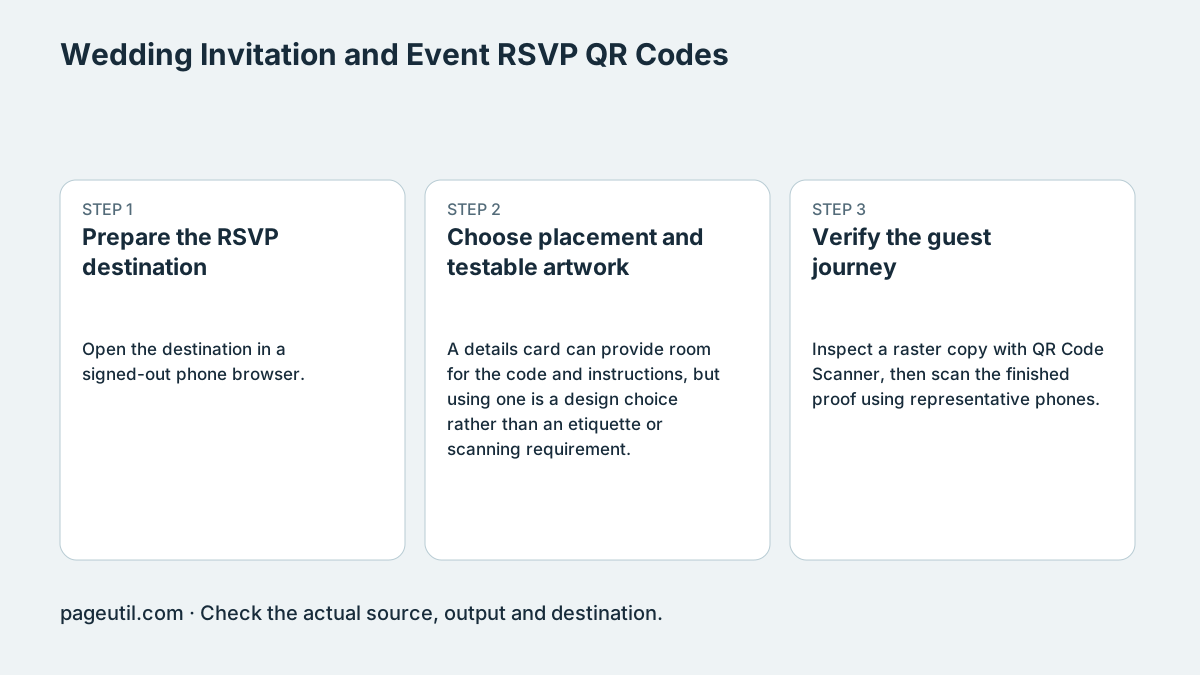
Prepare the RSVP destination
Open the destination in a signed-out phone browser. Check the event name, date, venue, reply deadline and the confirmation shown after a test submission. If the form asks for dietary or contact information, collect only what the organisers need and control access to responses.
Put a readable short URL and another reply method alongside the code when needed. A QR link cannot supply internet access, complete a form for the guest or update an event already saved in a calendar.
Choose placement and testable artwork
A details card can provide room for the code and instructions, but using one is a design choice rather than an etiquette or scanning requirement. Keep a plain light scanning surface and a four-module quiet zone.
Foil, patterned backgrounds and reflective finishes can interfere with some camera views. Ask for a proof on the intended stock and finish. Select dimensions from the actual payload and module count; there is no single contrast percentage or millimetre width that guarantees every phone will scan.
Verify the guest journey
Inspect a raster copy with QR Code Scanner, then scan the finished proof using representative phones. Follow the link, complete a synthetic RSVP, check its confirmation and remove the test response. Keep any calendar link and directions consistent with the printed invitation.
Check the page after changes to time, venue or reply deadline. Static artwork remains the same, but a hosted page can change or disappear; maintain the domain and event page for as long as guests need them. Approve printing only after the physical proof and complete RSVP journey work.
References
Use the linked specifications and product documentation to check behavior in your own environment.
Continue troubleshooting
- QR Code Print Size and Scanning Distance Guide
- How to Create Guest WiFi QR Codes
- How to Create a WhatsApp QR Code
- How to Customise QR Code Logos, Colours and Frames
- How to Choose QR Code SVG, PNG or JPEG
- How to Create Calendar Event and Location QR Codes
- How to Create Email, SMS and Phone QR Codes
- How to Create QR Codes for PDFs, Videos and Pages
- How to Create Restaurant Menu QR Codes
- How to Create vCard QR Codes for Business Cards
- How to Track QR Code Campaigns with UTM and GA4
- How to Put QR Codes on Product Packaging and Manuals
- How to Create a Google Review QR Code for Local Business
- How to Troubleshoot Printed QR Codes Not Scanning
- Static vs Dynamic QR Codes for Business Printing
- Best Free QR Code Generators
- How to make a QR code for a URL
Related tools
Frequently asked questions
Does the code create the RSVP form?
No. Host the form separately and encode its working URL. Test a complete synthetic submission.
Will a fixed print size work for every invitation?
No. Payload density, paper, finish, lighting and devices all matter. Approve a proof on the actual stock.
Can guests still reply when they cannot scan?
Provide a readable link or another suitable reply method alongside the code.