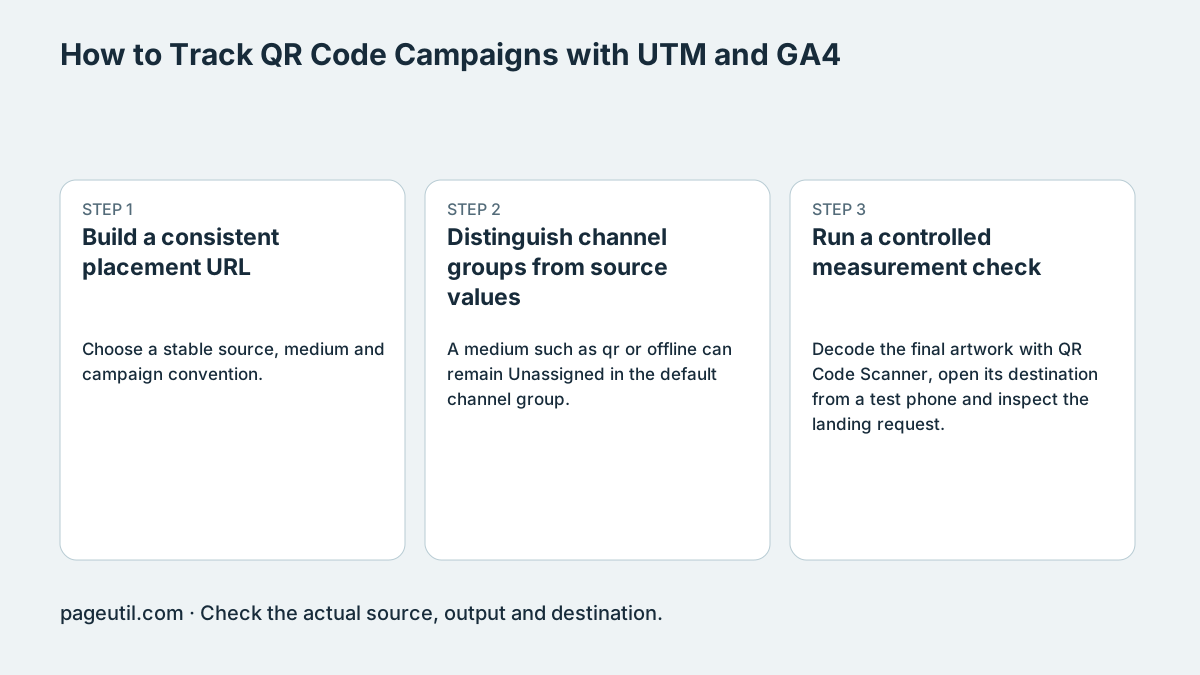
Build a consistent placement URL
Choose a stable source, medium and campaign convention. Lowercase values can prevent accidental fragmentation of your own reports, but lowercase qr is not a special default-channel assignment. Do not put personal customer identifiers in campaign parameters.
For two poster variants, keep source and campaign fixed and vary utm_content. Open each URL and check the address and incoming request before printing. If you use a short redirect, verify the resulting landing URL still contains the intended parameters.
https://example.com/offer?utm_source=store_poster&utm_medium=qr&utm_campaign=winter_2026&utm_content=blueDistinguish channel groups from source values
A medium such as qr or offline can remain Unassigned in the default channel group. Configure a custom channel group if you want a Print and QR reporting category. That custom definition does not edit Google’s default channel rules.
Inspect source, medium and campaign dimensions appropriate to your report scope. A session dimension, first-user dimension and event attribution dimension answer different questions. A tagged URL is evidence about the link, not proof of a particular report outcome.
Run a controlled measurement check
Decode the final artwork with QR Code Scanner, open its destination from a test phone and inspect the landing request. Where your consent and analytics settings permit, use GA4 debugging tools to verify the received page event and campaign values.
If parameters disappear, trace the first redirect or navigation that removes them and fix that boundary. Merely firing page_view cannot reconstruct missing campaign data. Consent choices, blockers, shared links and repeat visits can make analytics counts differ from scans; document those limits before reporting campaign performance.
References
Use the linked specifications and product documentation to check behavior in your own environment.
Continue troubleshooting
- Static vs Dynamic QR Codes for Business Printing
- QR Code Print Size and Scanning Distance Guide
- How to Create a WhatsApp QR Code
- How to Customise QR Code Logos, Colours and Frames
- How to Choose QR Code SVG, PNG or JPEG
- How to Create Calendar Event and Location QR Codes
- How to Create Email, SMS and Phone QR Codes
- How to Create QR Codes for PDFs, Videos and Pages
- How to Create Restaurant Menu QR Codes
- How to Create Guest WiFi QR Codes
- How to Create vCard QR Codes for Business Cards
- How to Put QR Codes on Product Packaging and Manuals
- How to Create a Google Review QR Code for Local Business
- Wedding Invitation and Event RSVP QR Codes
- How to Troubleshoot Printed QR Codes Not Scanning
- Best Free QR Code Generators
- How to make a QR code for a URL
Related tools
Frequently asked questions
Does utm_medium=qr guarantee a default channel?
No. It may be Unassigned. A custom Print and QR group is a separate reporting definition.
Can page_view recover campaign tags removed by a redirect?
No. Fix the navigation boundary that discarded the values; an event cannot reconstruct information it never received.
Can I put customer identifiers in UTMs?
Avoid personal customer identifiers in campaign URLs. Use non-personal placement and creative labels.