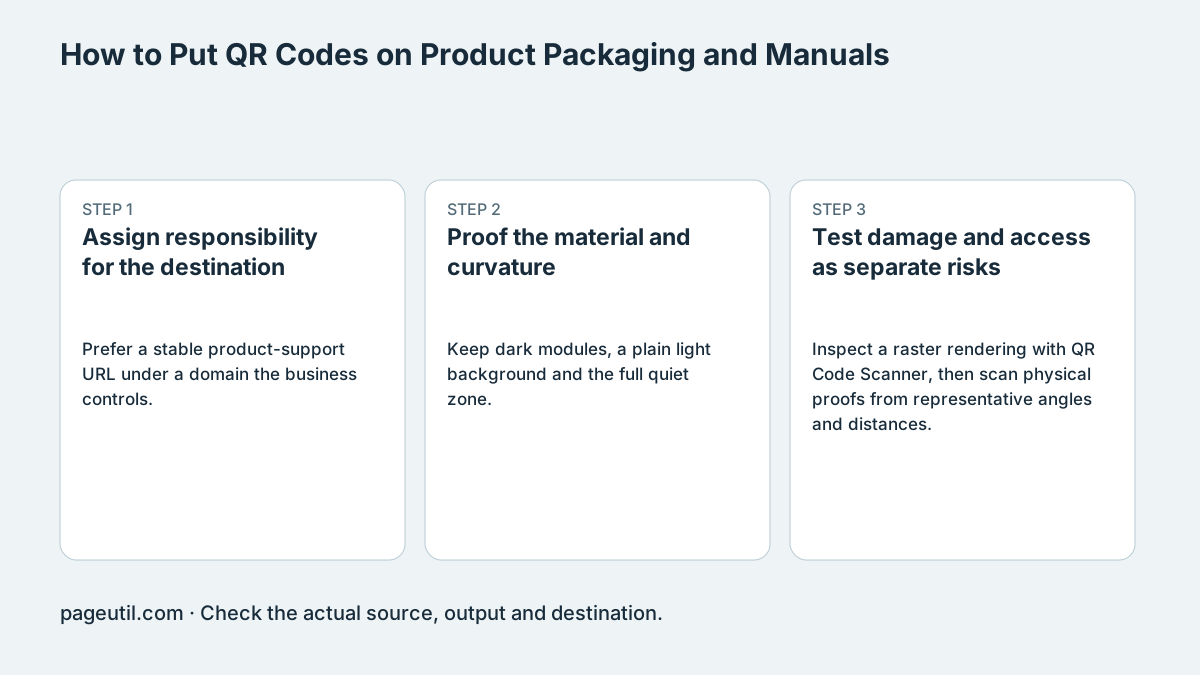
Assign responsibility for the destination
Prefer a stable product-support URL under a domain the business controls. Document who renews the domain, maintains redirects and keeps manuals and safety information current. A product lifecycle may be short or long; there is no universal five-year packaging rule.
For example, a code pointing to /support/model-a can keep that printed address while its web page links to revised manuals. Preserve relevant older instructions when revisions apply only to newer hardware. A QR code does not by itself replace mandatory product labeling or a retail checkout barcode.
Proof the material and curvature
Keep dark modules, a plain light background and the full quiet zone. For clear material, agree an opaque background with the printer; for reflective or flexible material, test the actual coating and finished pack rather than just a flat digital proof.
On a cylinder, compare candidate placements on the filled, labeled product. If distortion prevents scanning, try a flatter panel, a less curved area or the outer carton. A fixed percentage of circumference is not a universal optical limit. Determine size and module reproduction with the printer’s process.
Test damage and access as separate risks
Inspect a raster rendering with QR Code Scanner, then scan physical proofs from representative angles and distances. Include the actual shrink-wrap or finish in that test and check the destination without a staff login.
Higher error correction adds redundant codewords and may increase symbol density. Its percentage describes codeword restoration, not a guaranteed fraction of square area that can be torn away. Keep finder patterns, folds and tear strips clear. Record final artwork, material and successful test conditions before the production run.
References
Use the linked specifications and product documentation to check behavior in your own environment.
Continue troubleshooting
- QR Code Print Size and Scanning Distance Guide
- How to Troubleshoot Printed QR Codes Not Scanning
- How to Create a WhatsApp QR Code
- How to Customise QR Code Logos, Colours and Frames
- How to Choose QR Code SVG, PNG or JPEG
- How to Create Calendar Event and Location QR Codes
- How to Create Email, SMS and Phone QR Codes
- How to Create QR Codes for PDFs, Videos and Pages
- How to Create Restaurant Menu QR Codes
- How to Create Guest WiFi QR Codes
- How to Create vCard QR Codes for Business Cards
- How to Track QR Code Campaigns with UTM and GA4
- How to Create a Google Review QR Code for Local Business
- Wedding Invitation and Event RSVP QR Codes
- Static vs Dynamic QR Codes for Business Printing
- Best Free QR Code Generators
- How to make a QR code for a URL
Related tools
Frequently asked questions
Is there a universal maximum code width for a bottle?
No. Curvature, camera view, material and printing interact. Test candidate placements on the finished product.
Does H correction permit removal of 30% of the square?
No. Restoration percentages concern codewords, not an arbitrary physical area. Damage to important patterns can prevent detection.
Who should maintain the destination?
Assign a business owner for the domain, redirects and support content throughout the expected product-support period.