When should you choose PageUtil or Excel locale settings?
Microsoft documents formula errors caused by list-separator settings. On Windows, the regional list separator and Excel’s system-separator behavior matter. Decimal and thousands controls have a different purpose from function argument punctuation. A formula copied from a website can therefore need several deliberate changes.
| Requirement | PageUtil | Excel locale settings |
|---|---|---|
| One formula | Convert and review a copy | Check receiving locale settings |
| Whole environment | Keep conversion scoped to the formula | Configure regional behavior deliberately |
| Correctness | Test calculations with known inputs | Test calculations with known inputs |
Is PageUtil free, and what else do you need?
PageUtil Excel Formula Separator Converter is free to use without creating a PageUtil account. This covers the tool’s supported workflow and outputs; its technical limits still apply.
Access to the receiving spreadsheet application is separate from converting a formula’s punctuation. Confirm its locale and function-language behavior before spending time changing every formula.
Compare the complete task, including preparation, review and destination access. Consult the linked provider documentation for current terms; no unverified competitor price is assumed here.
About PageUtil and its free tools
A worked example to test the choice
The source is =IF(A1>10.5,"Verified, OK","Review"). Under a destination convention with decimal commas, semicolon arguments and English IF, the equivalent is =IF(A1>10,5;"Verified, OK";"Review"). The comma inside the quoted message must stay intact.
Source convention:
=IF(A1>10.5,"Verified, OK","Review")

Destination convention (English function name):
=IF(A1>10,5;"Verified, OK";"Review")
How do you run the PageUtil workflow?
Open Excel Formula Separator Converter.
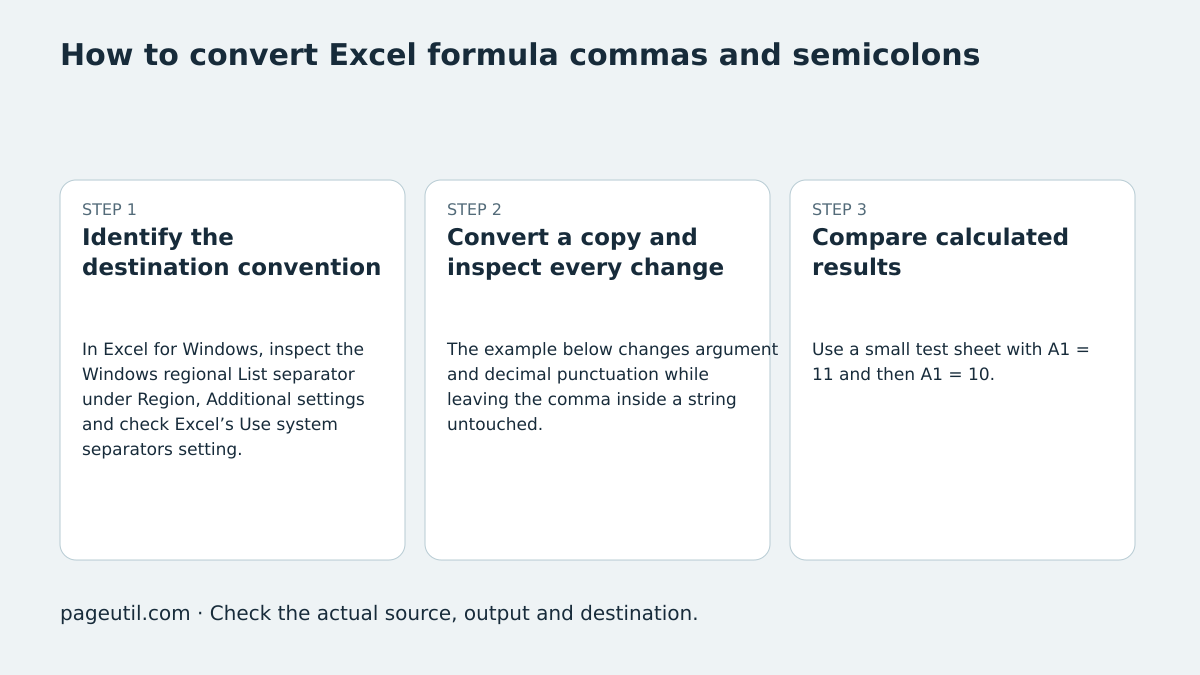
Check a simple formula in the receiving workbook to establish its convention. Convert a copy with PageUtil and inspect every changed separator. Test the result with A1 set to 11 and then 10, then repeat with representative empty or error cells. Review array constants and structured references separately when present.
For the detailed procedure and interpretation, read How to convert Excel formula commas and semicolons.
What are the practical limits?
Separator conversion does not translate function names or establish calculation equivalence. A #NAME? error can refer to a function or named range. System-wide locale changes can also affect CSV handling and other applications.
What should you verify before using the result?
Retain the original formula until the destination workbook produces the expected results. Record the workbook locale when sharing instructions with another user so the same punctuation assumptions are explicit.
Sources and comparison scope
Prepared on 18 November 2026 using the current PageUtil workflow and the linked official documentation, checked on 17–18 November 2026. The example is illustrative. Competitor descriptions are based on published documentation; this article does not report a comparative performance benchmark.
Continue troubleshooting
- How to convert Excel formula commas and semicolons
- Easy Data Transform Alternative for CSV Cleanup
- PageUtil vs AdminSheet Pro for Google Workspace User Updates
- PageUtil vs Excel for Teams Attendance Report Merging
- PageUtil vs Power Platform CLI for Deployment Settings Checks
- PageUtil vs Moodle Grade Import Preview
- PageUtil vs Asana CSV Import for Task Hierarchy Checks
- PageUtil vs Azure Test Plans CSV Import Checks
- PageUtil vs Power BI Desktop for Theme JSON Validation
- PageUtil vs Intune for Windows Autopilot CSV Checks
- PageUtil vs Jira CSV Import for Parent and Hierarchy Checks
- PageUtil vs Teams Shifts for Excel Schedule Import Checks
- PageUtil vs Calendar Apps for ICS Timezone Debugging
- PageUtil vs Salesforce Data Loader for CSV Import Preflight
Related tools
Frequently asked questions
Should I replace every comma with a semicolon?
No. Commas can occur in strings, numbers and other syntax. Use context-aware conversion and inspect the result.
Does changing separators translate function names?
No. Verify the receiving application’s function language separately.
Why does #NAME? remain after conversion?
The function or a named range may be unrecognized. Check the destination workbook and language settings.
When should I change Excel locale settings?
Change them when the intended environment convention should change broadly. Review the effect on other formulas, imports and applications.
Is the PageUtil tool free to use?
Yes. PageUtil Excel Formula Separator Converter is free to use without a PageUtil account. Access to the receiving spreadsheet application is separate from converting a formula’s punctuation. Confirm its locale and function-language behavior before spending time changing every formula.