When should you choose PageUtil or Azure Test Plans?
Microsoft’s current import documentation describes case and step fields, while Services and Server workflows can differ. A continuation row is still part of a structured import contract. Keep required case fields consistent across its rows and use the destination’s mapping screen as the final authority.
| Requirement | PageUtil | Azure Test Plans |
|---|---|---|
| Source contract | Inspect repeated case and step fields | Export and map the destination format |
| Target context | Supplied values and selected assumptions | Project process and permissions |
| Verification | Check expected case grouping | Inspect actual cases and ordered steps |
Is PageUtil free, and what else do you need?
PageUtil Azure DevOps Test Case CSV Validator is free to use without creating a PageUtil account. This covers the tool’s supported workflow and outputs; its technical limits still apply.
Azure DevOps access, Test Plans permissions and any required licences remain separate. Include verifying the destination’s template and inspecting imported test-step relationships.
Compare the complete task, including preparation, review and destination access. Consult the linked provider documentation for current terms; no unverified competitor price is assumed here.
About PageUtil and its free tools
A worked example to test the choice
One case has two step rows. Both carry the same title and work-item type, with step numbers 1 and 2. If a spreadsheet edit changes the title on the second row, investigate the inconsistency before import. The intended result is one case containing two ordered steps.
How do you run the PageUtil workflow?
Open Azure DevOps Test Case CSV Validator.
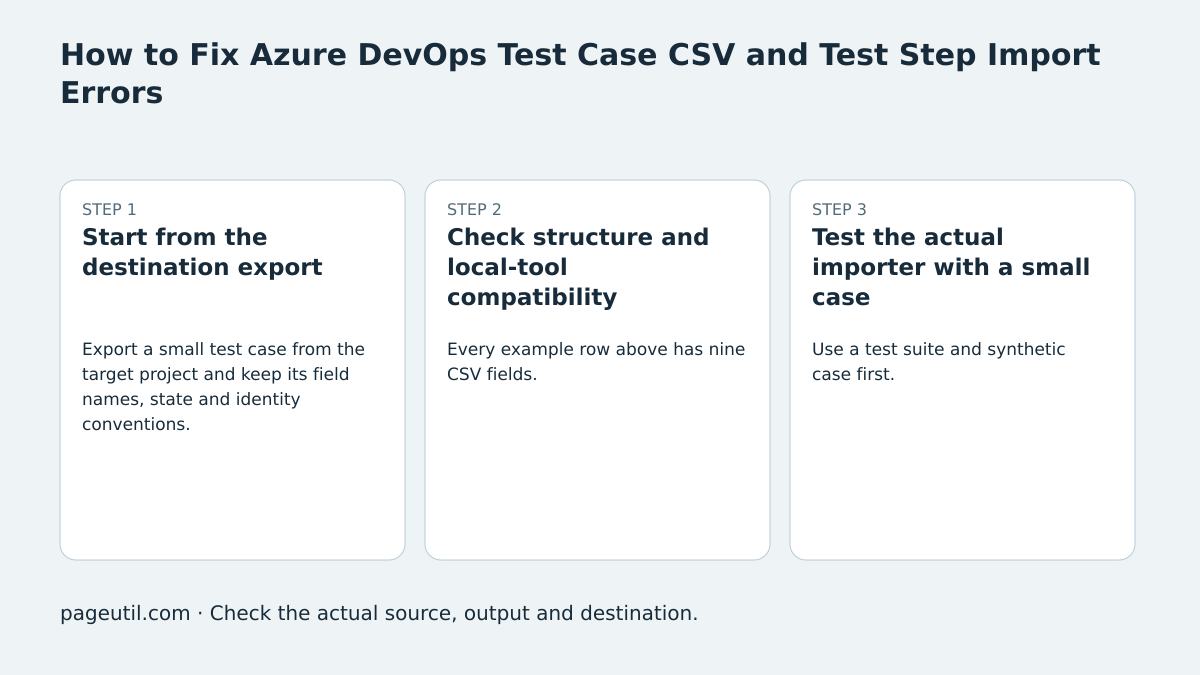
Export a small case from the target project and use its headings and field conventions. Check the proposed CSV in PageUtil, review grouping and conflicting repeated values, and inspect the candidate export. Import a synthetic sample into a test suite and confirm the case count, actions and expected results.
For the detailed procedure and interpretation, read How to Fix Azure DevOps Test Case CSV and Test Step Import Errors.
What are the practical limits?
A local check cannot confirm target area paths, valid users, custom process rules or permissions. Existing IDs require particular care because the import can update existing work items. Preserve a baseline before a real update.
What should you verify before using the result?
Inspect the actual imported case and its ordered steps. Reconcile success and error messages with the candidate rows, especially when a case spans several records.
Sources and comparison scope
Prepared on 18 November 2026 using the current PageUtil workflow and the linked official documentation, checked on 17–18 November 2026. The example is illustrative. Competitor descriptions are based on published documentation; this article does not report a comparative performance benchmark.
Continue troubleshooting
- How to Fix Azure DevOps Test Case CSV and Test Step Import Errors
- Easy Data Transform Alternative for CSV Cleanup
- PageUtil vs AdminSheet Pro for Google Workspace User Updates
- PageUtil vs Excel Locale Settings for Formula Separators
- PageUtil vs Excel for Teams Attendance Report Merging
- PageUtil vs Power Platform CLI for Deployment Settings Checks
- PageUtil vs Moodle Grade Import Preview
- PageUtil vs Asana CSV Import for Task Hierarchy Checks
- PageUtil vs Power BI Desktop for Theme JSON Validation
- PageUtil vs Intune for Windows Autopilot CSV Checks
- PageUtil vs Jira CSV Import for Parent and Hierarchy Checks
- PageUtil vs Teams Shifts for Excel Schedule Import Checks
- PageUtil vs Calendar Apps for ICS Timezone Debugging
- PageUtil vs Salesforce Data Loader for CSV Import Preflight
Related tools
Frequently asked questions
Should continuation rows omit the title?
Follow the current destination format. The documented workflow repeats case fields across step rows, and conflicting values need review.
Does two CSV rows mean two test cases?
They may represent two steps of one case. Verify grouping and the actual imported case count.
Can I reuse IDs from another project without checking?
Confirm what those IDs refer to in the destination and how the importer handles updates. Preserve the original evidence.
Why start with a destination export?
It reveals the actual headings and process conventions for the version and project you will import into.
Is the PageUtil tool free to use?
Yes. PageUtil Azure DevOps Test Case CSV Validator is free to use without a PageUtil account. Azure DevOps access, Test Plans permissions and any required licences remain separate. Include verifying the destination’s template and inspecting imported test-step relationships.