When should you choose PageUtil or Supermetrics?
Supermetrics describes connecting, managing and reporting marketing data across sources and destinations. PageUtil starts with files you already have. For a one-off cost import, first obtain the template and mapping instructions for the specific GA4 data source, then compare those requirements with the ad-platform export.
| Requirement | PageUtil | Supermetrics |
|---|---|---|
| Starting material | Supplied cost and traffic data | Connected marketing data sources |
| Main task | CSV and join preparation | Connection, management and reporting workflow |
| Acceptance | Check GA4 processing results | Check destination processing results |
Is PageUtil free, and what else do you need?
PageUtil GA4 Campaign Cost Data CSV Validator is free to use without creating a PageUtil account. This covers the tool’s supported workflow and outputs; its technical limits still apply.
For Supermetrics, evaluate the required connectors, destination and refresh schedule. A prepared CSV still needs an authorized GA4 data-import configuration and suitable source evidence.
Compare the complete task, including preparation, review and destination access. Consult the linked provider documentation for current terms; no unverified competitor price is assumed here.
About PageUtil and its free tools
A worked example to test the choice
A cost row uses Facebook and CPC while the traffic export shows facebook and cpc. Inspect whether the two records represent the same campaign and how the destination joins those dimensions. Lowercasing every value without evidence can alter meaningful source data or hide a different mapping error.
How do you run the PageUtil workflow?
Open GA4 Campaign Cost Data CSV Validator.
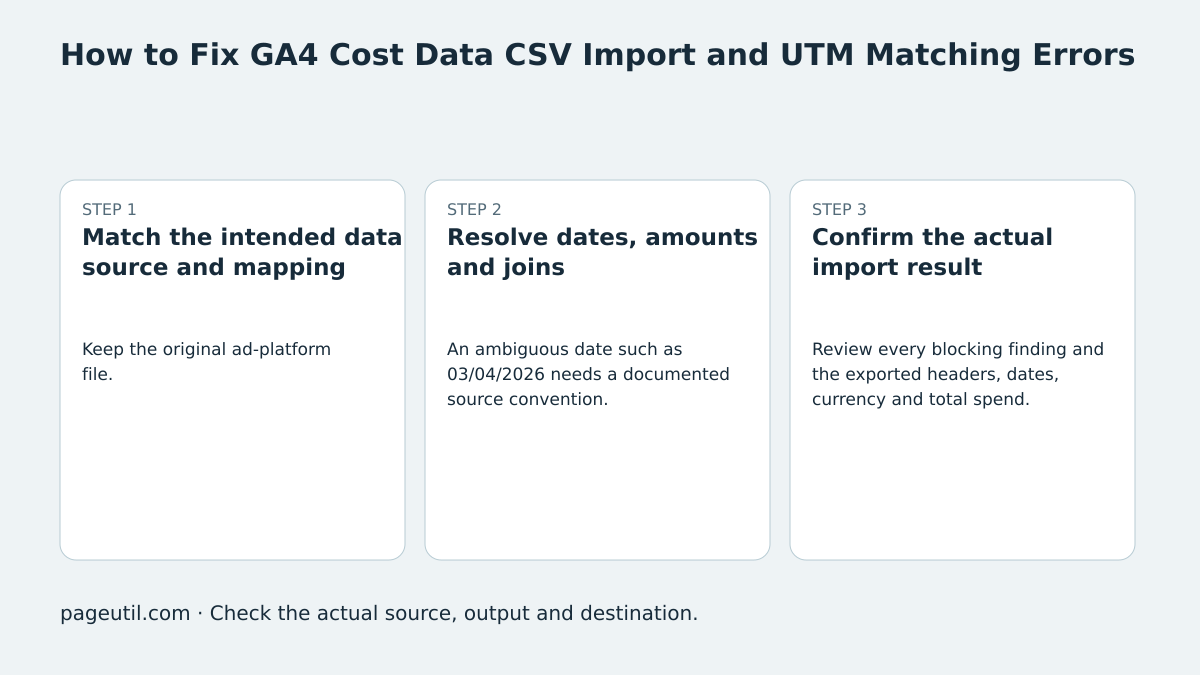
Retain the original cost export, choose the intended source convention for dates and map campaign dimensions deliberately. Review numeric spend and currency, then inspect the supplied traffic comparison. Resolve blocking findings and check total spend before exporting a candidate. Use GA4’s actual mapping preview and processing result to confirm acceptance.
For the detailed procedure and interpretation, read How to Fix GA4 Cost Data CSV Import and UTM Matching Errors.
What are the practical limits?
A local unmatched row only describes the supplied traffic export and its date range. It cannot establish the final hosted join rate or conversion attribution. Changing a currency label does not convert money, and changing an ambiguous date requires source evidence.
What should you verify before using the result?
Compare the processed campaign report with the same source period and dimensions. Keep the cost file, traffic evidence, mapping and import messages together so later reconciliation uses the same assumptions.
Sources and comparison scope
Prepared on 18 November 2026 using the current PageUtil workflow and the linked official documentation, checked on 17–18 November 2026. The example is illustrative. Competitor descriptions are based on published documentation; this article does not report a comparative performance benchmark.
Continue troubleshooting
- How to Fix GA4 Cost Data CSV Import and UTM Matching Errors
- Optmyzr Alternative for Negative Keyword Conflict Checks
- PageUtil vs Google Business Profile Bulk Update Review
- PageUtil vs Google Ads Editor CSV Import Review
- PageUtil vs Microsoft Advertising Editor for Bulk CSV Checks
- PageUtil vs LinkedIn Offline Conversion CSV Import
- PageUtil vs Canva Bulk Create for CSV Preparation
- PageUtil vs Pinterest Bulk Upload CSV Checks
- PageUtil vs Google My Maps for CSV Location Preparation
Related tools
Frequently asked questions
Does a local match rate equal the final GA4 match rate?
It describes the supplied evidence. Hosted reporting scope, date range and mapping can affect the final result.
Can I relabel USD spend as EUR?
No. A label change does not convert the amount. Use the correct source currency and an explicitly justified conversion process if required.
Should I lowercase all campaign dimensions?
Preserve the original values and investigate the intended join first. Case changes should reflect the real tagging convention.
When is Supermetrics the closer fit?
Use a connected data workflow when recurring extraction, source connections and ongoing reporting are central to the task.
Is the PageUtil tool free to use?
Yes. PageUtil GA4 Campaign Cost Data CSV Validator is free to use without a PageUtil account. For Supermetrics, evaluate the required connectors, destination and refresh schedule. A prepared CSV still needs an authorized GA4 data-import configuration and suitable source evidence.