When should you choose PageUtil or manual robots.txt editing?
Google documents how its crawlers interpret robots.txt, including user-agent groups and path rules. A generator helps prepare the text, while the deployed file and crawler interpretation determine the effect. Keep the intended crawler, host and paths explicit when reviewing a change.
| Requirement | PageUtil | manual robots.txt editing |
|---|---|---|
| Draft | Guided rule generation | Versioned text editing |
| Interpretation | Review intended crawler and paths | Review intended crawler and paths |
| Deployment | Publish and verify the root file | Publish and verify the root file |
Is PageUtil free, and what else do you need?
PageUtil Robots.txt Generator is free to use without creating a PageUtil account. This covers the tool’s supported workflow and outputs; its technical limits still apply.
A text editor and access to the deployed site are enough for manual authoring. The decision is primarily about editing confidence, rule review and checking the live response after deployment.
Compare the complete task, including preparation, review and destination access. Consult the linked provider documentation for current terms; no unverified competitor price is assumed here.
About PageUtil and its free tools
A worked example to test the choice
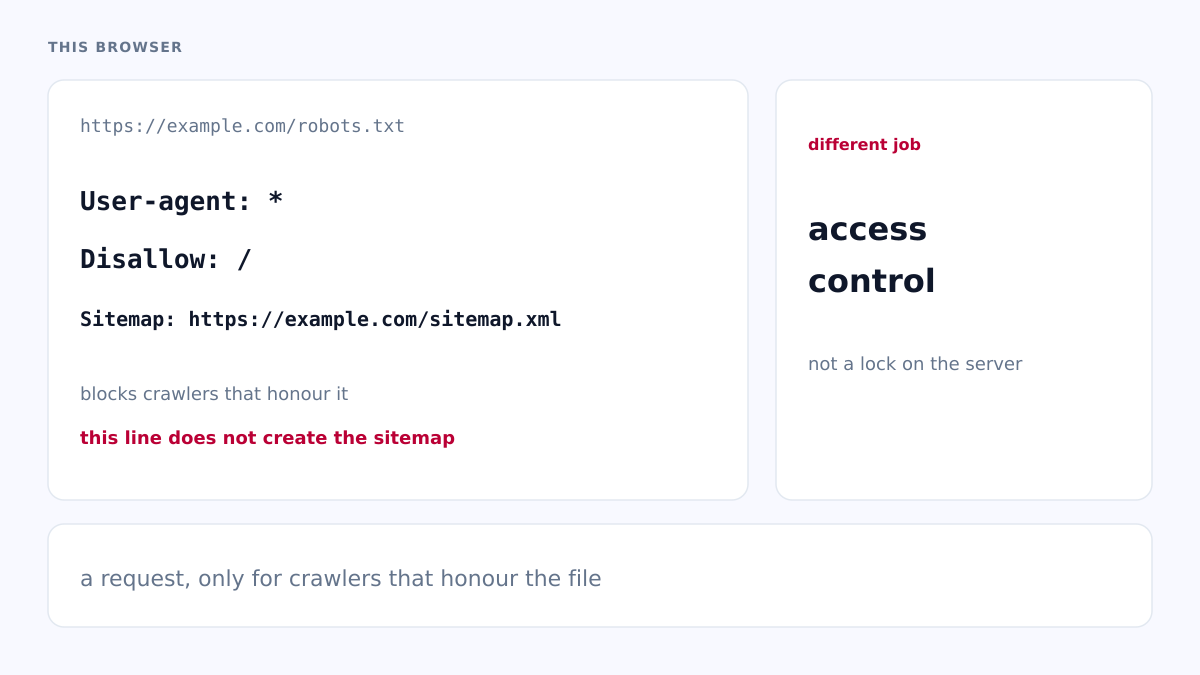
A staging configuration contains Disallow: / and is copied into production. That instruction asks compliant crawlers to avoid the entire site. Compare the production output with the intended policy before deployment, then inspect the actual /robots.txt response afterward.
How do you run the PageUtil workflow?
Open Robots.txt Generator.
List the crawlers and path groups you intend to affect. Add allow and disallow rules in PageUtil or edit a versioned copy manually. Review representative permitted and restricted paths, including boundary cases. Publish the file and inspect its content and response at the correct origin.
For the detailed procedure and interpretation, read How to write a robots.txt.
What are the practical limits?
Robots.txt governs compliant crawling behavior and does not provide access control. It also does not guarantee removal from search results. A Sitemap directive points to an existing sitemap and cannot create one.
What should you verify before using the result?
Check representative URLs in the crawler’s own diagnostic workflow where available. Keep the deployed version and the reasons for each restriction so future releases do not accidentally carry staging rules into production.
Sources and comparison scope
Prepared on 18 November 2026 using the current PageUtil workflow and the linked official documentation, checked on 17–18 November 2026. The example is illustrative. Competitor descriptions are based on published documentation; this article does not report a comparative performance benchmark.
Continue troubleshooting
- How to write a robots.txt
- Screaming Frog Alternative for Comparing Sitemaps
- PageUtil vs Screaming Frog for Redirect Checks
- PageUtil vs Search Console for Indexing Report Comparisons
- PageUtil vs IndexNow Integrations for URL Submission
- PageUtil vs Manual Apache Redirect Rules
- PageUtil vs Cloudflare Bulk Redirect CSV Import
- PageUtil vs Vercel Redirect Configuration Checks
- PageUtil vs Cloudflare Pages Header Configuration
- PageUtil vs Webflow CMS for CSV Migration Checks
Related tools
Frequently asked questions
Does Disallow protect private pages?
No. Use authentication and server access controls for private content. Robots rules rely on crawler cooperation.
Will blocking crawling remove a URL from Google?
A crawl restriction is not a guaranteed removal mechanism. Follow the appropriate indexing or removal workflow for the actual goal.
Does a Sitemap line generate a sitemap?
No. It identifies the location of an existing sitemap that crawlers can retrieve.
What should I check after publishing robots.txt?
Verify the actual response and content at the intended origin, then test representative URLs against the applicable crawler rules.
Is the PageUtil tool free to use?
Yes. PageUtil Robots.txt Generator is free to use without a PageUtil account. A text editor and access to the deployed site are enough for manual authoring. The decision is primarily about editing confidence, rule review and checking the live response after deployment.