When should you choose PageUtil or IndexNow integrations?
IndexNow documents key ownership and URL submission requirements. A manual tool is useful for a bounded migration or an inventory that needs explicit review. An integration can reduce repeated manual work when changes happen regularly, provided its configuration targets the intended host and URLs.
| Requirement | PageUtil | IndexNow integrations |
|---|---|---|
| Trigger | Reviewed manual URL set | CMS publication or change event |
| Configuration | Verify host and key | Verify integration host and key |
| Evidence | Submission response and URL inventory | Integration logs and destination diagnostics |
Is PageUtil free, and what else do you need?
PageUtil IndexNow Submitter is free to use without creating a PageUtil account. This covers the tool’s supported workflow and outputs; its technical limits still apply.
An automated integration can reduce repeated manual submissions. Compare that maintenance effort with occasional reviewed URL submissions, and include control of the verification key and public host.
Compare the complete task, including preparation, review and destination access. Consult the linked provider documentation for current terms; no unverified competitor price is assumed here.
About PageUtil and its free tools
A worked example to test the choice
A release changes 25 product URLs and removes five old pages. Prepare the reviewed affected URL set and verify the key location for the host. Submit it and retain the response. Check that the corresponding pages now return the intended content or removal status before interpreting the notification as useful.
How do you run the PageUtil workflow?
Open IndexNow Submitter.
Verify the hosted key file and the exact domain you intend to submit. Provide the changed inventory, review any invalid or out-of-scope URLs and submit through the tool. Record the response and time. For an integration, publish a controlled change and confirm that its submission behavior matches the configured host.
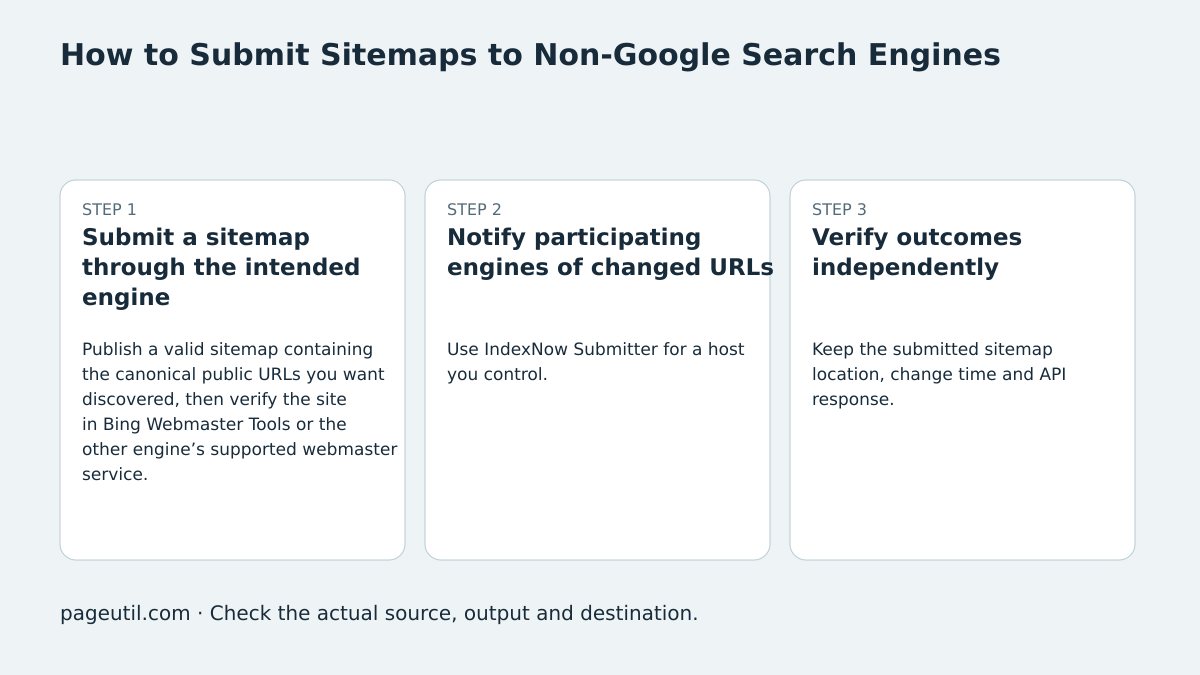
For the detailed procedure and interpretation, read How to Submit Sitemaps to Non-Google Search Engines.
What are the practical limits?
An accepted request is not proof of indexing or ranking. A sitemap can help supply an inventory, but submitting every unchanged URL repeatedly adds little diagnostic value. IndexNow participation and each engine’s processing determine what happens next.
What should you verify before using the result?
Check participating search-engine diagnostics and representative URL behavior after the release. Keep the submitted set and response so a later investigation can distinguish publication, notification and discovery events.
Sources and comparison scope
Prepared on 18 November 2026 using the current PageUtil workflow and the linked official documentation, checked on 17–18 November 2026. The example is illustrative. Competitor descriptions are based on published documentation; this article does not report a comparative performance benchmark.
Continue troubleshooting
- How to Submit Sitemaps to Non-Google Search Engines
- Screaming Frog Alternative for Comparing Sitemaps
- PageUtil vs Screaming Frog for Redirect Checks
- PageUtil vs Search Console for Indexing Report Comparisons
- PageUtil vs Manual Editing for Robots TXT Rules
- PageUtil vs Manual Apache Redirect Rules
- PageUtil vs Cloudflare Bulk Redirect CSV Import
- PageUtil vs Vercel Redirect Configuration Checks
- PageUtil vs Cloudflare Pages Header Configuration
- PageUtil vs Webflow CMS for CSV Migration Checks
Related tools
Frequently asked questions
Does an accepted IndexNow request mean the pages are indexed?
No. Acceptance concerns the submission protocol. Search engines decide whether and when to crawl and index.
Can I submit a sitemap inventory?
Use the tool’s supported sitemap workflow to obtain URLs, then review the relevant host and changed inventory before submission.
When is a CMS integration preferable?
It suits recurring publishing changes when automatic notifications can be configured and observed reliably.
What should I check when submission fails?
Inspect the host, URL scope, hosted key and exact response. Keep the failed request evidence before correcting and retrying.
Is the PageUtil tool free to use?
Yes. PageUtil IndexNow Submitter is free to use without a PageUtil account. An automated integration can reduce repeated manual submissions. Compare that maintenance effort with occasional reviewed URL submissions, and include control of the verification key and public host.