What to run
Open Robots.txt Generator, add your allow and disallow rules, and include a sitemap line if you have one. The generator stays in the browser.
How to read the result
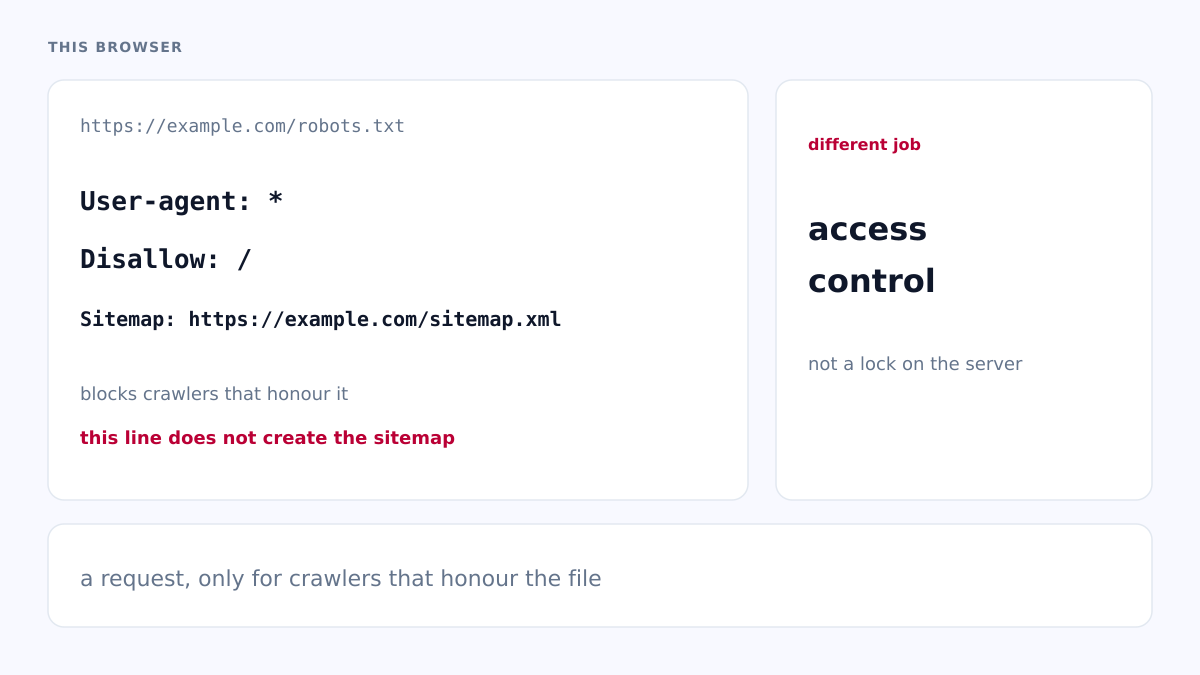
The output is the text that should live at https://example.com/robots.txt. Disallow: / asks crawlers that honour the file to stay out of the whole site.
It is not access control. A server can still serve the pages. A sitemap line tells crawlers where the sitemap is; it does not create the sitemap.
What to open next
After you upload the file, check that it is reachable with Is This Website Down or HTTP Headers on the /robots.txt URL. Both checks run from Cloudflare.
If the file must be served from a non-root location via a redirect, use htaccess Redirect Generator, but robots.txt normally belongs at the domain root.
Continue troubleshooting
Related tools
Frequently asked questions
Does robots.txt lock pages on the server?
No. It is only a request to crawlers that honour it. It is not access control and does not prevent the server from serving the pages.
Does a sitemap line create the sitemap?
No. The sitemap line only tells crawlers where the sitemap lives. You still have to publish the sitemap file itself.
Who does Disallow: / block?
It asks crawlers that honour robots.txt to stay out of the whole site. It does not stop browsers or servers from serving the pages.