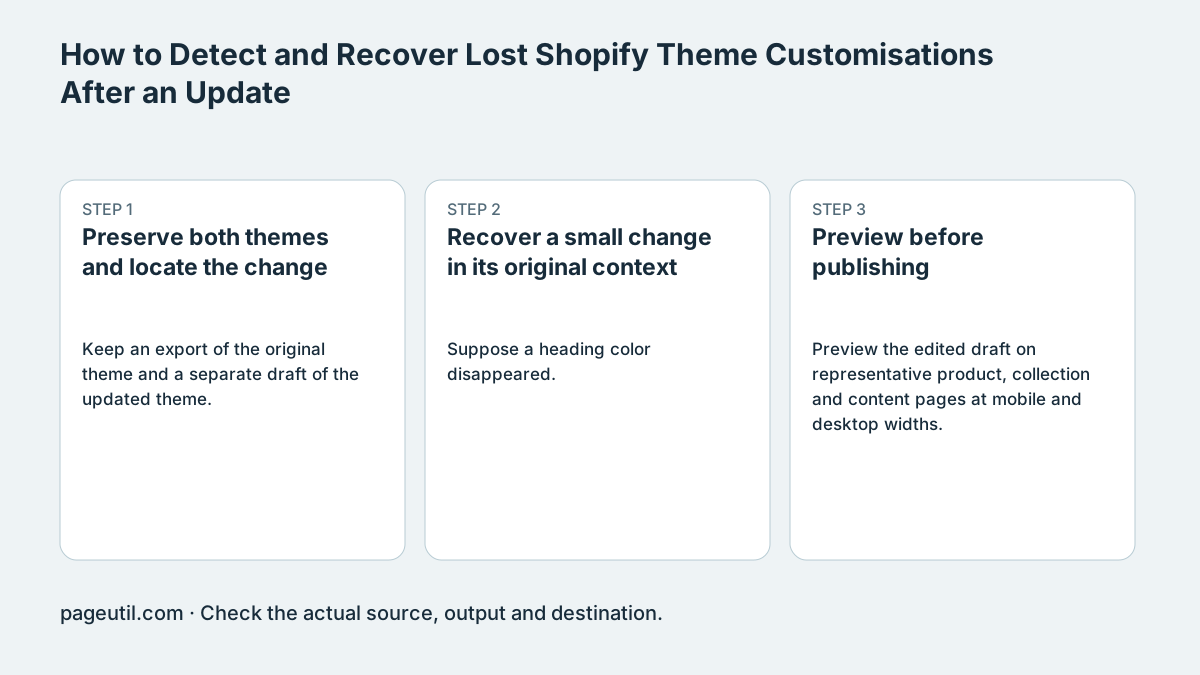
Preserve both themes and locate the change
Keep an export of the original theme and a separate draft of the updated theme. Compare the files from the same intended theme states. A settings difference can be intentional migration, a changed setting identifier or a lost value; do not replace the new file wholesale.
Theme settings are only part of the evidence. JSON templates, section definitions, stylesheets, Liquid code and app embeds can also affect the result. If a missing change is not represented in settings_data.json, inspect the relevant files in the two theme exports.
Recover a small change in its original context
Suppose a heading color disappeared. Locate the old setting or CSS rule and identify the section or selector it applied to. Verify that the new theme still has that structure before adding the value to its draft.
Treat Download Recovered Custom CSS as material for review, not a ready-to-publish stylesheet. Combining section-scoped rules into a global stylesheet can broaden selectors or change their precedence. The example below shows why the location of a rule matters.
Old section-scoped rule:
h2 { color: #234567; }

Pasting it globally can recolor every h2.
Identify the intended new section and apply the change there;
do not invent a selector without inspecting the updated theme.
Preview before publishing
Preview the edited draft on representative product, collection and content pages at mobile and desktop widths. Check the specific recovered setting and unrelated sections that share its styles. Confirm app embeds and important store actions separately.
Publish through the normal theme workflow only after reviewing the actual preview. Keep the old theme for rollback. A zero missing-CSS count cannot establish visual equivalence, app behavior or compatibility with changed section schemas.
References
Use the linked specifications and product documentation to check behavior in your own environment.
Continue troubleshooting
- How to Fix Webflow CMS CSV Import Reference and Slug Errors
- How to Compare Two JSON Files with Semantic Diff
- How to Fix Power Platform Deployment Settings and Connection Reference Errors
- How to Fix Power BI Theme JSON Import Errors
- How to Find and Fix JSON Syntax Errors
- How to Generate TypeScript Interfaces from JSON
- How to Convert Nested JSON to Tabular CSV
- How to Convert Between JSON and YAML
- JSON syntax vs schema validation: format and diagnose JSON
- Why large JSON numbers change in JavaScript
- JWT exp, nbf and iat explained with timestamp examples
- Base64 vs Base64URL: why JWT decoding fails
Related tools
Frequently asked questions
Does settings_data.json describe the whole theme?
No. Templates, sections, assets, Liquid and app configuration can also affect appearance and behavior.
Can I paste every recovered CSS rule globally?
Not safely without review. A section-scoped selector may affect unrelated content when moved into global scope.
Does a zero missing-CSS count prove recovery?
No. Preview representative pages and important actions in the draft before publishing.
