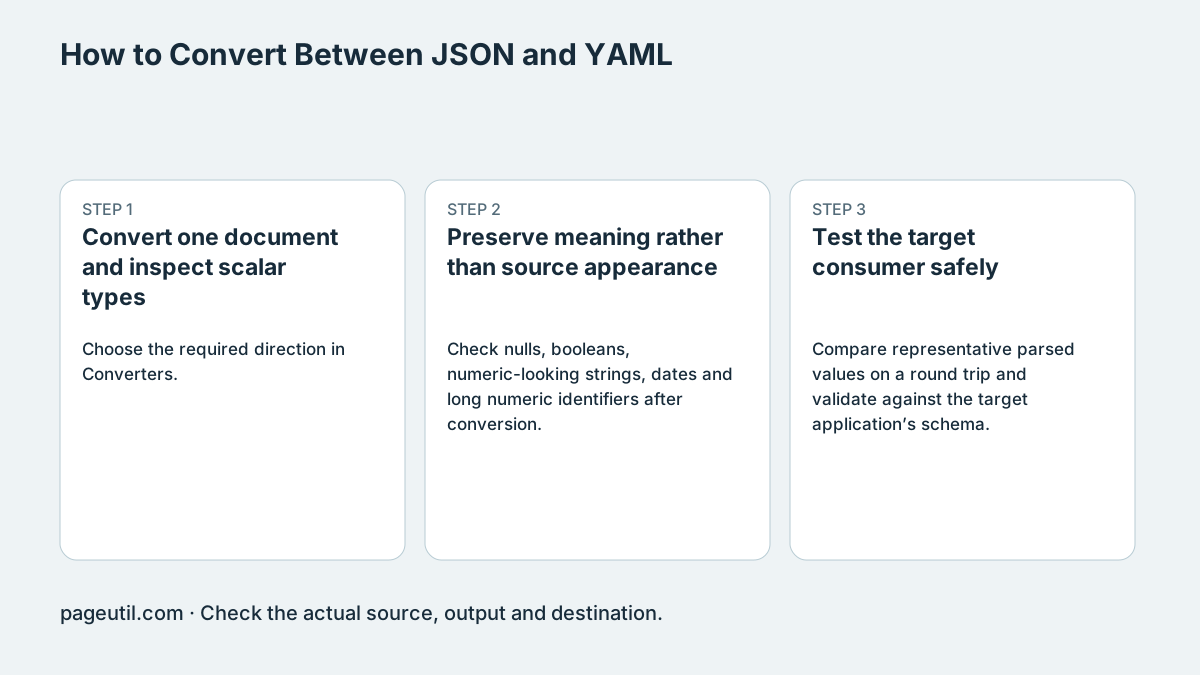
Convert one document and inspect scalar types
Choose the required direction in Converters. The local YAML reader uses js-yaml load for one document. A stream containing multiple documents separated by --- is rejected; split it deliberately or use a separate multi-document parser when that is the actual contract.
The example below preserves NO as text and enabled as a boolean under the converter’s YAML 1.2-style scalar rules. Quoting intended strings is still a useful way to make intent clear across consumers with different schemas.
YAML:
country: "NO"
enabled: true

JSON:
{"country":"NO","enabled":true}

Not supported as one input:
a: 1
---
b: 2
Preserve meaning rather than source appearance
Check nulls, booleans, numeric-looking strings, dates and long numeric identifiers after conversion. YAML tags and non-JSON values may not have an equivalent JSON representation. Do not assume that parser acceptance proves compatibility with Kubernetes, a CI service or another consumer.
Converting through parsed values drops comments and can change quoting and layout. JavaScript Number precision also applies. A parse-and-reserialize operation is unsuitable when exact source bytes or signatures must stay unchanged.
Test the target consumer safely
Compare representative parsed values on a round trip and validate against the target application’s schema. Use a syntax/schema or dry-run facility where available before applying configuration to a real environment.
Do not put a production apply command in the verification step merely to see whether a parser error goes away. Stop when the intended document count, key/value types and target schema are confirmed. Retain the original for review and rollback.
References
Use the linked specifications and product documentation to check behavior in your own environment.
Continue troubleshooting
- How to Detect and Recover Lost Shopify Theme Customisations After an Update
- How to Fix Power Platform Deployment Settings and Connection Reference Errors
- How to Fix Power BI Theme JSON Import Errors
- How to Find and Fix JSON Syntax Errors
- How to Compare Two JSON Files with Semantic Diff
- How to Generate TypeScript Interfaces from JSON
- How to Convert Nested JSON to Tabular CSV
- JSON syntax vs schema validation: format and diagnose JSON
- Why large JSON numbers change in JavaScript
- JWT exp, nbf and iat explained with timestamp examples
- Base64 vs Base64URL: why JWT decoding fails
Related tools
Frequently asked questions
Does this converter accept multiple YAML documents?
No. Its single-document load rejects a stream separated by document markers.
Will conversion preserve comments and exact layout?
No. It parses values and serializes a new document. Preserve original source when comments or bytes matter.
Does parser success prove deployment compatibility?
No. Validate the consumer’s schema and use an appropriate safe verification workflow.