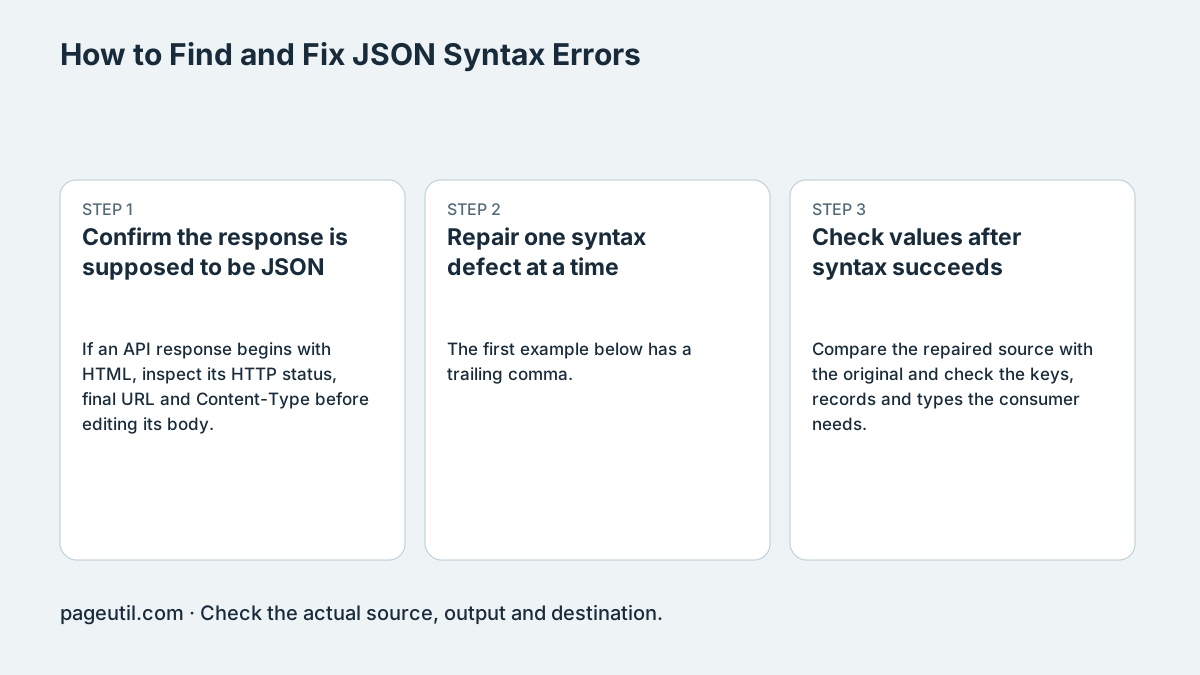
Confirm the response is supposed to be JSON
If an API response begins with HTML, inspect its HTTP status, final URL and Content-Type before editing its body. A login page or gateway response must be fixed at the request or server boundary; deleting angle brackets does not turn it into the intended data.
For an actual JSON document, reproduce the failure on a copy. Record the engine message and use any position the tool provides as a starting point, not a guaranteed byte offset or independent encoding diagnosis.
Repair one syntax defect at a time
The first example below has a trailing comma. Remove that comma only after checking the intended object. Unquoted keys, single-quoted strings and comments are also outside standard JSON. Do not remove punctuation globally because it may belong inside a string.
A Windows path needs escaped backslashes inside a JSON string. After each repair, parse again and inspect the resulting value, rather than assuming a successful parse means the intended data survived.
Invalid: {"name":"Example",}
Valid:   {"name":"Example"}

JSON source: {"path":"C:\\Reports"}
Parsed path: C:\Reports
Check values after syntax succeeds
Compare the repaired source with the original and check the keys, records and types the consumer needs. Valid JSON can still violate a schema or business rule. Ordinary JavaScript parsing can round large numeric identifiers; preserve them as strings where the contract permits.
Test the corrected payload in the receiving application or its contract tests. Stop when syntax, required structure and representative values are correct; a formatter alone cannot verify access rights, account balances or another domain-specific fact.
References
Use the linked specifications and product documentation to check behavior in your own environment.
Continue troubleshooting
- How to Detect and Recover Lost Shopify Theme Customisations After an Update
- How to Fix Power Platform Deployment Settings and Connection Reference Errors
- How to Fix Power BI Theme JSON Import Errors
- How to Compare Two JSON Files with Semantic Diff
- How to Generate TypeScript Interfaces from JSON
- How to Convert Nested JSON to Tabular CSV
- How to Convert Between JSON and YAML
- JSON syntax vs schema validation: format and diagnose JSON
- Why large JSON numbers change in JavaScript
- JWT exp, nbf and iat explained with timestamp examples
- Base64 vs Base64URL: why JWT decoding fails
Related tools
Frequently asked questions
Is a parse position always a byte offset?
No. Position information and error wording depend on the runtime; treat them as clues rather than a universal byte contract.
Can removing a trailing comma fix every unexpected-token error?
No. Inspect the exact source; an HTML response, broken escape or another defect may be responsible.
Does valid JSON prove the data is correct?
No. Schema, precision and business rules require separate checks.