Compare encodings of the same bytes
For the three bytes hexadecimal fb ff ff, standard Base64 is +/// and the URL-safe alphabet produces -___. These represent the same bytes. Neither result is UTF-8 text, so a text-only decoder can reject the decoded bytes even after the alphabet is corrected.
Padding is a separate question from alphabet choice. For the ASCII letter f, standard padded encoding is Zg==. A JWT segment representation omits the ==. Whether padding is required or omitted depends on the surrounding protocol; “URL-safe” does not by itself specify every padding rule.
| Input bytes | Standard Base64 | Unpadded Base64URL |
|---|---|---|
| 66 (ASCII f) | Zg== | Zg |
| fb ff ff (binary) | +/// | -___ |
Decode a JWT segment, not the whole token
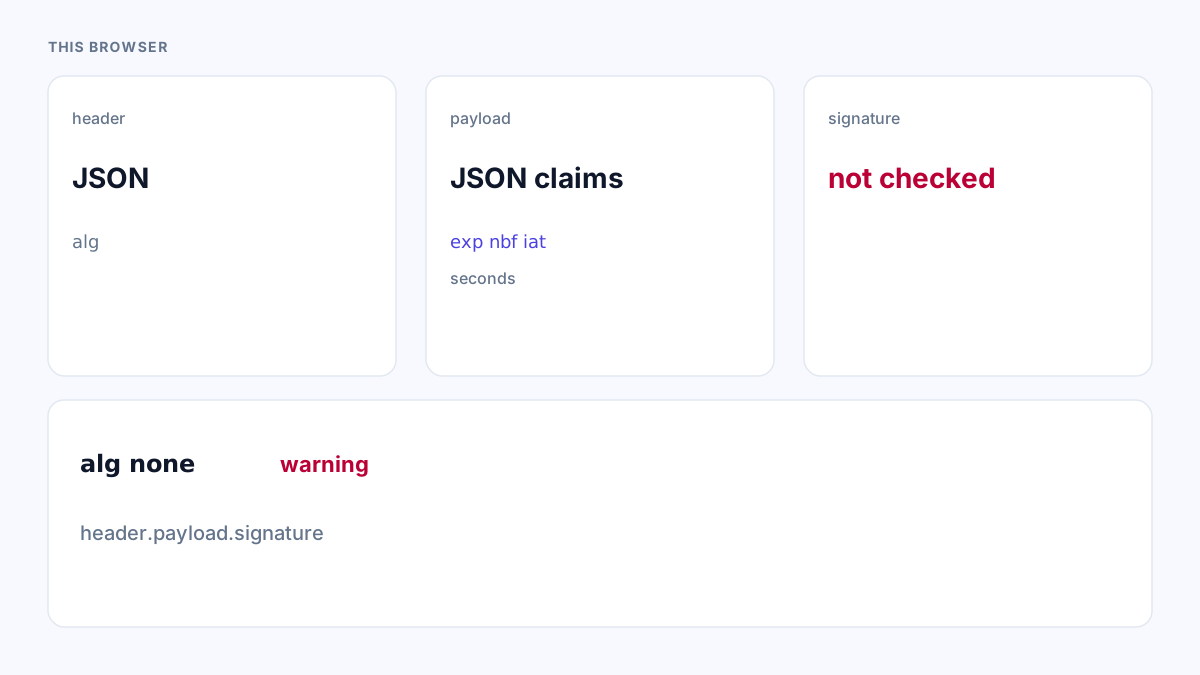
A compact signed JWT has three dot-separated segments. The first two contain UTF-8 JSON after decoding; the third contains signature bytes. Splitting and decoding does not verify those bytes against a key.
The synthetic header below contains alg=none only to show a short, reproducible JSON encoding. It is not a recommendation to accept unsigned tokens, and the segment alone is not a valid signed JWT. Never use a decoder’s readable output as an authentication decision.
Header JSON: {"alg":"none"}
Base64URL header segment: eyJhbGciOiJub25lIn0

Signed compact structure:
<header>.<payload>.<signature>
Choose a decoder for the actual data type
Base64 Encode and Decode expects the standard alphabet and decoded UTF-8 text. It is suitable for text transport, not an arbitrary binary-file viewer. JWT Decoder handles URL-safe header and payload segments for three-part tokens.
For a standalone Base64URL text segment, map - to + and _ to /, then restore padding according to the protocol. A length with remainder one modulo four cannot be repaired by simply adding equals signs. Do not silently discard unexpected characters.
If the decoded bytes are a signature, compressed data or an image, inspect them as bytes with an appropriate local tool. Encoding conversion cannot turn binary data into meaningful text. Keep real credentials out of examples and bug reports.
References
Use the linked specifications and product documentation to check behavior in your own environment.
Continue troubleshooting
- How to decode a JWT header and payload
- Garbled text after Base64 decoding: UTF-8 troubleshooting
- How to Detect and Recover Lost Shopify Theme Customisations After an Update
- How to Fix Power Platform Deployment Settings and Connection Reference Errors
- How to Fix Power BI Theme JSON Import Errors
- How to Find and Fix JSON Syntax Errors
- How to Compare Two JSON Files with Semantic Diff
- How to Generate TypeScript Interfaces from JSON
- How to Convert Nested JSON to Tabular CSV
- How to Convert Between JSON and YAML
- JSON syntax vs schema validation: format and diagnose JSON
- Why large JSON numbers change in JavaScript
- JWT exp, nbf and iat explained with timestamp examples
Related tools
Frequently asked questions
Is Base64URL more secure than Base64?
No. Both are reversible encodings and provide no confidentiality or authenticity.
Is every JWT segment JSON?
No. In a signed compact token, the third segment contains signature bytes.
Does a valid alphabet guarantee readable text?
No. Correctly decoded bytes may be binary data rather than UTF-8 text.