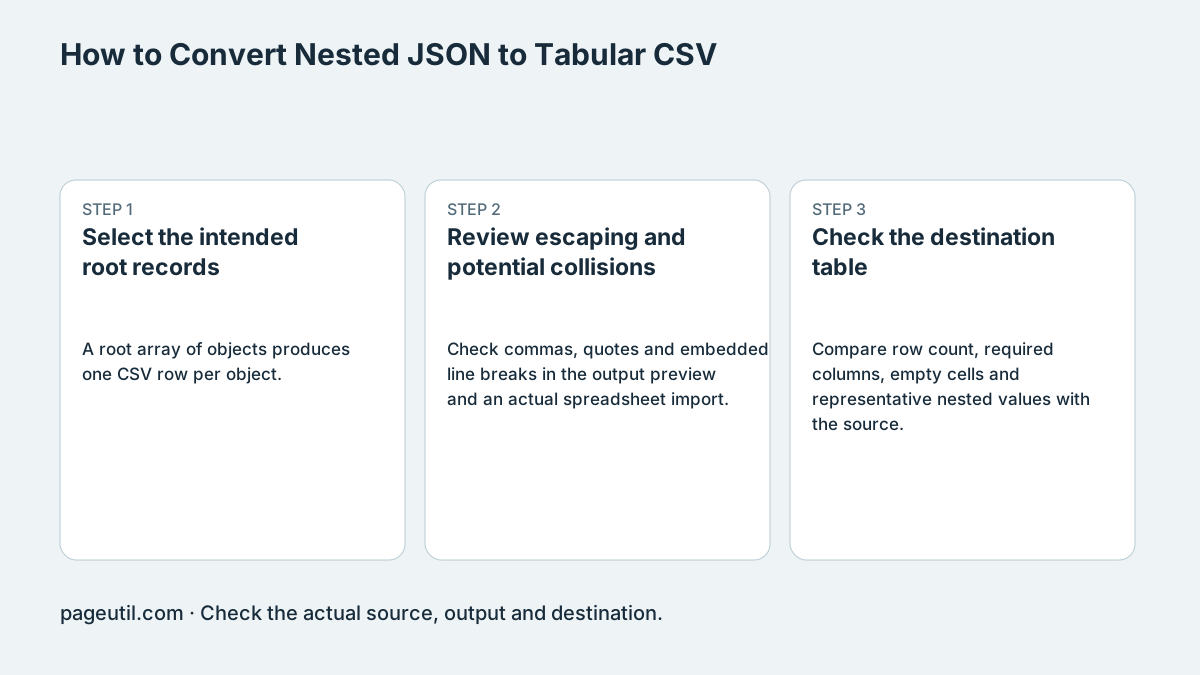
Select the intended root records
A root array of objects produces one CSV row per object. A root object produces one row. If an API envelope contains an items array, supply that array when those items are the records you want; do not expect the converter to infer the intended table.
Nested object properties use dot-separated paths. Primitive arrays are joined into a cell, while arrays of objects are serialized as JSON text in a cell. These transformations are convenient for inspection but are not a reversible relational data model.
Input: [{"id":1,"user":{"name":"Ava"}},{"id":2,"user":{"name":"Sam"}}]
CSV:
id,user.name
1,Ava
2,Sam

Input: {"items":[{"id":1},{"id":2}]}
One data row: the items cell contains a serialized JSON array.
Review escaping and potential collisions
Check commas, quotes and embedded line breaks in the output preview and an actual spreadsheet import. CSV escaping preserves cell boundaries; it does not assign spreadsheet column types or make formula-like text safe to execute.
Dot notation can collide with a source key that already contains a dot. Inspect such inputs separately instead of assuming flattening preserves every distinct path. Ordinary JavaScript parsing also has large-integer precision limits.
Check the destination table
Compare row count, required columns, empty cells and representative nested values with the source. Preserve leading-zero identifiers as text in the receiving spreadsheet. Keep the original JSON so a flattened export does not become your only copy.
For a business-system import, follow that system’s schema and review its result. A CSV that opens in a spreadsheet is not proof that repeated values, nested objects or relationships were mapped as the receiving application requires.
References
Use the linked specifications and product documentation to check behavior in your own environment.
Continue troubleshooting
- How to Detect and Recover Lost Shopify Theme Customisations After an Update
- How to Fix Power Platform Deployment Settings and Connection Reference Errors
- How to Fix Power BI Theme JSON Import Errors
- How to Find and Fix JSON Syntax Errors
- How to Compare Two JSON Files with Semantic Diff
- How to Generate TypeScript Interfaces from JSON
- How to Convert Between JSON and YAML
- JSON syntax vs schema validation: format and diagnose JSON
- Why large JSON numbers change in JavaScript
- JWT exp, nbf and iat explained with timestamp examples
- Base64 vs Base64URL: why JWT decoding fails
Related tools
Frequently asked questions
Does an object containing items automatically become many rows?
No. The root object is one record. Supply the items array when its members are the intended records.
How are arrays inside a record exported?
Primitive arrays are joined in a cell; arrays of objects are serialized as JSON text rather than expanded relational rows.
Is flattening always reversible?
No. Path collisions, array-cell transformations, number precision and destination typing can lose distinctions. Keep the original JSON.