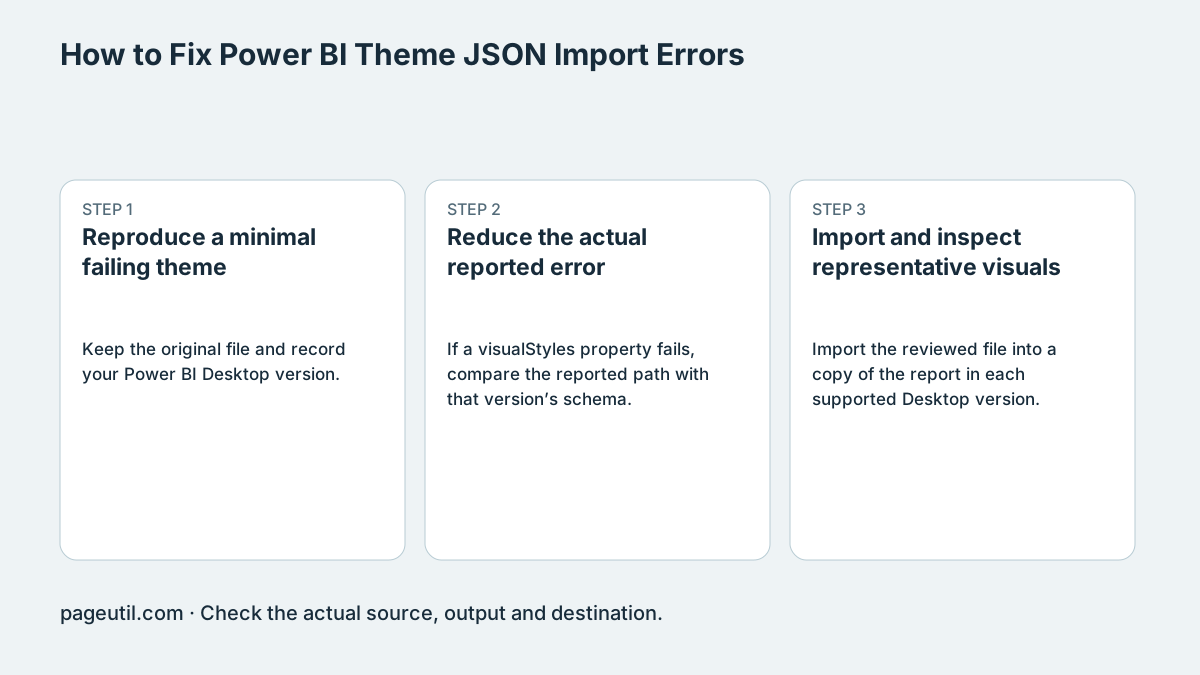
Reproduce a minimal failing theme
Keep the original file and record your Power BI Desktop version. Validate JSON syntax first, then select the corresponding available schema in the checker. Read the failing property path before applying any suggested normalization.
In the synthetic example below, #12345G is not a valid hexadecimal color. Replace it with an intended valid value such as #123456 and revalidate. This demonstrates a specific schema issue without assuming that every exported-theme failure has the same cause.
{"name":"Example","dataColors":["#12345G"]}

Correct the intended color, for example:
{"name":"Example","dataColors":["#123456"]}
Reduce the actual reported error
If a visualStyles property fails, compare the reported path with that version’s schema. A suggested solid-color nesting repair applies only when the actual structure is wrong; do not rewrite all color objects because a forum post described one export symptom.
Test a reduced copy containing the theme name and palette, then add the affected formatting back in small groups. Properties can change between versions. Passing two bundled schemas is useful structural evidence, not a test of both installed applications.
Import and inspect representative visuals
Import the reviewed file into a copy of the report in each supported Desktop version. Check a chart, table, labels and any custom visuals. Existing per-visual overrides can hide theme defaults, so compare like-for-like settings.
Review actual foreground/background pairs, size and weight for text contrast, and avoid conveying information through color alone. A schema pass or a pairwise contrast result does not certify a report’s accessibility or guarantee that an import succeeds in every environment.
References
Use the linked specifications and product documentation to check behavior in your own environment.
Continue troubleshooting
- JSON syntax vs schema validation: format and diagnose JSON
- How to Detect and Recover Lost Shopify Theme Customisations After an Update
- How to Fix Power Platform Deployment Settings and Connection Reference Errors
- How to Find and Fix JSON Syntax Errors
- How to Compare Two JSON Files with Semantic Diff
- How to Generate TypeScript Interfaces from JSON
- How to Convert Nested JSON to Tabular CSV
- How to Convert Between JSON and YAML
- Why large JSON numbers change in JavaScript
- JWT exp, nbf and iat explained with timestamp examples
- Base64 vs Base64URL: why JWT decoding fails
Related tools
Frequently asked questions
Does a JSON syntax pass establish theme validity?
No. The theme also needs to satisfy the relevant version’s schema and actual application import behavior.
Is every exported-theme failure a solid-color nesting bug?
No. Read the specific property-path error and reproduce it before applying a transformation.
Does cross-schema checking prove visual compatibility?
No. Import into the supported installed versions and inspect representative visuals and overrides.