When should you choose PageUtil or Curious Concept?
Curious Concept accepts pasted data, URLs and files in its published interface. PageUtil’s formatting workflow parses JavaScript values and serializes them for display. That is convenient for readable payloads, but numeric representation and duplicate keys require attention. A well-indented document still needs application-specific validation before it becomes a trustworthy API request.
| Requirement | PageUtil | Curious Concept |
|---|---|---|
| Formatting | Local JSON formatting and inspection | JSON formatting and validation interface |
| Source fidelity | Review JavaScript parse-and-serialize effects | Check the chosen parser and settings |
| Acceptance | Validate the application contract separately | Validate the application contract separately |
Is PageUtil free, and what else do you need?
PageUtil JSON Formatter is free to use without creating a PageUtil account. This covers the tool’s supported workflow and outputs; its technical limits still apply.
Compare formatting limits and handling of exact numeric values. A free formatter that changes an identifier is unsuitable for that task regardless of how quickly it produces readable output.
Compare the complete task, including preparation, review and destination access. Consult the linked provider documentation for current terms; no unverified competitor price is assumed here.
About PageUtil and its free tools
A worked example to test the choice
The value 9007199254740993 exceeds JavaScript’s safe integer range. An ordinary JavaScript parse can round it to 9007199254740992. A prettier output can therefore conceal a changed identifier. Keep exact identifiers as strings under an agreed producer contract, or use a parser designed to preserve number tokens.
Number token:      9007199254740993
JavaScript Number: 9007199254740992
Exact string:      "9007199254740993"
How do you run the PageUtil workflow?
Open JSON Formatter.
Keep the original text, paste a working copy and inspect the first parse error before formatting. Fix a missing comma or mismatched delimiter at its source, then parse again. Review important numbers, strings and arrays in the output. For a semantic comparison, decide whether object-key order is irrelevant and remember that array positions normally remain significant.
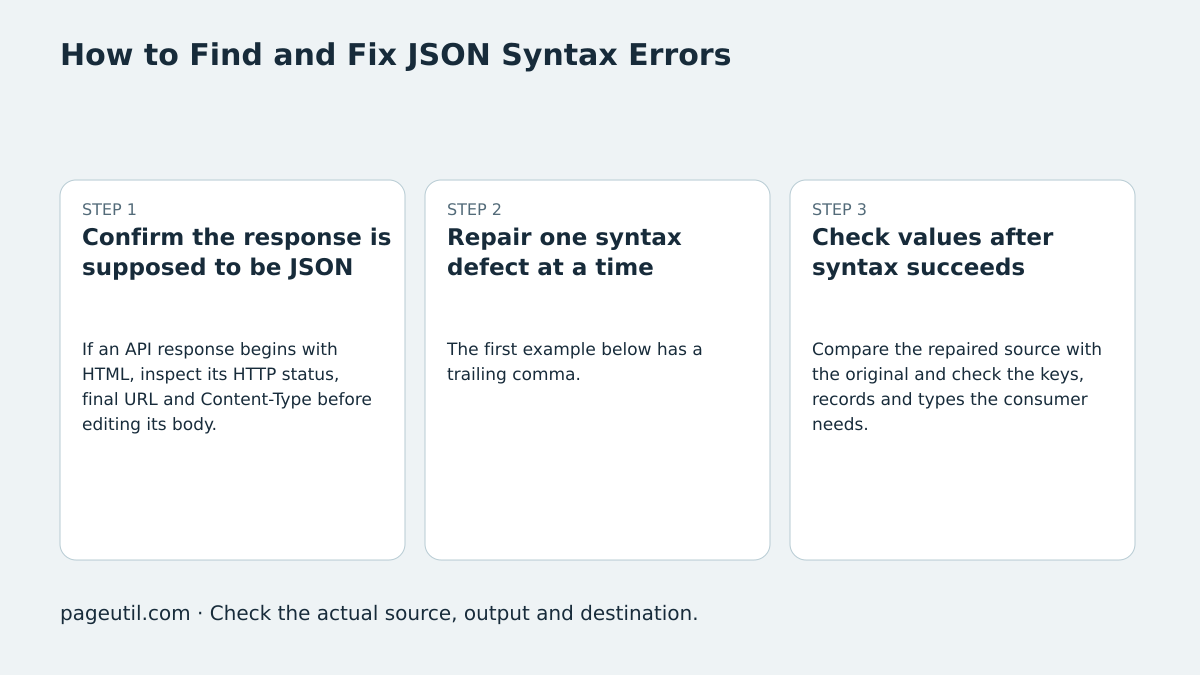
For the detailed procedure and interpretation, read How to Find and Fix JSON Syntax Errors.
What are the practical limits?
Syntax validation establishes that the text fits a JSON grammar. It cannot establish required business fields, allowed values or API authorization. Parse-and-reserialize output can also change bytes relevant to a signature or hash. Use the canonicalization and validation rules required by the receiving system.
What should you verify before using the result?
Send a known-good sample through the actual consumer and retain any schema or contract errors separately from parse errors. For debugging, readable formatting helps locate the problem. For storage or signing, preserve the representation required by the protocol.
Sources and comparison scope
Prepared on 18 November 2026 using the current PageUtil workflow and the linked official documentation, checked on 17–18 November 2026. The example is illustrative. Competitor descriptions are based on published documentation; this article does not report a comparative performance benchmark.
Continue troubleshooting
- How to Find and Fix JSON Syntax Errors
- regex101 Alternative for Testing Regular Expressions
- PageUtil vs regex101 for Google Search Console and GA4 Regex
- PageUtil vs CyberChef for Formatting XML
- JWT.io Alternative for Decoding Token Claims
- Diffchecker Alternative for Comparing Text Lines
- Crontab Guru Alternative for Cron Schedule Checks
- PageUtil vs Chrome DevTools for HAR Sanitization
- PageUtil vs Dependabot for Dependency Group Rule Testing
- PageUtil vs Chrome for Manifest V3 Validation
Related tools
Frequently asked questions
Does valid JSON mean my API request is valid?
It means the syntax parses. The API may still require particular fields, types, permissions and business rules.
Can formatting change a large integer?
A parser using ordinary JavaScript numbers can round integers outside the safe range. Preserve the source and use an appropriate representation.
Should I use JSON formatting on signed content?
Check the signature protocol first. Equivalent parsed values can have different bytes, and a signature may depend on an exact representation.
Does whitespace inside a JSON string count as data?
Yes. Spaces within string values must remain intact. Formatting should only alter permitted representation whitespace around tokens.
Is the PageUtil tool free to use?
Yes. PageUtil JSON Formatter is free to use without a PageUtil account. Compare formatting limits and handling of exact numeric values. A free formatter that changes an identifier is unsuitable for that task regardless of how quickly it produces readable output.