When should you choose PageUtil or QRStuff?
QRStuff offers an online scanner within its QR platform. PageUtil’s saved-image workflow is useful when the code is in a screenshot, email attachment or design proof. A camera scanner works well for a physical print, while an image picker avoids needing another screen to scan a code already saved on the same phone.
| Requirement | PageUtil | QRStuff |
|---|---|---|
| Saved artwork | Select a saved image for decoding | Online QR scanner |
| Physical print | Inspect a photo and test with a camera | Use the available scanning workflow |
| Decision | Read payload before acting | Read payload before acting |
Is PageUtil free, and what else do you need?
PageUtil QR Code Scanner is free to use without creating a PageUtil account. This covers the tool’s supported workflow and outputs; its technical limits still apply.
For QRStuff, check the supported saved-image workflow and access requirements. A scanner can decode a destination without establishing that the linked page is appropriate or available.
Compare the complete task, including preparation, review and destination access. Consult the linked provider documentation for current terms; no unverified competitor price is assumed here.
About PageUtil and its free tools
A worked example to test the choice
A designer sends a menu-code proof as a PNG. Select that image and compare the decoded URL character for character with the approved menu address. If the image contains several unrelated marks, crop a copy around the intended code with its margin intact and inspect it again.
How do you run the PageUtil workflow?
Open QR Code Scanner.
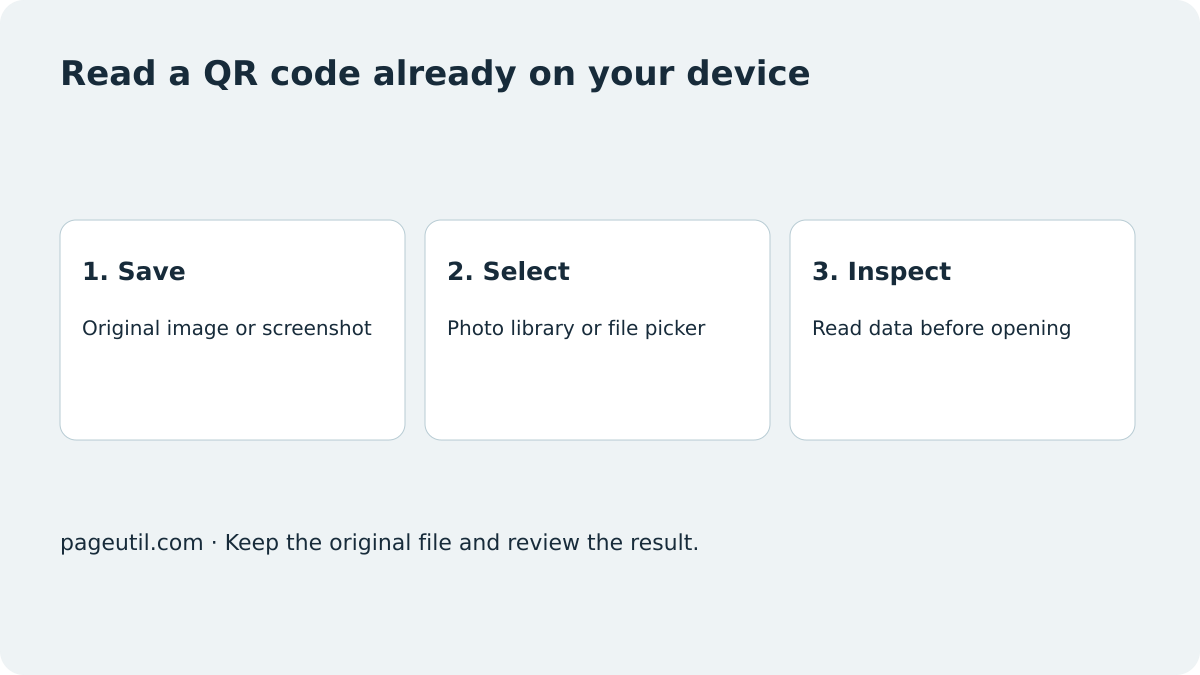
Save the original image, open QR Code Scanner and choose the file. Read the decoded content before opening a link or copying a contact payload. For a printed-code investigation, test both the original artwork and a photo of the physical print to locate where readability changed.
For the detailed procedure and interpretation, read How to Scan a QR Code from a Saved Photo.
What are the practical limits?
Blur, aggressive cropping, reflections and insufficient contrast can prevent decoding. A successful decode cannot establish who controls the destination, whether it is trustworthy or whether every phone will scan the printed artwork.
What should you verify before using the result?
For production artwork, compare the result with the approved payload and test an actual-size print. For an unfamiliar received code, inspect the hostname and intended action before proceeding.
Sources and comparison scope
Prepared on 18 November 2026 using the current PageUtil workflow and the linked official documentation, checked on 17–18 November 2026. The example is illustrative. Competitor descriptions are based on published documentation; this article does not report a comparative performance benchmark.
Continue troubleshooting
- How to Scan a QR Code from a Saved Photo
- iLovePDF Alternative for Local PDF Comparison
- QRCode Monkey Alternative for Static QR Codes
- TEC IT Alternative for Generating Barcodes
- LabelResizer Alternative for Shipping Label PDFs
- PageUtil vs Copy and Paste for Word Tables in Excel
- PageUtil vs Lexicon DJ for Rekordbox Missing Files
- PageUtil vs Lumi for H5P Package Checks
Related tools
Frequently asked questions
Can I scan a QR code saved on the same phone?
Use an image-selection workflow to open the screenshot or photo. The exact file-picker controls depend on your device.
Does scanning automatically prove a link is safe?
No. Decoding reveals the payload. Inspect the hostname and intended action before opening an unfamiliar destination.
Why does a screenshot scan while the print fails?
Printing can change scale, contrast and margins. Inspect the physical output under realistic lighting and distance.
Should I crop the QR image tightly?
Keep the quiet margin around the symbol. Cutting away the border can make an otherwise clear image difficult to decode.
Is the PageUtil tool free to use?
Yes. PageUtil QR Code Scanner is free to use without a PageUtil account. For QRStuff, check the supported saved-image workflow and access requirements. A scanner can decode a destination without establishing that the linked page is appropriate or available.