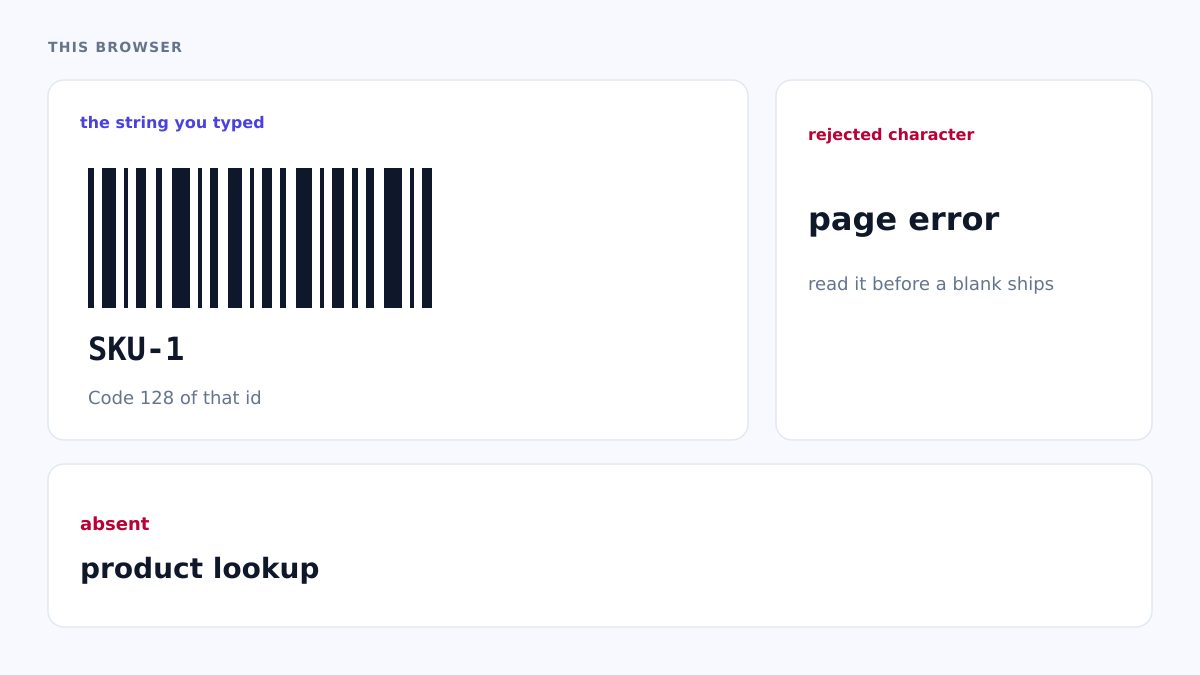
When should you choose PageUtil or TEC-IT?
A barcode represents data according to a symbology. Code 128, EAN and other formats have different permitted characters, lengths and uses. A visually plausible barcode is therefore an incomplete test. Confirm the format required by the warehouse, retailer or carrier before comparing export options.
| Requirement | PageUtil | TEC-IT |
|---|---|---|
| Required choice | Supported symbology and exact payload | Broad barcode selection |
| Output review | Export and test a printed label | Export and test a printed label |
| Identifier authority | Obtain valid identifiers separately | Obtain valid identifiers separately |
Is PageUtil free, and what else do you need?
PageUtil Barcode Generator is free to use without creating a PageUtil account. This covers the tool’s supported workflow and outputs; its technical limits still apply.
For TEC-IT, check current usage terms, supported symbologies and output requirements. Rendering a barcode is separate from obtaining an identifier where a retail identification system requires one.
Compare the complete task, including preparation, review and destination access. Consult the linked provider documentation for current terms; no unverified competitor price is assumed here.
About PageUtil and its free tools
A worked example to test the choice
An internal stock code is SKU-0042. A Code 128 workflow can be appropriate for an internal alphanumeric identifier when the inventory system expects that value. A retail GTIN workflow has different identifier and check-digit requirements. Reusing an arbitrary stock code as a retail identifier can create a technically readable but unsuitable label.
How do you run the PageUtil workflow?
Open Barcode Generator.
Choose the supported symbology in Barcode Generator, enter the exact value and inspect validation feedback. Export the artwork at a size suitable for the label printer. Print a sample, scan it into a plain text field and compare the returned characters with the approved source identifier.
For the detailed procedure and interpretation, read How to make a Code 128 barcode.
What are the practical limits?
A barcode generator cannot assign ownership of a GTIN or issue a GS1 company prefix. Printer scaling, quiet zones and scanner configuration can affect reading. Review TEC-IT’s terms and the chosen product when evaluating production or commercial usage.
What should you verify before using the result?
Test the scanner with the actual receiving software, including any prefix or suffix it adds. Retain the source identifier, symbology and label settings so subsequent batches use the same contract.
Sources and comparison scope
Prepared on 18 November 2026 using the current PageUtil workflow and the linked official documentation, checked on 17–18 November 2026. The example is illustrative. Competitor descriptions are based on published documentation; this article does not report a comparative performance benchmark.
Continue troubleshooting
- How to make a Code 128 barcode
- iLovePDF Alternative for Local PDF Comparison
- QRCode Monkey Alternative for Static QR Codes
- QRStuff Alternative for Scanning Saved QR Images
- LabelResizer Alternative for Shipping Label PDFs
- PageUtil vs Copy and Paste for Word Tables in Excel
- PageUtil vs Lexicon DJ for Rekordbox Missing Files
- PageUtil vs Lumi for H5P Package Checks
Related tools
Frequently asked questions
Does generating a barcode create a registered GTIN?
No. The symbol encodes a value. Obtain any required identifier allocation through the appropriate issuing process.
Can I encode letters in every barcode type?
No. Character and length rules depend on the symbology. Choose the format required by the receiving system.
Why does a barcode preview look correct but fail to scan?
Print scale, contrast, quiet margins and scanner settings can change the result. Test the actual physical label.
How do I verify the encoded value?
Scan a sample into a plain text field and compare every returned character with the intended identifier, including leading zeros.
Is the PageUtil tool free to use?
Yes. PageUtil Barcode Generator is free to use without a PageUtil account. For TEC-IT, check current usage terms, supported symbologies and output requirements. Rendering a barcode is separate from obtaining an identifier where a retail identification system requires one.