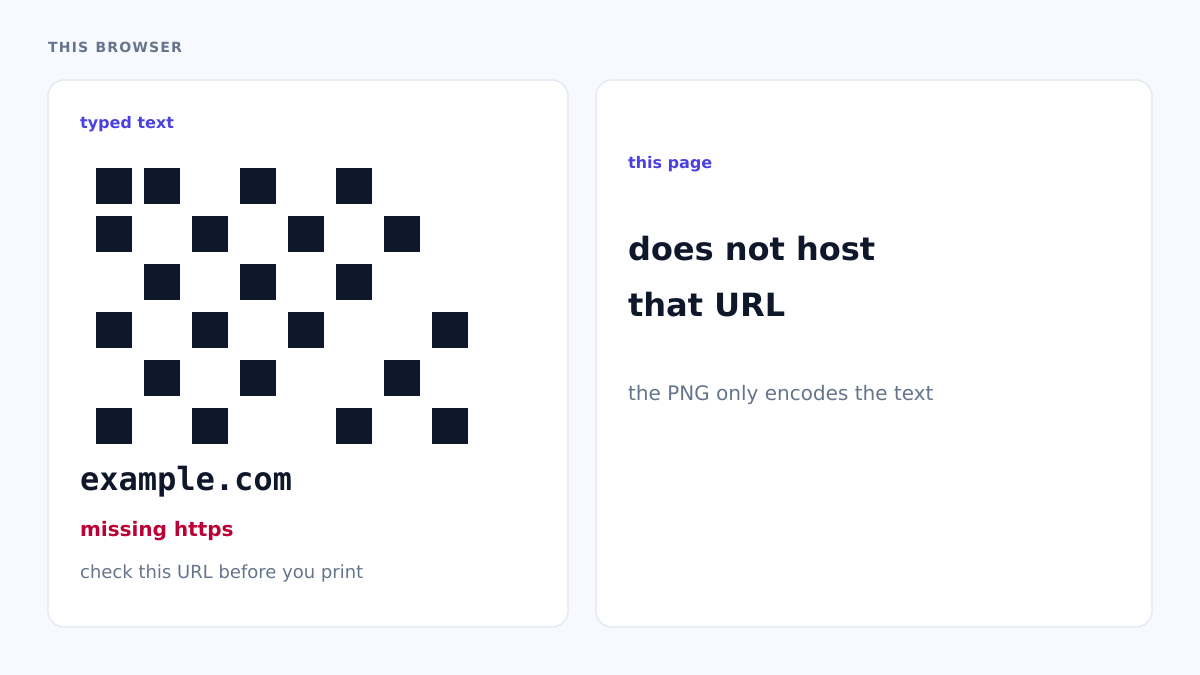
When should you choose PageUtil or QRCode Monkey?
Static codes contain their payload in the symbol. A code for a website depends on that website continuing to work, while the printed symbol itself keeps the same encoded text. QRCode Monkey offers a free generator with logo and design controls. Compare the actual file you will print, especially the vector format, margin and contrast, rather than judging the editor preview alone.
| Requirement | PageUtil | QRCode Monkey |
|---|---|---|
| Static code | Local payload generation and supported artwork exports | Free static generator with design controls |
| Printed destination | Check the exact encoded URL | Check the exact encoded URL |
| Choice | Required payload, export and print workflow | Required payload, export and print workflow |
Is PageUtil free, and what else do you need?
PageUtil QR Code Generator is free to use without creating a PageUtil account. This covers the tool’s supported workflow and outputs; its technical limits still apply.
For QRCode Monkey, check the requested static-code export and its current terms. If you need editable destinations or hosted scan analytics, assess that separate requirement before choosing a static QR workflow.
Compare the complete task, including preparation, review and destination access. Consult the linked provider documentation for current terms; no unverified competitor price is assumed here.
About PageUtil and its free tools
A worked example to test the choice
A café wants a menu code on an A6 table card. Encode the final HTTPS menu address, export SVG for the printer and PNG for a digital proof, then scan the printed card. Check the destination address and whether the menu opens on a phone using mobile data. A successful scan of the editor preview cannot verify a low-contrast printed copy.
How do you run the PageUtil workflow?
Open QR Code Generator.
Open QR Code Generator, select the payload type and enter the final data. Review the resulting text or destination before choosing colors, logo and download format. Retain a quiet margin around the symbol and choose a dark foreground on a light background. Scan the exported file and an actual-size print using more than one phone before ordering the full batch.
For the detailed procedure and interpretation, read How to make a QR code for a URL.
What are the practical limits?
Editing a URL in your own website can change the destination content, but a static symbol retains the original encoded address. Dynamic QR services add a hosted redirection layer and their own service terms. A logo covers part of the symbol, so decorative changes need testing under realistic lighting and distance.
What should you verify before using the result?
Keep the destination address, exported artwork and a sample print together. If you control the menu URL, maintain that address during future website changes. For vector printing, ask the printer to preserve the quiet zone and avoid stretching the artwork. A readable URL beneath the code gives customers another way to reach the menu.
Sources and comparison scope
Prepared on 18 November 2026 using the current PageUtil workflow and the linked official documentation, checked on 17–18 November 2026. The example is illustrative. Competitor descriptions are based on published documentation; this article does not report a comparative performance benchmark.
Continue troubleshooting
- How to make a QR code for a URL
- iLovePDF Alternative for Local PDF Comparison
- QRStuff Alternative for Scanning Saved QR Images
- TEC IT Alternative for Generating Barcodes
- LabelResizer Alternative for Shipping Label PDFs
- PageUtil vs Copy and Paste for Word Tables in Excel
- PageUtil vs Lexicon DJ for Rekordbox Missing Files
- PageUtil vs Lumi for H5P Package Checks
Related tools
Frequently asked questions
Do static QR codes expire?
The encoded symbol has no subscription expiry. A linked website can still move, become unavailable or require access, which affects the user’s destination.
Can I change the destination after printing?
The static symbol keeps its encoded address. You can change content at an address you control, or use a separately managed redirect service.
Is SVG or PNG better for printing?
SVG is useful when the printer needs scalable vector artwork. A sufficiently detailed PNG can also work. Test the actual output size and print process.
Does adding a logo guarantee the code still scans?
No. Logo size, contrast, symbol density and print conditions affect decoding. Test the exported artwork and an actual-size print.
Is the PageUtil tool free to use?
Yes. PageUtil QR Code Generator is free to use without a PageUtil account. For QRCode Monkey, check the requested static-code export and its current terms. If you need editable destinations or hosted scan analytics, assess that separate requirement before choosing a static QR workflow.