What to run
Open Barcode Generator. It stays in the browser.
How to read the result
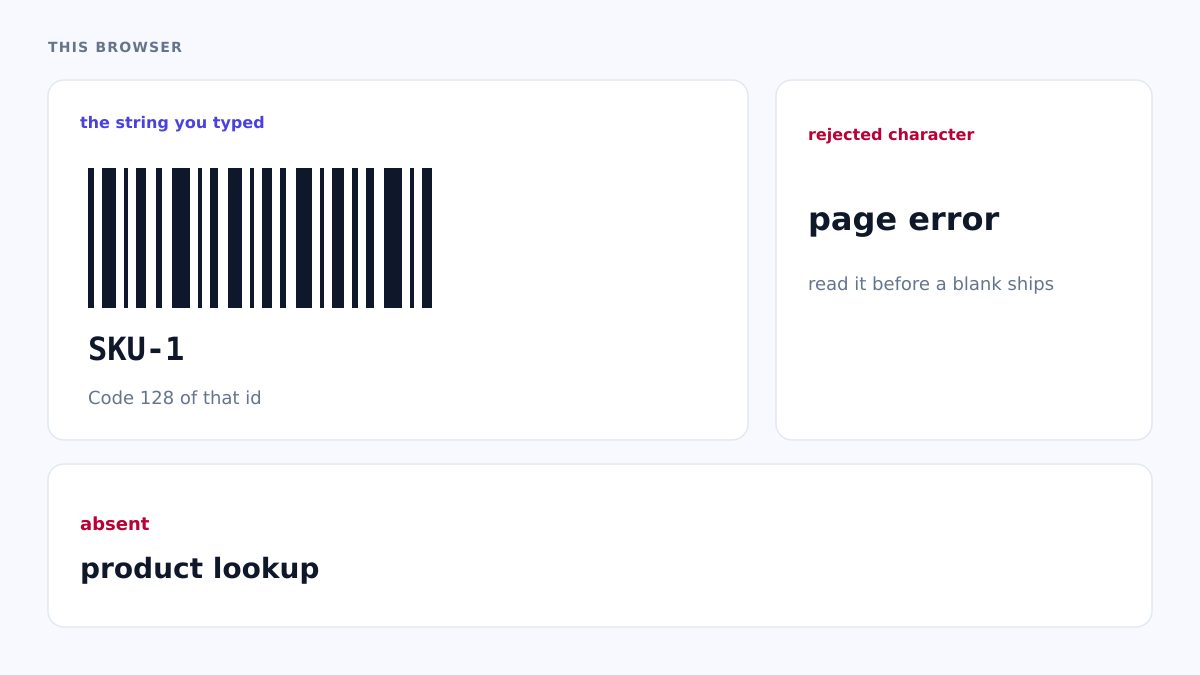
The image is Code 128 of the string you typed.
It is not a product lookup.
Characters outside the code set will fail or be rejected; read the page error rather than shipping a blank.
What to open next
Open UUID Generator if you need the id first. It stays in the browser.
MIME Type Lookup is irrelevant here.
References
Related tools
Frequently asked questions
Is a Code 128 barcode a product lookup?
No. A Code 128 barcode is the string you typed, and it is not a product lookup.
Does Barcode Generator leave the browser?
No. Barcode Generator stays in the browser. The image is Code 128 of the string you typed.
What happens if a character is outside the code set?
Characters outside the code set will fail or be rejected. Read the page error rather than shipping a blank.