When should you choose PageUtil or MxToolbox?
MxToolbox’s Email Health page describes domain tests and a separate monitoring offering. PageUtil’s checker queries current DNS for email-related configuration. This makes a manual check useful after a record edit, but the time and resolver used matter because cached results can differ across receivers.
| Requirement | PageUtil | MxToolbox |
|---|---|---|
| Manual review | Current email DNS findings | Domain-health checks |
| Ongoing observation | Repeat checks for the investigation | Separate monitoring offering |
| Delivery evidence | Use real messages and receiver logs | Use real messages and receiver logs |
Is PageUtil free, and what else do you need?
PageUtil Email Health Checker is free to use without creating a PageUtil account. This covers the tool’s supported workflow and outputs; its technical limits still apply.
For MxToolbox, distinguish a point-in-time lookup from historical monitoring and alerts. Choose the service level from the response time and reporting history your organization needs.
Compare the complete task, including preparation, review and destination access. Consult the linked provider documentation for current terms; no unverified competitor price is assumed here.
About PageUtil and its free tools
A worked example to test the choice
You publish a DMARC policy and run a domain check. The result can show whether a record is visible from the checking path. It cannot establish that an earlier bounced message was evaluated against that same record, or that a new message will land in the inbox.
How do you run the PageUtil workflow?
Open Email Health Checker.
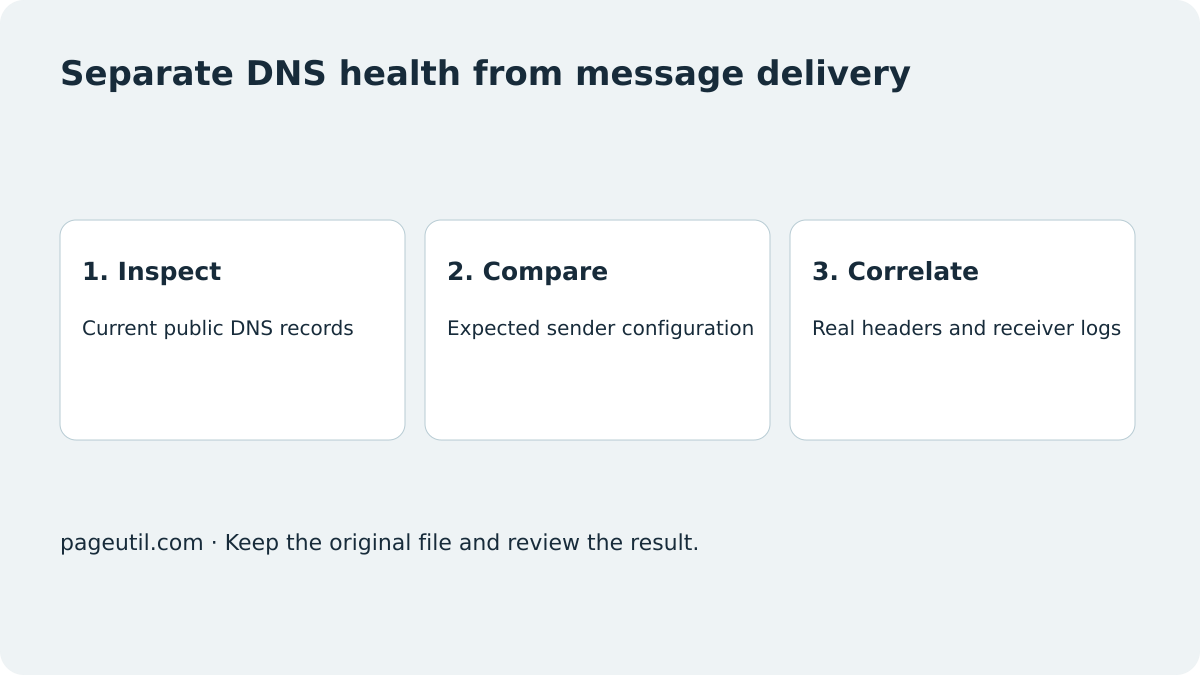
Enter the domain and inspect the MX, SPF and DMARC findings individually. Review any transport-policy findings in their stated scope. Compare the returned records with your intended DNS configuration and provider instructions. After a change, repeat the relevant lookup and send a controlled message through the actual sending service.
What are the practical limits?
DNS presence is only one part of delivery. Reputation, recipient policy, message content and authentication alignment can affect the result. A manual lookup provides a point-in-time observation rather than continuous history.
What should you verify before using the result?
Keep the queried domain, observation time and exact finding when escalating an issue. Pair the DNS report with the trusted receiver’s headers or delivery-status notification so the next investigator can connect configuration with a real event.
Sources and comparison scope
Prepared on 18 November 2026 using the current PageUtil workflow and the linked official documentation, checked on 17–18 November 2026. The example is illustrative. Competitor descriptions are based on published documentation; this article does not report a comparative performance benchmark.
Continue troubleshooting
- dmarcian XML to Human Alternative for DMARC Reports
- MxToolbox Alternative for Email Header Analysis
- PageUtil vs ZeroBounce for Email List Cleanup
- MxToolbox Alternative for Generating SPF Records
- dmarcian Alternative for Generating DMARC Records
- PageUtil vs Google Contacts for Duplicate Contact Cleanup
- PageUtil vs Google Contacts CSV Import Mapping
Related tools
Frequently asked questions
Does healthy DNS guarantee inbox delivery?
No. Authentication alignment, reputation, message content and recipient policies also affect delivery.
Why do two DNS checks disagree?
Resolvers can have different cached answers, and the domain may have changed between checks. Record the time and exact returned values.
Can this explain an old bounce by itself?
Current DNS may differ from the configuration at delivery time. Correlate it with the bounce and receiving-system evidence.
When is monitoring useful?
Use ongoing monitoring when you need history and alerts for changes or failures. A manual check answers a point-in-time question.
Is the PageUtil tool free to use?
Yes. PageUtil Email Health Checker is free to use without a PageUtil account. For MxToolbox, distinguish a point-in-time lookup from historical monitoring and alerts. Choose the service level from the response time and reporting history your organization needs.