Start with the original bounce evidence
Record the recipient domain, sending time, SMTP status and a redacted diagnostic message. A malformed address needs a different fix from an unknown recipient or a rejected sender. Do not infer the cause from a generic user-facing “email failed” message.
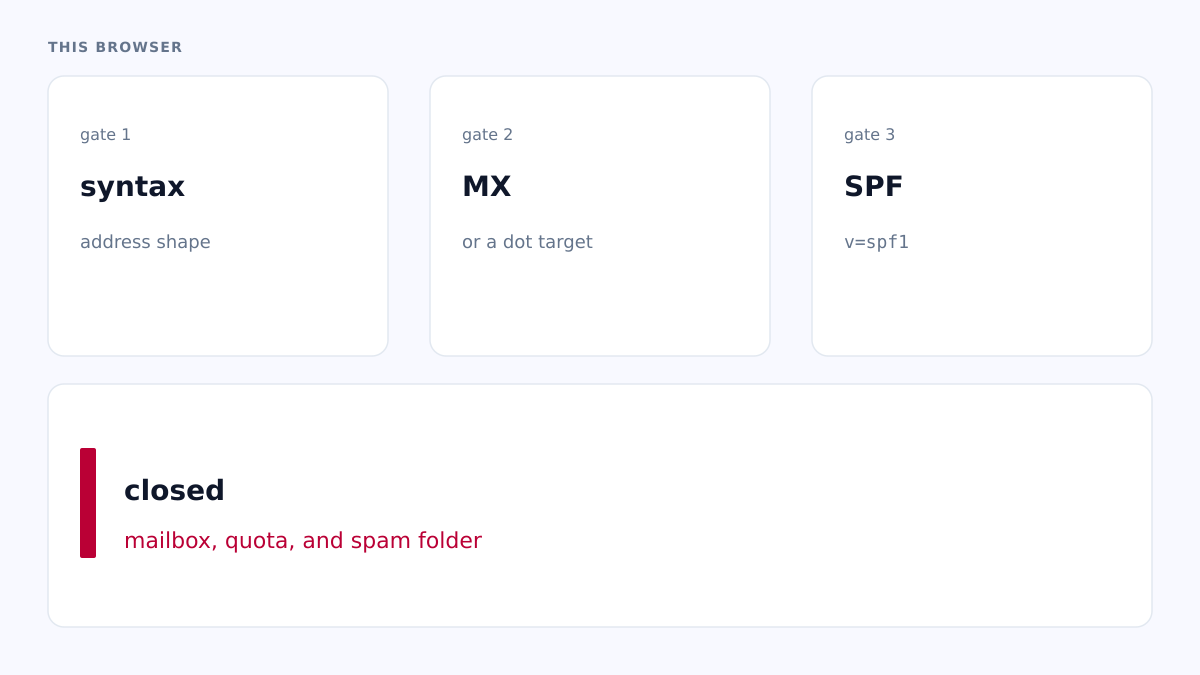
Use a synthetic address such as reader@example.com when checking UI behavior. A syntax pass means the string fits the validator’s rules, not that you have permission to contact it or that a mailbox is provisioned.
| Evidence | Next check | What it cannot prove |
|---|---|---|
| Malformed recipient string | Address syntax | Mailbox existence |
| MX lookup fails | Domain and DNS response | Permanent delivery outcome |
| MX 0 . | Null MX declaration | A working inbound mail service |
| Recipient rejected by SMTP | Bounce code and provider logs | A fix from DNS alone |
| Message accepted but missing | Delivery logs and filtering | Inbox placement from syntax |
Read MX answers without skipping their targets
An MX answer contains a preference number and a hostname. Lower preference numbers are tried first. The exchange hostname must resolve to an address; inspect its A/AAAA records separately as necessary.
A null MX is a special record with preference 0 and target dot, declaring that the domain does not accept mail. It is not a server called dot. If there are no MX records at all, SMTP has implicit-MX fallback rules, so absence alone does not universally mean “no mail”.
Check that you edited the authoritative provider for the actual recipient domain. Cached records can lag a migration. PageUtil uses Cloudflare’s recursive resolver and does not perform an SMTP transaction or probe a mailbox.
Use delivery and authentication results for the next step
If routing is correct, inspect the sending system’s log and any receiving rejection. Review SPF, DKIM and DMARC according to the reported failure and real envelope/header identities. Ownership-verification TXT records serve a different purpose.
Send controlled tests only through a system you administer. Compare a known-good recipient and a test mailbox while preserving timestamps and message identifiers. Keep full addresses and message content out of public examples.
DNS changes cannot fix an unprovisioned mailbox, full quota, blocked sender or content filter by themselves. After a fix, verify the observed SMTP and mailbox outcome rather than stopping at a successful DNS answer.
References
Use the linked specifications and product documentation to check behavior in your own environment.
Continue troubleshooting
Related tools
Frequently asked questions
Does an MX answer prove the mailbox exists?
No. MX describes routing, while mailbox acceptance belongs to the receiving mail system.
What does MX 0 dot mean?
It is a null MX declaration indicating that the domain does not accept email.
Can PageUtil test SMTP delivery?
No. The available tools check syntax and DNS without performing a mailbox delivery test.