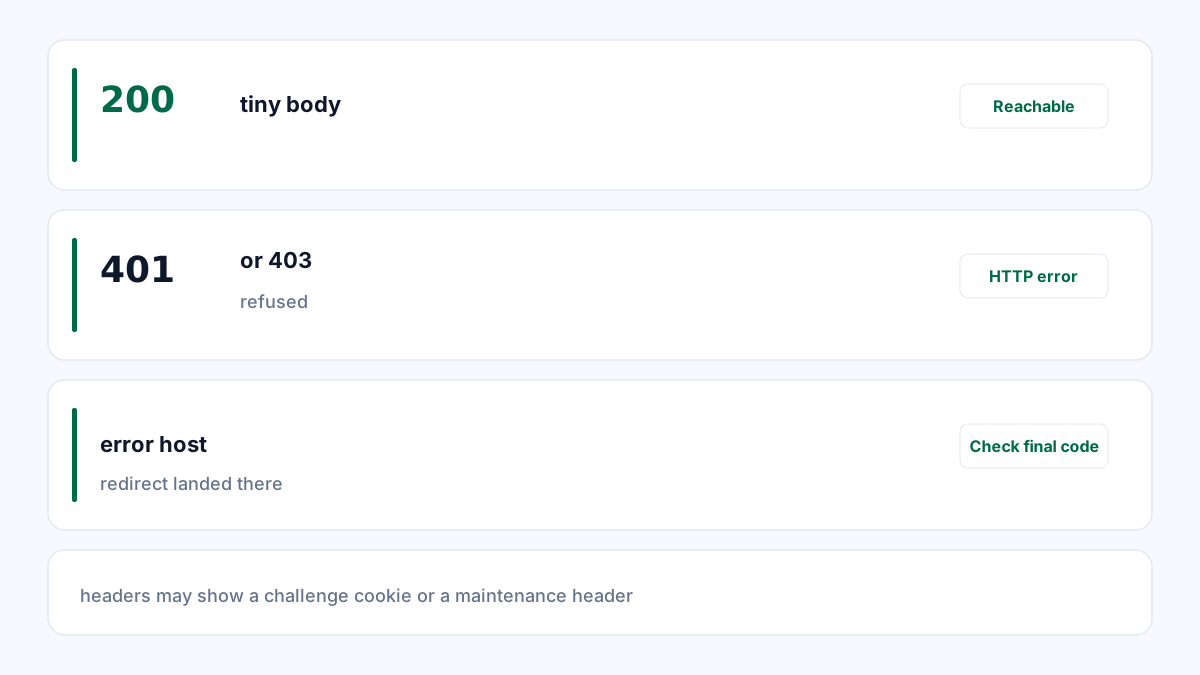
Compare a valid page with an invented path
Choose a known working page and a harmless invented path on your own site. Inspect both with HTTP Headers, then view their bodies in your browser. If the invented path returns 200 and the same generic “not found” message, the status does not describe the resource correctly.
An empty search result or a sparse but legitimate page is not automatically a soft 404. Search engines evaluate the content and context. Search Console URL Inspection provides evidence about Google’s interpretation; PageUtil does not classify Google indexing outcomes.
| URL | Status | Body | Diagnosis |
|---|---|---|---|
| /docs/install | 200 | Installation instructions | Expected content |
| /never-published-example | 200 | Page not found | Status/content mismatch |
| /never-published-example | 404 | Helpful missing-page message | Accurate missing-resource response |
Return the status that matches the resource
For content that does not exist and has no relevant replacement, return 404 or an appropriate 410. Keep the helpful navigation and explanation in the body. A styled error page can still return a genuine error status.
If a page moved to a real equivalent, use a permanent redirect to that specific replacement. Do not redirect every missing URL to the homepage simply to eliminate errors. The destination may be irrelevant to the original request.
In a single-page application, distinguish valid client routes from genuinely missing content. Serving the shell with 200 is not sufficient if the application later renders “not found”. Use route-aware rendering or hosting behavior that can return the correct status.
Check the deployed response and indexing evidence
Use Redirect Checker to confirm that the test path does not silently arrive at the homepage. Is This Website Down can confirm reachability and status from its probe, but a responding server can still return the wrong page.
After deployment, test one valid URL, one redirected URL and several missing URLs. Confirm the body and final status for each. Keep intentional 404 URLs out of the sitemap and fix accidental internal links to them.
Request a new inspection in Search Console when appropriate and allow time for recrawling. Changing the page status does not force an immediate search-index update.
References
Use the linked specifications and product documentation to check behavior in your own environment.
Continue troubleshooting
Related tools
Frequently asked questions
Can an uptime check detect a soft 404?
It can show HTTP status, but a successful response alone does not classify content quality or indexing.
Should missing pages redirect to the homepage?
Usually no. Redirect only when there is a genuinely relevant replacement resource.
Does every empty page become a soft 404?
No. Classification depends on the page’s purpose, content and search engine evaluation.