What to run
Use Is This Website Down, HTTP Status Codes, and HTTP Headers. The down check and the headers are from Cloudflare. HTTP Status Codes stays in the browser.
How to read the result
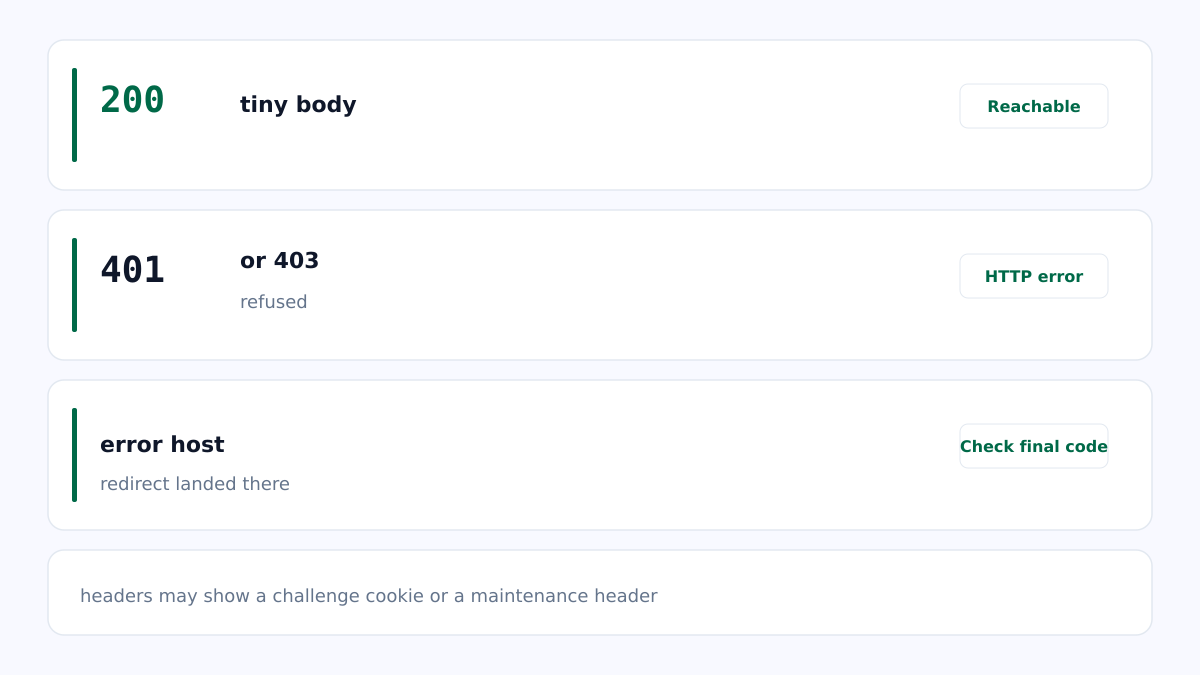
HTTP 200 is Reachable, but the checker does not inspect the body or run JavaScript.
401 or 403 is an HTTP error: a server answered and refused access.
A redirect is judged by its final HTTP response; an incomplete redirect chain shows Could not confirm.
Headers may show a challenge cookie or a maintenance header.
What to open next
If the final URL is not the one users wanted, open Redirect Checker. That result is from Cloudflare.
References
Related tools
Frequently asked questions
Does HTTP 200 mean the site is usable?
HTTP 200 is Reachable, but the checker does not inspect the body or run JavaScript.
What does a 401 or 403 mean if monitoring says up?
401 or 403 is an HTTP error: a server answered and refused access. A 200 is Reachable.
How is a redirect judged when the site seems up?
A redirect is judged by its final HTTP response. An incomplete redirect chain shows Could not confirm.