Capture an HTTP trace before changing settings
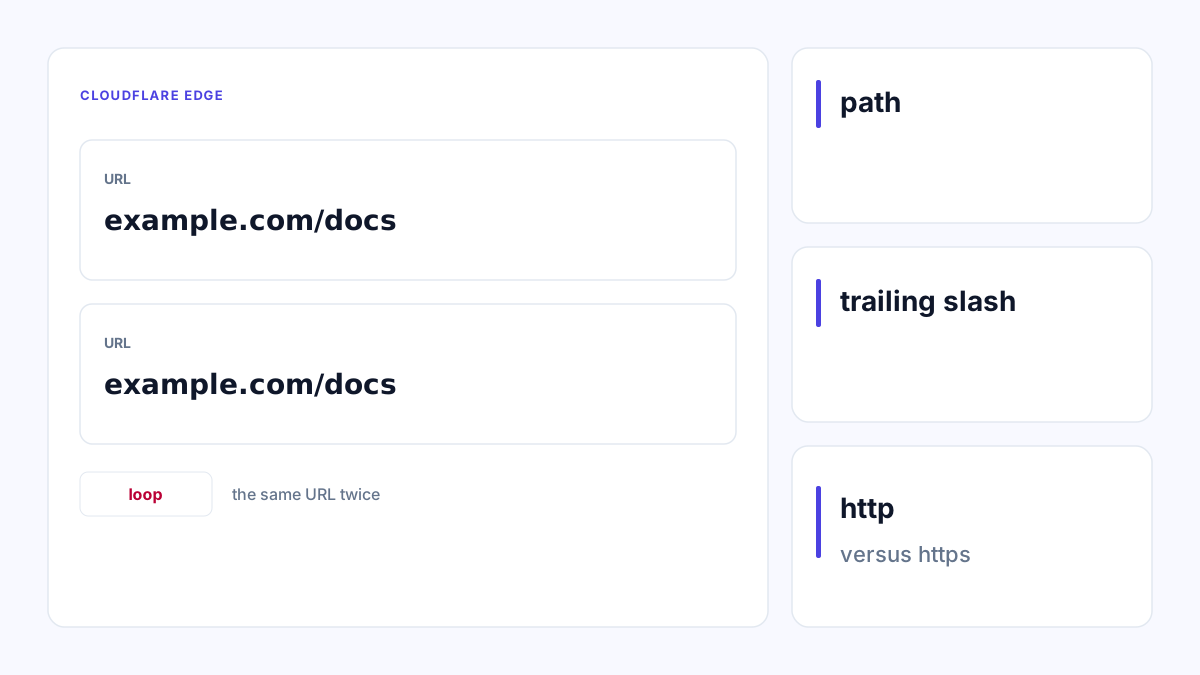
Submit the public URL to Redirect Checker. Record each status, Location and next URL. If the same HTTPS URL redirects to itself, or HTTP and HTTPS alternate, inspect the scheme decisions at the edge and origin.
Use HTTP Headers to inspect an individual response. Headers can provide clues, but a Server header alone is not proof that Cloudflare generated a redirect. Correlate the trace with origin access logs and configured redirect rules.
The following is an illustrative configuration failure, not a live measurement. Flexible mode leaves the edge-to-origin request on HTTP. An origin that always upgrades HTTP then repeats the visitor’s HTTPS address.
| Step | Connection | Behavior |
|---|---|---|
| 1 | Browser → edge, HTTPS | Visitor requests https://example.com/ |
| 2 | Edge → origin, HTTP | Origin receives an HTTP request |
| 3 | Origin → edge | 301 Location: https://example.com/ |
| 4 | Browser → edge, HTTPS | The same sequence starts again |
Fix the layer that has the wrong scheme assumption
For an origin that requires HTTPS, provision and verify a suitable origin certificate, then use Full (strict) where appropriate. Do not switch modes blindly: an origin without a valid supported certificate can fail after the change.
If Full or Full (strict) is already configured, inspect origin rules that downgrade HTTPS, conflicting edge redirects, and application middleware. A proxied application may think the original request was HTTP if forwarded headers are not interpreted correctly.
Configure trusted proxies explicitly before accepting forwarded scheme information. Trusting arbitrary client-supplied forwarding headers can create security problems. Check the documentation for your framework and deployment topology rather than pasting a generic middleware snippet.
Verify both schemes and the final destination
Retest HTTP and HTTPS entry URLs, a real content path and a missing path. The expected result is a finite chain ending on the intended representation, usually one direct redirect from HTTP to HTTPS. Reaching a 200 login or error page is a separate problem.
Test in a clean browser session after the HTTP trace is correct. Cached permanent redirects, cookies and application login rules can produce a different browser experience. Cloudflare cache purges cannot fix a persistent origin configuration loop.
Do not weaken certificate validation as a shortcut. Keep a record of the corrected rule and a before/after trace, with authentication data removed.
Expected public behavior:
http://example.com/docs → 301 or 308 → https://example.com/docs
https://example.com/docs → 200

Suspicious behavior:
https://example.com/docs → 301 → https://example.com/docs → repeated
References
Use the linked specifications and product documentation to check behavior in your own environment.
Continue troubleshooting
Related tools
Frequently asked questions
Does every Cloudflare redirect loop use Flexible mode?
No. Conflicting rules, application redirects and forwarded-header configuration can also cause loops.
Will clearing cache fix the configuration?
No. Cached redirects may affect testing, but a persistent configuration loop must be corrected.
Can the trace show who generated every redirect?
Not conclusively. Correlate public HTTP evidence with edge rules and origin logs.