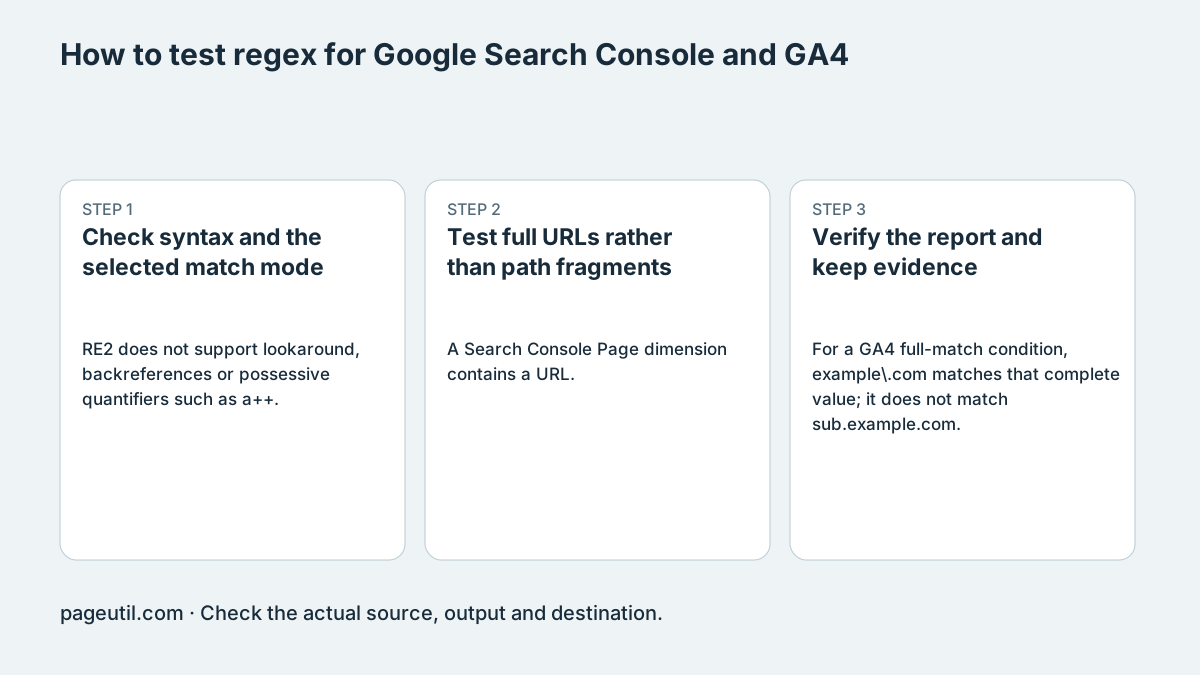
Check syntax and the selected match mode
RE2 does not support lookaround, backreferences or possessive quantifiers such as a++. Named-capture syntax differs by engine: JavaScript uses (?<name>...), not the Python-style (?P<name>...) spelling. Do not transfer an expression between engines without compiling it there.
Search Console regex filters perform partial matching by default and are case-insensitive unless the expression changes that behavior. Use (?-i) for a case-sensitive expression. For GA4, choose the condition actually offered by that report: full and partial regex matches have different boundaries.
RE2 rejection example: a++
GSC case-sensitive expression: (?-i)PageUtil
Full string: ^shoes$
Substring: shoes
Test full URLs rather than path fragments
A Search Console Page dimension contains a URL. A pattern beginning ^/guides cannot match a value beginning https://. The example below anchors the scheme and host before the path, and includes a boundary so /guides-old is excluded.
Test positive and negative samples, capitalization, the bare directory and query strings. Pattern matches classify text, not a user’s purchase intent, familiarity with a brand or likelihood of conversion.
^https?://[^/]+/(blog|guides)(/|[?#]|$)

Should match: https://example.com/guides/start
Should match: https://example.com/blog?sort=new
Should not match: https://example.com/guides-old/start
Verify the report and keep evidence
For a GA4 full-match condition, example\.com matches that complete value; it does not match sub.example.com. If the intended contract is any subdomain, test an explicit domain pattern rather than surrounding a hostname with wildcards that also admit unrelated strings.
Run the local samples, apply the expression to the intended report dimension and compare representative included/excluded values. Keep the pattern, case/matching mode, date range and samples. A local match count is not proof of Google’s reporting population or channel assignment.
Review CSV filter coverage and first-rule assignment
Expand CSV coverage, filter overlap & channel precedence. Paste or select a comma-separated CSV with a header, set the exact Text column name and optional metric column names, and add the tester pattern as a named rule. GSC uses partial matching; GA4 uses the selected Partial or Full mode. JavaScript patterns cannot be added as RE2JS rules.
Add up to ten include/exclude rules and use Move up to set their order. Run coverage shows independent included rows and weighted metrics, overlaps, first-rule assignments and unclassified rows. Independent coverage may overlap; first-rule assignment gives a row to the first matching rule. This simulates one text dimension, not all GA4 channel conditions or Google’s hosted reporting engine.
Use non-negative decimal metric values without separators, percentages or blanks. A zero metric total has no percentage. Export evidence JSON retains the source CSV and settings; classified CSV protects formula-like cells with an apostrophe. Recipe JSON saves the rules and column settings. Edits invalidate coverage and cancel pending imports, so run again before exporting current evidence.
References
Use the linked specifications and product documentation to check behavior in your own environment.
Continue troubleshooting
Related tools
Frequently asked questions
Does RE2 accept possessive a++?
No. Use supported syntax and test the intended language rather than transferring constructs from another engine.
Why does ^/guides fail on a Search Console page URL?
The input begins with a scheme and hostname. Include those components before anchoring the path.
Does a query pattern prove commercial intent?
No. It classifies matching text; it cannot establish the searcher’s intent or conversion probability.