What to run
Open Sort Lines, paste the lines, choose A to Z or Z to A, and run. The tool stays in the browser; nothing is uploaded.
How to read the result
The order is A to Z or Z to A as selected. Sorting uses localeCompare with the en locale. Ignore case selects base sensitivity. This is collation, not raw Unicode numeric order.
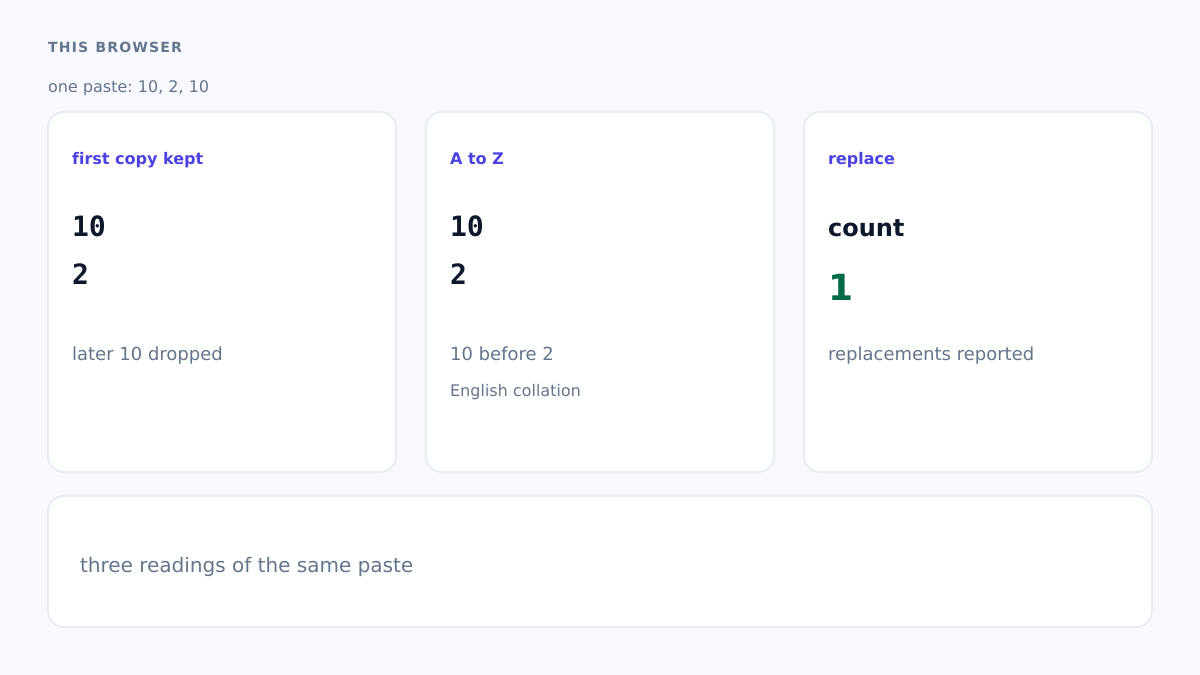
The locale comparison does not enable numeric sorting, so "10" sorts before "2". Test case, accents and punctuation in the actual result.
What to open next
Remove duplicates first with Remove Duplicate Lines if you only want unique lines, then sort the cleaned list.
After sorting, run Text Diff against the original unsorted text if you need a report of what the sort changed.
References
Continue troubleshooting
Related tools
Frequently asked questions
Why can the line 10 sort before 2?
The English locale comparison has numeric sorting disabled, so 10 sorts before 2. It is not raw character-code ordering.
Does Sort Lines stay in the browser?
Yes. The lines are sorted on this page and nothing is uploaded.
What should I open before sorting lines?
Open Remove Duplicate Lines first if you want unique lines, then sort. Use Text Diff afterwards if you need to see what changed.