What to run
Open Find and Replace. It stays in the browser.
How to read the result
The output is the paste with replacements.
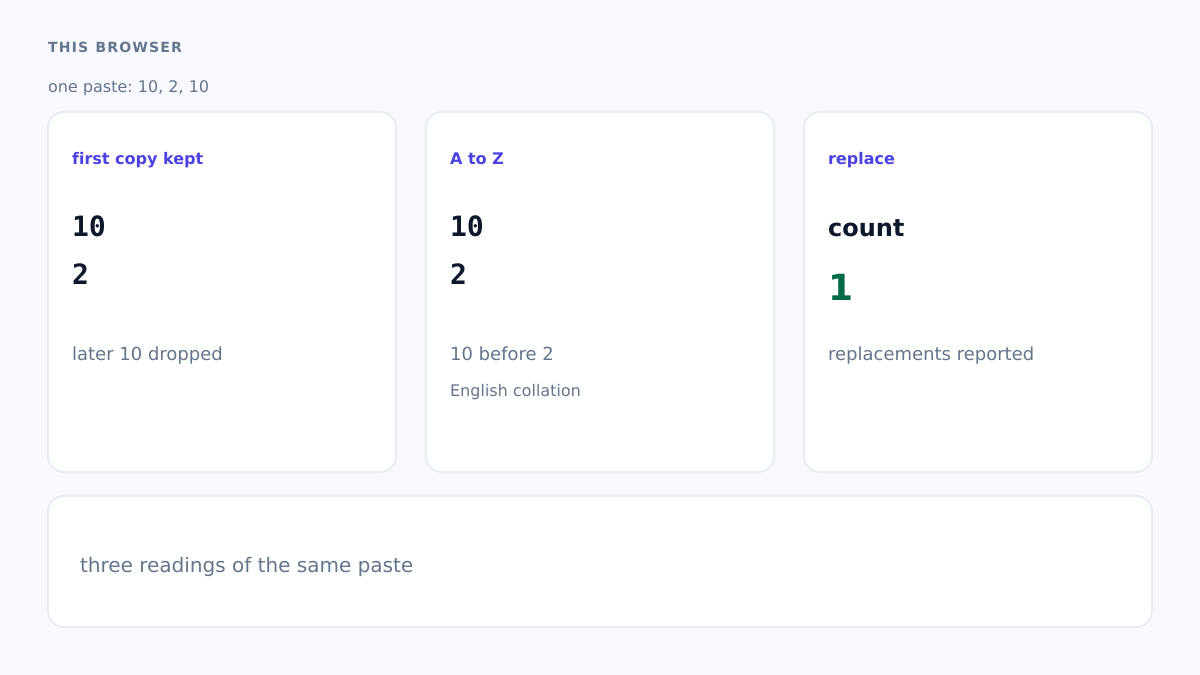
A count of replacements tells you whether the find string was too narrow.
This tool performs literal replacement; regex syntax is not interpreted as a pattern.
What to open next
Use Regex Tester for regex replacement. Do not paste a regex into this literal replacement tool and expect matching syntax to execute. Both stay in the browser.
Open Text Diff against the original to review. It stays in the browser.
References
Related tools
Frequently asked questions
Does find and replace in a paste use regex?
This tool performs literal replacement; regex syntax is not interpreted as a pattern. The output is the paste with replacements.
What does the replacement count on a paste mean?
Replace reports a count of replacements on the paste. A count of replacements tells you whether the find string was too narrow.
Does Find and Replace leave the browser?
Find and Replace stays in the browser. Open Text Diff against the original to review. It stays in the browser.