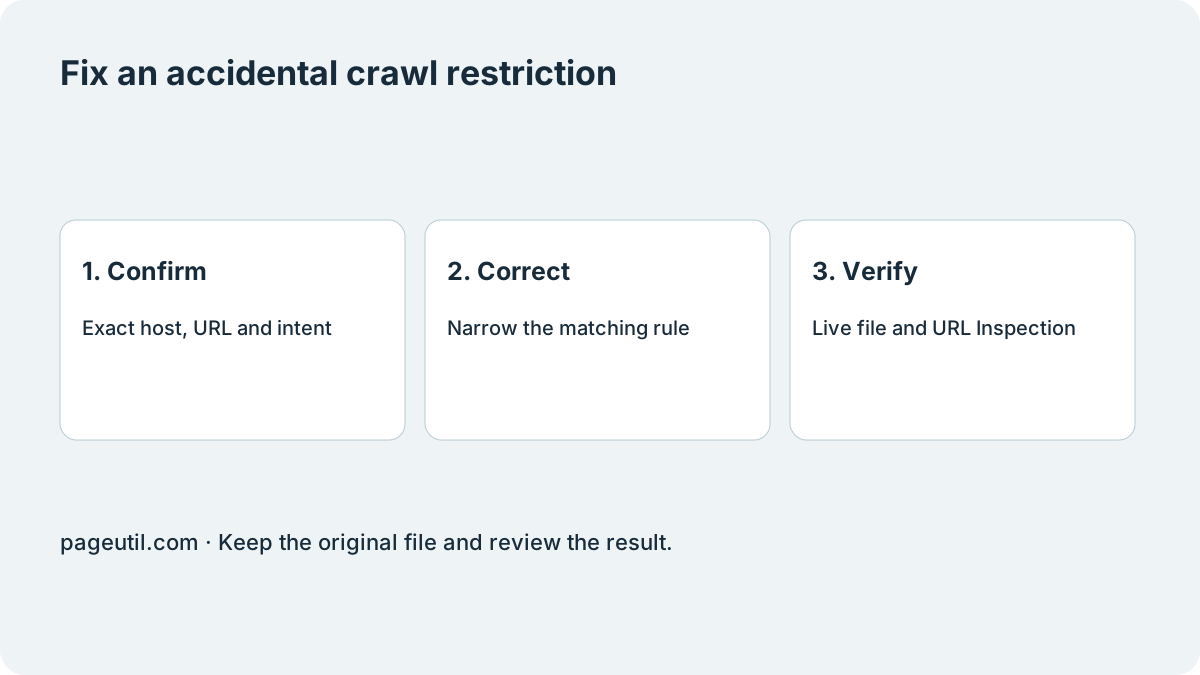
Confirm the URL and whether the block is intentional
Copy an affected URL from Search Console, including its scheme, host and path. Check that site’s root /robots.txt. A different subdomain or protocol can have a different file. Inspect the applicable Googlebot group and matching Allow and Disallow paths; the most specific matching rule matters.
A blocked crawl is not the same as a server error, noindex directive or guaranteed removal from search. Google can sometimes index a blocked URL without reading its content. Use URL Inspection for that URL and read the specific reported state.
| URL type | Next step |
|---|---|
| Public article or product page you want crawled | Investigate an accidental path or crawler rule. |
| Internal search, duplicate filters or private application paths | Check the intended policy before removing restrictions. |
| Sensitive information | Use authentication or access control; robots.txt is not a lock. |
Make a narrow correction
Suppose /articles/launch is a public page, but a deployment added the rule below. Remove or narrow the accidental /articles/ restriction while preserving unrelated rules. Review the full file in Robots.txt Generator before publishing it through your normal deployment process.
This example is a proposed correction, not a universal robots.txt template. Do not paste an Allow rule into an unrelated crawler group or replace a production file with only these lines.
# Before: public articles accidentally blocked
User-agent: *
Disallow: /articles/
Disallow: /admin/

# After: remove the accidental articles rule
User-agent: *
Disallow: /admin/
Verify the live file and request a fresh check
Read the deployed robots.txt rather than only your source file. In Search Console, inspect the affected URL and run the live test. When eligible, request indexing. Reporting can lag, and allowing a crawl does not guarantee indexing.
Keep the deployment time and a few representative URLs. Use Google Search Console Indexing Comparison for before-and-after exports. Follow How to Troubleshoot GSC Indexing Status Changes for report sampling and recrawl timestamps rather than treating a disappeared export row as proof of indexing.
Keep setup and indexing diagnosis separate
If you are creating a file for the first time, start with How to write a robots.txt. If the live test permits crawling but the URL remains unindexed, investigate its current indexing reason instead of repeatedly loosening crawl rules.
References
Use the linked specifications and product documentation to check behavior in your own environment.
Continue troubleshooting
Related tools
Frequently asked questions
Should I remove every Disallow rule to fix this error?
No. Establish whether each affected URL should be crawled, then correct only the accidental restriction. Other rules may deliberately protect crawl budget or exclude internal paths.
Does allowing a URL guarantee Google will index it?
No. It permits crawling; Google still decides whether to index the page after evaluating it.
Can I use robots.txt to remove sensitive pages from search?
Robots.txt is not access control or a reliable removal mechanism. Protect sensitive pages with authentication and use the appropriate search removal or indexing controls.