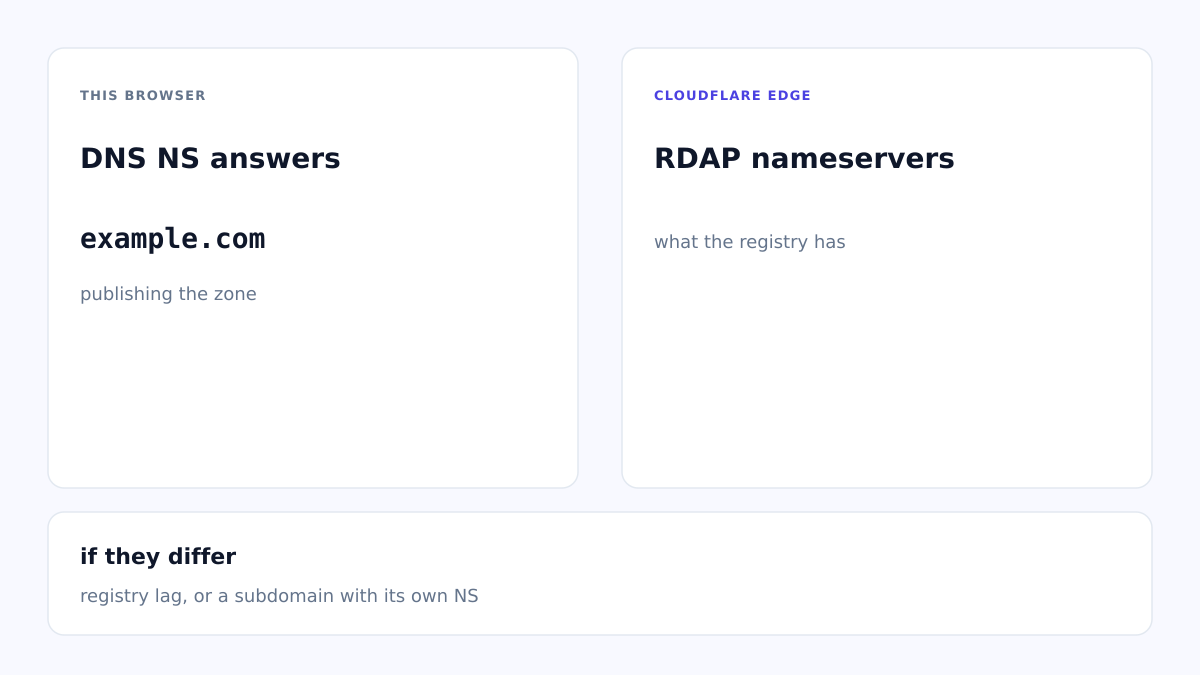
Compare the edited provider with the public evidence
Suppose a registrar dashboard contains an old DNS zone, but the domain is delegated to ns1.provider-b.example. Editing the old zone does not change what provider B answers. Use the actual nameserver names to locate the active service.
Registration provider, DNS host and website host can all be different companies. A Whois/RDAP record can help identify delegation, but it does not prove the contents of the current authoritative zone.
| Role | What to verify |
|---|---|
| Registrar | Registration and delegation settings |
| Authoritative DNS provider | Records served by the delegated servers |
| Recursive resolver | Cached answers returned to clients |
| Web host or CDN | Application reached after resolution |
Ask an authoritative server directly when needed
PageUtil uses Cloudflare’s recursive DNS-over-HTTPS resolver. It does not let you select an authoritative server. For direct checks, use your local DNS client and query each delegated server when investigating disagreement.
Compare NS information with the provider’s documented nameserver assignment. Do not change delegation just to make two dashboards match: a delegation change can affect the entire zone, including email and ownership-verification records.
dig NS example.com
# Query the relevant authoritative server after confirming its name:
dig @ns1.provider-b.example example.com A
# Reserved example names above are illustrative.
Verify the smallest necessary change
Edit the active zone, record the previous value and account for the existing TTL. If the intended operation really is a DNS-provider migration, reproduce every required record first and plan a controlled delegation switch.
Afterward, compare authoritative and recursive answers, then test the website and email independently. A correct nameserver assignment does not guarantee every record or application is configured correctly.
References
Use the linked specifications and product documentation to check behavior in your own environment.
Continue troubleshooting
Related tools
Frequently asked questions
Is the registrar always the DNS host?
No. A domain can use separate registration, DNS and website providers.
Does PageUtil query an authoritative server directly?
No. DNS Lookup queries Cloudflare’s public recursive DNS-over-HTTPS service.
Should I change nameservers to fix one record?
Usually edit the active zone instead; delegation changes affect the whole domain.