Compare a winter and summer meeting
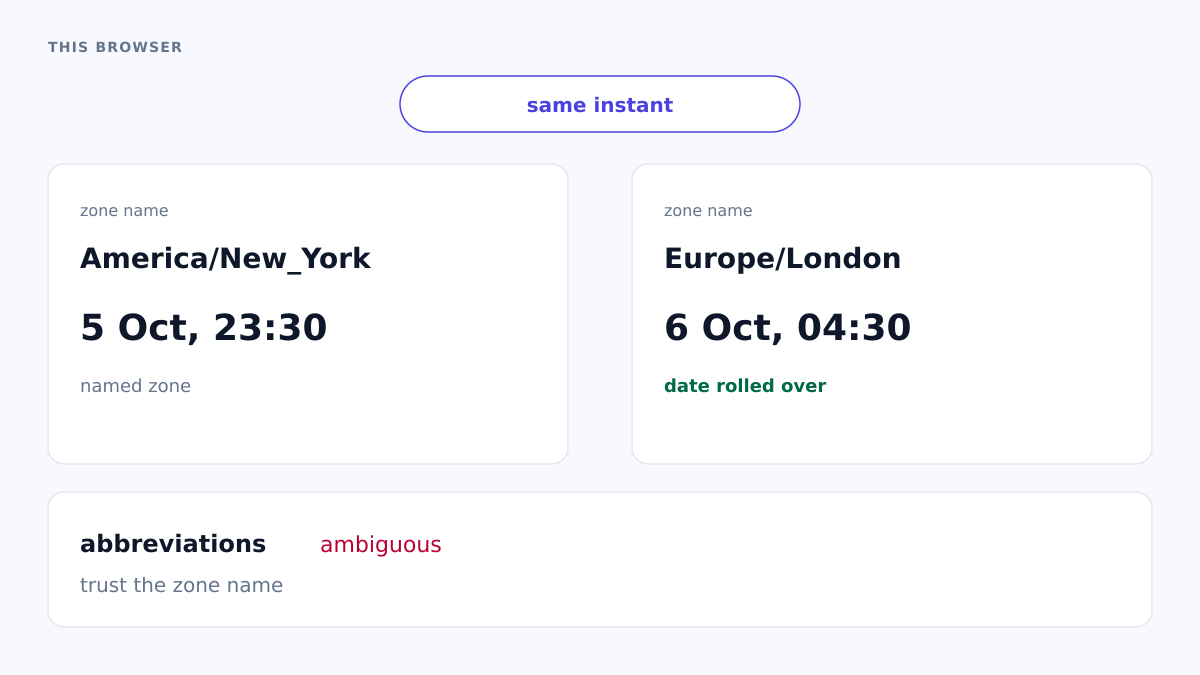
Choose UTC as From, Europe/London as To, and 09:00 on each date below. London’s winter offset is zero while its summer offset is one hour ahead. Both results refer to the same instant as their respective UTC input.
For planning, store an appointment’s zone and intended local date/time or its UTC instant according to the business requirement. “Every day at 09:00 London” is different from repeating one fixed UTC instant at 24-hour intervals.
| Input UTC | Europe/London display | Offset |
|---|---|---|
| 2026-01-15 09:00 | 2026-01-15 09:00 | UTC+00 |
| 2026-07-15 09:00 | 2026-07-15 10:00 | UTC+01 |
Handle a missing or repeated local time explicitly
In America/New_York on 8 March 2026, 02:30 is skipped by the spring clock change. On 1 November, 01:30 maps to two instants: 05:30Z with offset −04 and 06:30Z with offset −05.
The tool displays a gap or overlap notice, but it does not choose your application policy. For an ambiguous appointment, ask for the intended offset or select the correct occurrence using an explicit instant. Do not treat a displayed gap conversion as proof the requested wall time existed.
Verify round trips and keep timezone data current
Convert a known UTC instant into the destination zone, then compare it with the reverse interpretation. On transition days, examine offsets as well as clock labels. Screenshots showing only “01:30” omit the information needed to distinguish repeated times.
The available zone list is fixed; PageUtil does not accept every IANA zone name in this converter. Browser timezone databases may lag government rule changes. Use the actual production runtime’s timezone data when validating business-critical schedules.
If a scheduled job runs at an unexpected hour, inspect the scheduler’s zone setting separately. A browser conversion does not change a deployed cron job or its missed-run policy.
References
Use the linked specifications and product documentation to check behavior in your own environment.
Continue troubleshooting
Related tools
Frequently asked questions
Is a named time zone a fixed offset?
No. Regional rules can change the offset depending on the date.
Can every local time be converted uniquely?
No. Clock transitions can create a missing time or two possible instants.
Does changing the converter change a scheduled job?
No. The converter only displays interpretations; configure the scheduler separately.