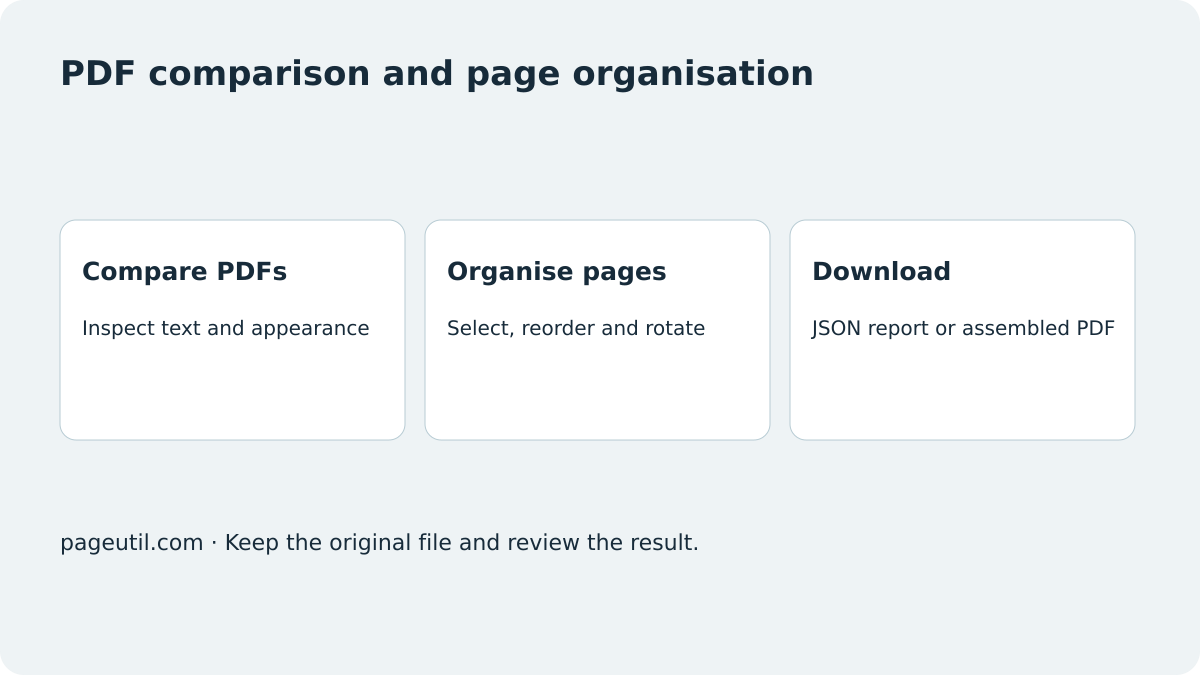
Load the PDF and select the pages
Open PDF Tools and choose Merge, split, rotate or watermark pages. Drop in the PDF or use the file picker. All pages start selected. To watermark an excerpt, uncheck the pages you want to leave out of the downloaded copy.
In PDF watermark, enter a short label such as FOR ALEX MORGAN ONLY. The label appears in the center of each selected page.
Set the watermark appearance
Start with the defaults on a light document. If the PDF has dark backgrounds or photographs, choose a color that stays visible and adjust opacity after checking an export.
| Control | How to use it |
|---|---|
| Color | Choose a dark shade for light pages or a light shade for dark pages. |
| Angle | Leave blank to follow each page’s diagonal. Enter 0 for horizontal, 30 to rise from left to right, or −30 to slope down. |
| Size | Start at 100%. Try 75% for a smaller label. The tool reduces long labels as needed to fit each page. |
| Opacity | Start at 28%. Lower values show more of the page underneath. Raise the value if the label is hard to read. |
Check the exported copy before sharing
Click Download Assembled PDF and open the downloaded file. Check a text-heavy page and any pages with photos or a different orientation. Make sure the label is readable and the underlying content is easy to read.
For another recipient, change the label in the same workspace and export again from the original pages. Give each copy a distinct filename so you can match it to the intended recipient.
References
Use the linked specifications and product documentation to check behavior in your own environment.
Continue troubleshooting
Related tools
Frequently asked questions
Can I watermark a scanned PDF?
Yes. The tool draws the label over the page, including pages made from scanned images.
Can a PDF watermark control who opens the file?
A watermark is a visible label. Use access controls when you need to restrict who can open the document.
Why does the tool reject some characters?
The watermark font supports Latin letters and common punctuation. Use a transliteration or a shorter label if the tool flags an unsupported character.