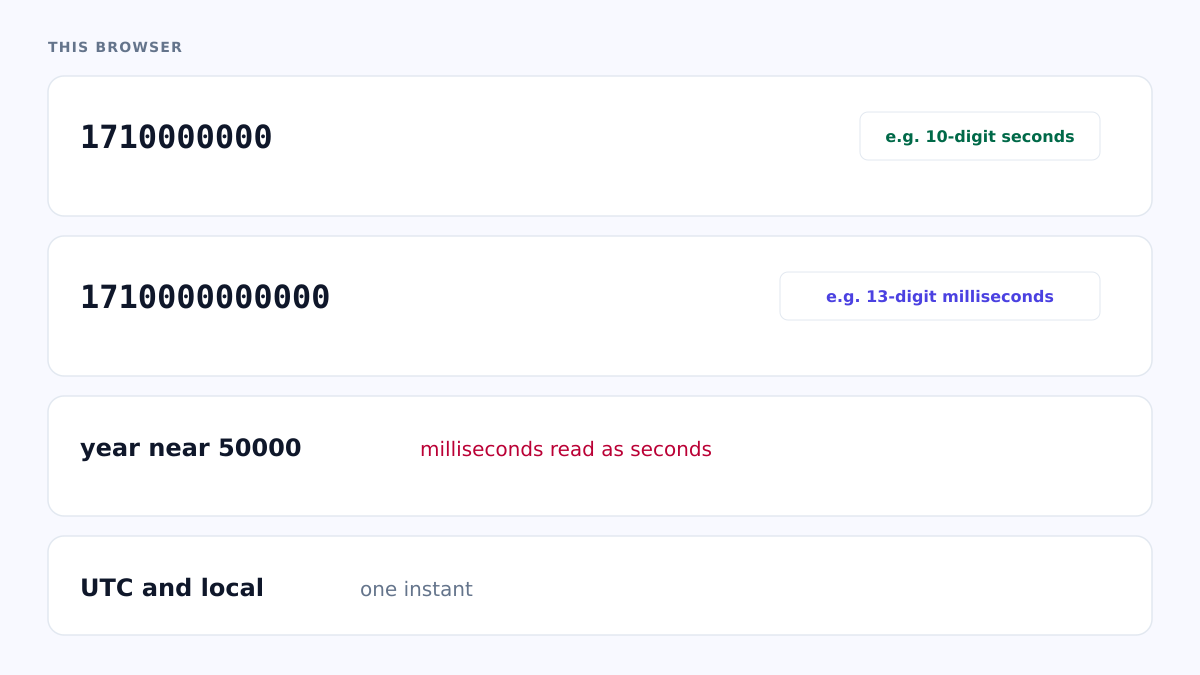
Convert the same instant in both units
1767225600 seconds and 1767225600000 milliseconds both represent midnight UTC on 1 January 2026. In JavaScript, Date expects milliseconds. Passing the shorter value directly produces a date in January 1970.
Choose seconds in the converter for a JWT NumericDate, or milliseconds for Date.now output. Compare the result with the expected date range; a syntactically valid timestamp can still use the wrong unit.
| Value | Unit | UTC result |
|---|---|---|
| 1767225600 | Seconds | 2026-01-01 00:00:00Z |
| 1767225600000 | Milliseconds | 2026-01-01 00:00:00Z |
| 1767225600 | Milliseconds | 1970-01-21 10:53:45.600Z |
Know where the digit-count shortcut fails
Historical dates, negative values, fractional seconds and far-future times do not follow a simple ten-versus-thirteen rule. Microseconds and nanoseconds introduce other scales. A database column named timestamp may even contain a different epoch or a non-time value.
Inspect the producer’s specification or code and capture one value paired with a known event time. Leading zeroes in a string do not change the unit. Avoid repeatedly multiplying or dividing until the date looks plausible without confirming the contract.
new Date(1767225600 * 1000).toISOString();
// 2026-01-01T00:00:00.000Z
new Date(1767225600000).toISOString();
// same instant
Separate units from display time zones
Epoch Now shows current Unix seconds and milliseconds. Those counts do not change when you change time zones. The local clock display is a representation of the same instant.
For a support case, record the raw number, explicit unit, UTC conversion and source system. If the UTC instant is correct but the displayed hour differs, investigate the display zone instead of changing the numeric value.
References
Use the linked specifications and product documentation to check behavior in your own environment.
Continue troubleshooting
Related tools
Frequently asked questions
Are all ten-digit values epoch seconds?
No. Digit count is only a present-era heuristic; confirm the source contract.
Does JavaScript Date accept epoch seconds?
Its numeric constructor expects milliseconds, so convert seconds before passing them.
Does a Unix timestamp contain a time zone?
The epoch count identifies an instant; a time zone is chosen for its clock display.