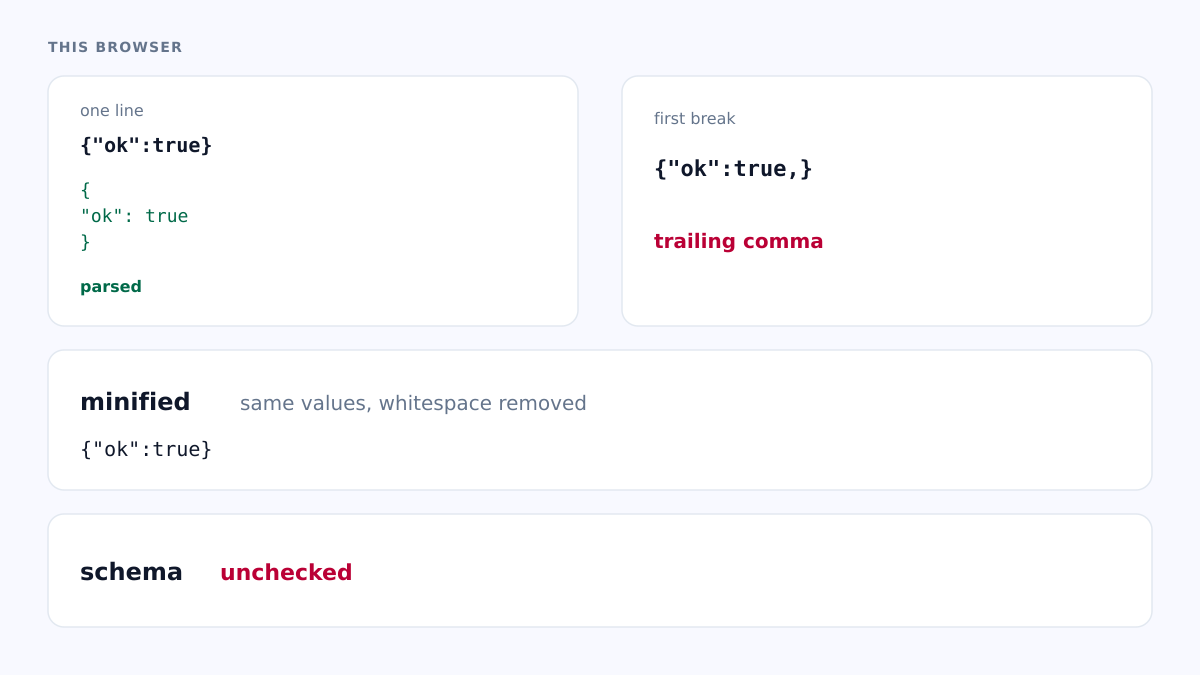
Compare a small before-and-after document
The space between Ada and Lovelace belongs to the string. The indentation around the member and array is presentation. A correct minifier must distinguish these, which is why deleting every whitespace character with a regex is unsafe.
This example preserves the same ordinary parsed values. Paste it into the formatter, choose Minify, then parse the compact output again to verify it remains valid JSON.
Before:
{
  "name": "Ada Lovelace",
  "tags": ["a", "b"]
}

After:
{"name":"Ada Lovelace","tags":["a","b"]}
Understand the parse-and-reserialize boundary
The formatter parses JavaScript values and serializes them. That can normalize numeric representation and lose precision for integers beyond JavaScript’s safe range. It does not promise a byte-preserving transformation.
A signed JSON document or an external hash may depend on exact bytes or a specified canonicalization method. Removing whitespace can invalidate that signature even when a parser sees equivalent values. Do not substitute ordinary minification for a cryptographic canonicalization protocol.
Duplicate object keys are another warning sign: parsing may keep only a later member. Fix ambiguous producer output rather than relying on formatting to preserve all source tokens.
Use compact output where it helps
For a small API example, minification makes a single-line payload easy to copy. For debugging, indented output is often easier to inspect. Transport compression is a separate mechanism; smaller source text does not guarantee a meaningful network improvement.
Use Text Diff to inspect changes, remembering that raw line changes will mostly reflect whitespace. Verify important values with contract tests, particularly numeric identifiers and strings containing spaces or escape sequences.
References
Use the linked specifications and product documentation to check behavior in your own environment.
Continue troubleshooting
Related tools
Frequently asked questions
Should a minifier delete spaces inside strings?
No. Those spaces are part of the value and must be preserved.
Does minification preserve a signed document?
Not necessarily. Signature validity can depend on original bytes or a specific canonicalization scheme.
Can minification fix invalid JSON syntax?
No. The document must parse before this formatter can produce compact output.