What to run
Open Favicon Generator, type one letter or character, choose the size (32 or 180), and download the PNG. The tool stays in the browser.
How to read the result
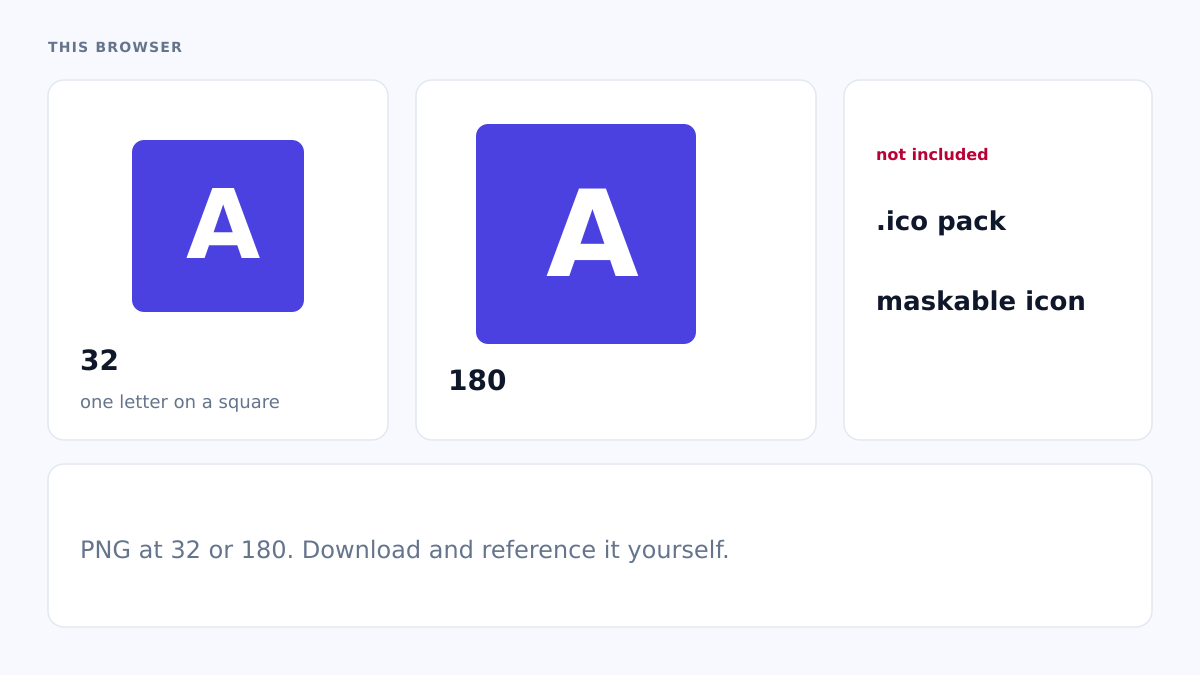
The PNG is a single letter centred on a solid square. 32 pixels suits a browser tab; 180 pixels is larger for touch icons or higher-density displays.
It is not an .ico multi-size file, not a maskable icon, and not a full icon pack. You must place and reference the file yourself in your HTML or manifest.
What to open next
Check the colour contrast of the letter against its background with Contrast Checker if the icon will be used on light and dark themes.
For social sharing metadata use Open Graph Generator. It emits tags referring to an image URL; it does not create or host that image. Both tools stay in the browser.
References
Continue troubleshooting
Related tools
Frequently asked questions
Is a letter favicon a full icon pack?
No. It is one character on a 32 or 180 pixel square. It is not a full icon pack or an .ico set.
Does Favicon Generator make an .ico file?
No. It downloads a PNG of the letter on a square. You reference that PNG yourself.
Is the letter favicon the same as a social image?
No. Open Graph Generator creates metadata tags that refer to a separately hosted social image. Favicon Generator creates the small site icon.