Start with exact solid colors
Enter #767676 on #ffffff. The ratio is approximately 4.54:1, which meets the 4.5:1 AA minimum for normal text. #777777 on white is approximately 4.48:1 and does not meet that threshold.
Do not round a failing ratio upward to claim a pass. A displayed label should use the underlying calculation. Small differences near a boundary are a reason to leave margin, especially when typography and rendering make text harder to read.
| Foreground on white | Approximate ratio | AA normal text |
|---|---|---|
| #767676 | 4.54:1 | Pass |
| #777777 | 4.48:1 | Fail |
| #aaaaaa | 2.32:1 | Fail |
Inspect opacity and the real background
If #767676 text is rendered with 60% opacity over white, its visible color is much lighter than the original hex input. A simple channel-compositing illustration gives approximately #adadad, whose contrast is far below 4.5:1. Inspect the actual composited context rather than reusing the opaque-pair result.
Images, gradients, translucent overlays and hover/disabled states can change the effective background. Check the worst relevant text/background combination and verify the browser’s computed styles. Parent opacity affects the composited element, not just the text color.
Apply the correct category and inspect other requirements
WCAG’s large-text category starts at 18 point regular or 14 point bold, approximately 24px or 18.67px at the usual CSS conversion. A heading tag or a font described as “large” in a design system does not automatically qualify.
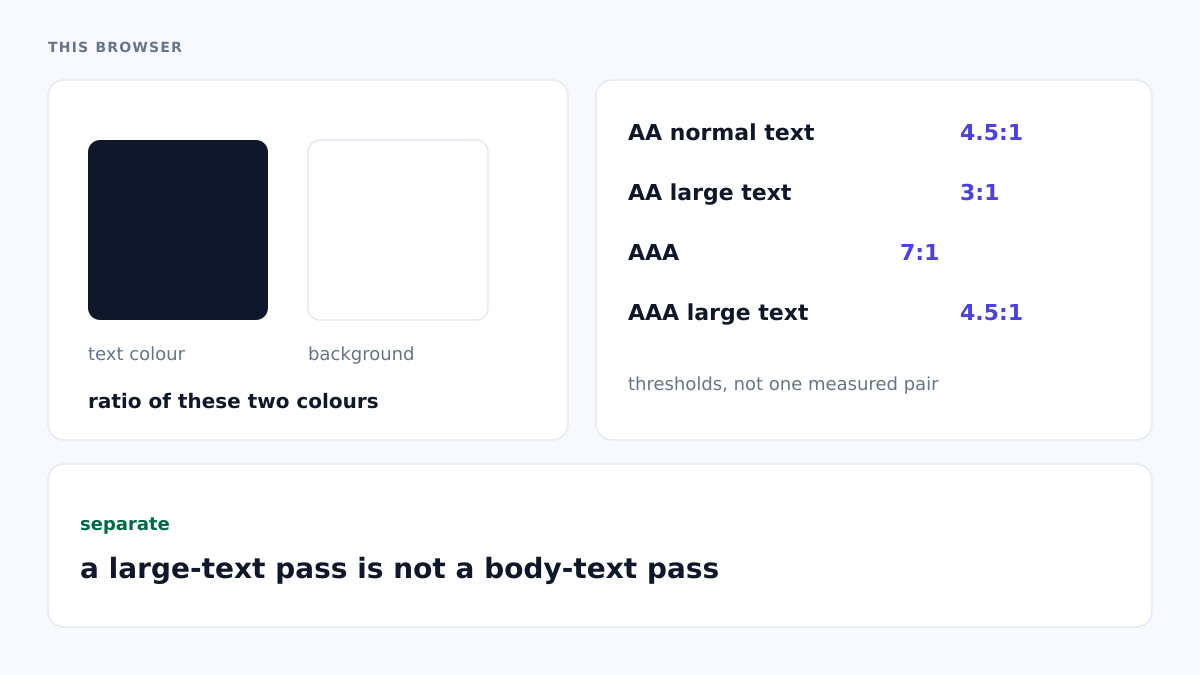
AA large text uses 3:1; normal text uses 4.5:1. AAA thresholds are higher. Contrast is only one accessibility requirement, and non-text controls have their own criteria. A color-pair pass does not establish full WCAG conformance.
Keep a test record with foreground, effective background, state, font size, weight and computed ratio. Repeat the check for links, placeholder text and interactive states where the applicable criteria require it.
References
Use the linked specifications and product documentation to check behavior in your own environment.
Related tools
Frequently asked questions
Does a 4.48 ratio meet a 4.5 minimum?
No. Do not round a failing ratio upward to claim conformance.
Does a large heading always qualify as large text?
No. The rendered size and weight must meet the criterion’s definition.
Does the tool audit the whole page?
No. It compares two input colors and does not establish full-page accessibility conformance.