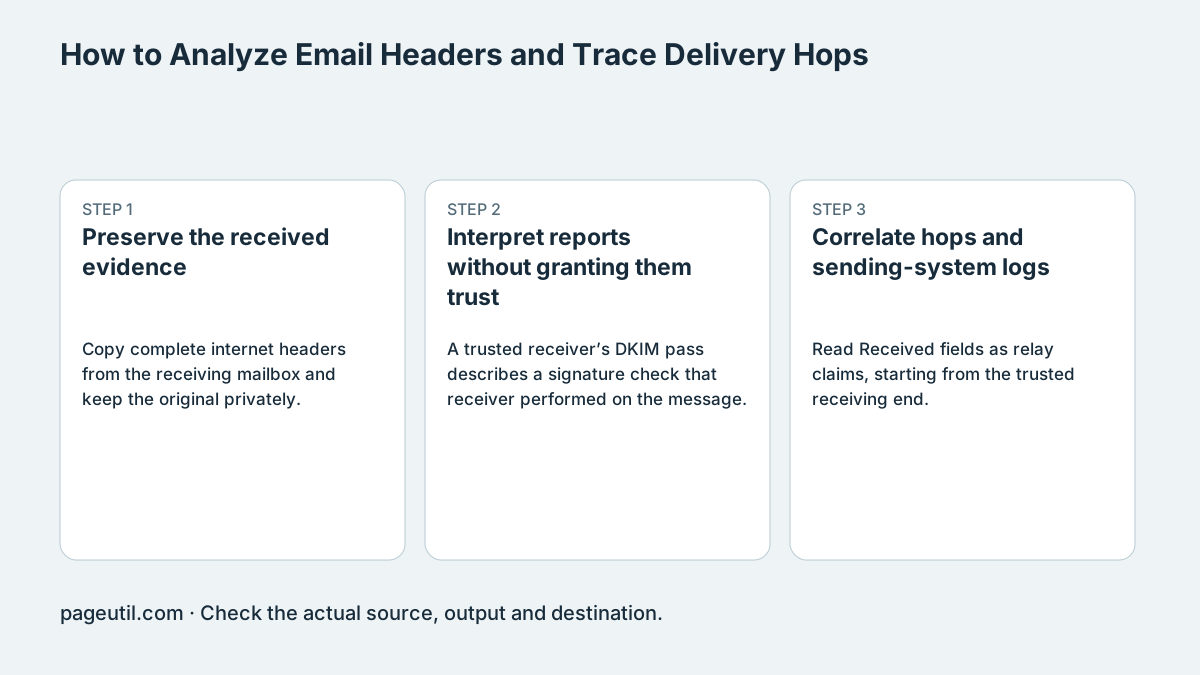
Preserve the received evidence
Copy complete internet headers from the receiving mailbox and keep the original privately. Record the received time and a redacted message identifier. Avoid using a forwarded text extract when you need the original transport evidence.
Find the receiver’s trusted Authentication-Results field and its authentication-service identifier. An attacker can add forged fields before the message reaches your receiving service. The parser can display that text but cannot establish which service produced it.
Interpret reports without granting them trust
A trusted receiver’s DKIM pass describes a signature check that receiver performed on the message. The local header parser does not have enough evidence to repeat that cryptographic body check. SPF and DKIM passes also need alignment with the visible From domain for DMARC.
For example, spf=pass for a vendor envelope domain does not establish alignment with example.com in From. A p=none policy requests monitoring rather than quarantine or rejection; it is not an authentication failure. Investigate the reported result before changing enforcement.
Illustrative trusted receiver report:
Authentication-Results: mx.example.net;
 spf=pass smtp.mailfrom=vendor.example;
 dmarc=fail header.from=example.com

SPF pass and DMARC fail can coexist when alignment is absent.
Correlate hops and sending-system logs
Read Received fields as relay claims, starting from the trusted receiving end. Differences between timestamps can reflect clock skew as well as transit delay; the earliest displayed row is not proof of the true origin.
Compare a known legitimate message and the sender/receiver logs. Use DNS Lookup for current records through Cloudflare's recursive resolver, remembering they may differ from records at delivery time. Finish with a controlled delivery test after the relevant configuration correction, rather than treating a parsed pass as proof of safe mail.
References
Use the linked specifications and product documentation to check behavior in your own environment.
Related tools
Frequently asked questions
Does parsing headers independently verify DKIM?
No. It displays reported results; it does not repeat the receiver’s cryptographic check of the message body.
Does p=none mean DMARC failed?
No. It is a policy requesting monitoring rather than quarantine or rejection, not the authentication verdict.
Can every Authentication-Results header be trusted?
No. Identify the trusted receiving service and its header boundary; forged upstream fields may be present.