What to run
Open htaccess Redirect Generator. It stays in the browser.
How to read the result
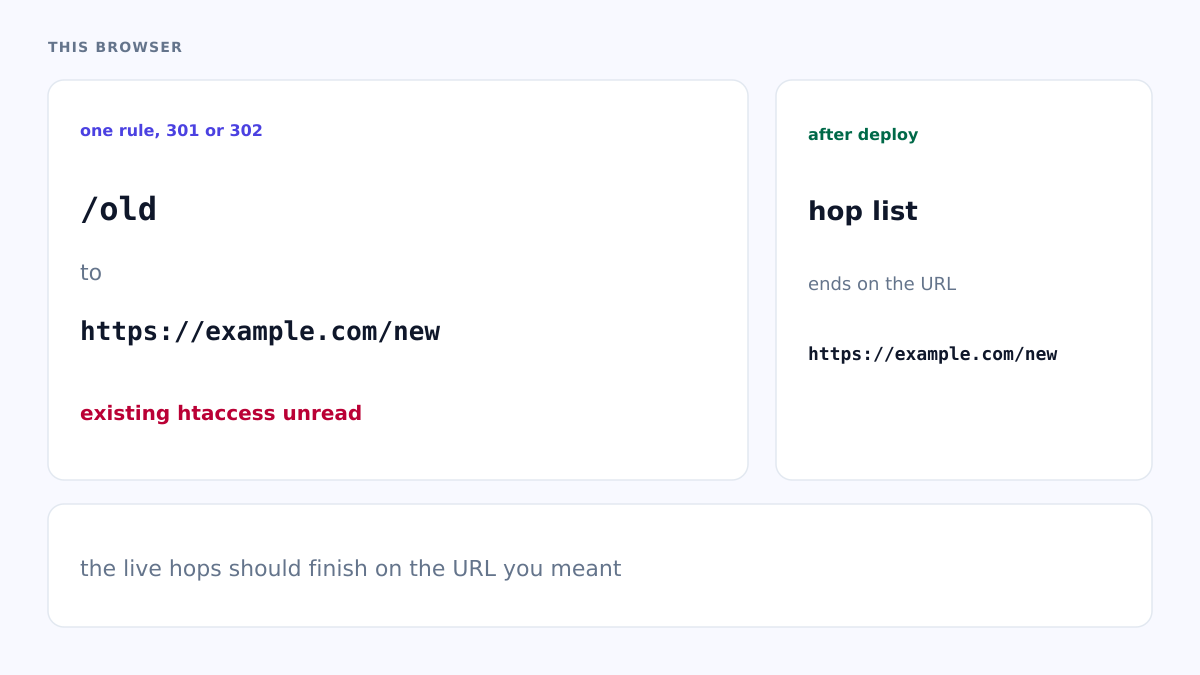
The snippet is one rule, 301 or 302, from a path to a URL.
It does not read your existing .htaccess.
A 301 can be cached by browsers. Review the rule order and existing CDN or application redirects before deploying, so the new rule does not conflict with an HTTPS or hostname rule.
Use the intended replacement URL rather than adding an unnecessary intermediate step. Check meaningful query parameters and the behavior of nearby paths in the actual server configuration.
What to open next
Open Redirect Checker after deploy. The check runs from Cloudflare.
Open HTTP Status Codes if you are unsure which code you emitted. It stays in the browser.
References
Related tools
Frequently asked questions
Does the htaccess generator read my existing file?
No. It does not read your existing .htaccess. An htaccess snippet is one 301 or 302 rule.
Can browsers cache a 301 from the snippet?
Yes. A 301 can be cached by browsers. The snippet is one rule, 301 or 302, from a path to a URL.
How do I check the redirect after it is deployed?
Open Redirect Checker after deploy. The check runs from Cloudflare.