What to run
Open Date Difference. It stays in the browser.
How to read the result
Days is the interval.
Weeks is days divided.
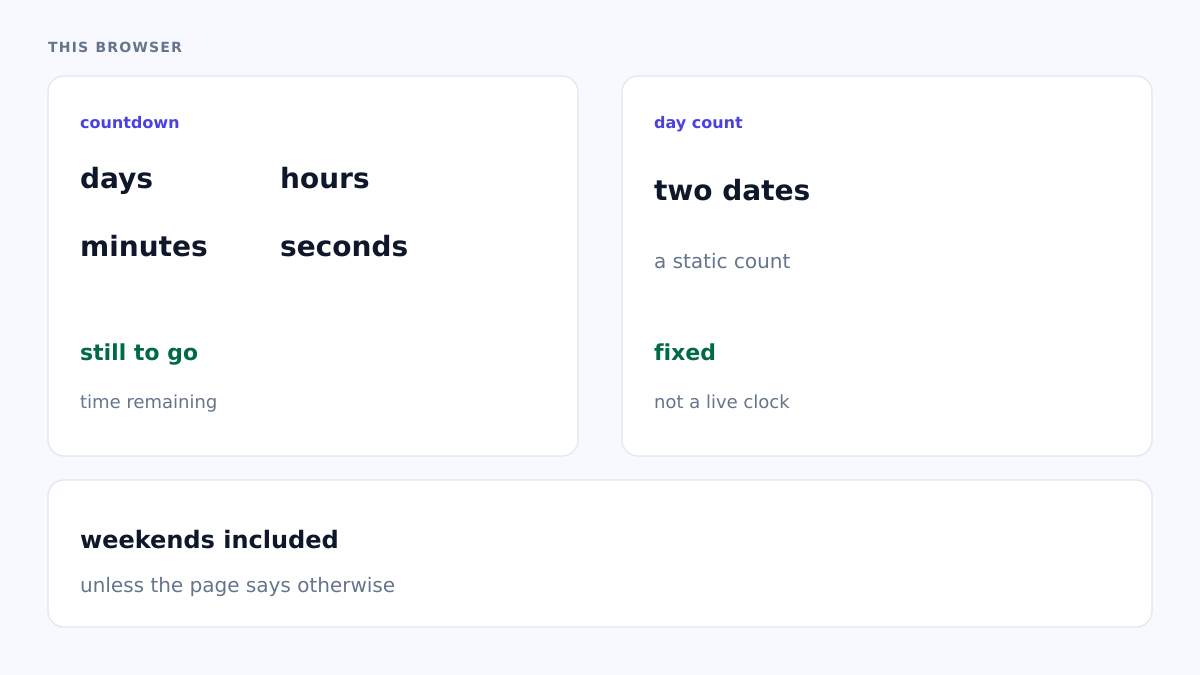
The weekday note is context, not a business-day SLA unless the page says it excluded weekends.
What to open next
Open Countdown if you need a live clock. It stays in the browser.
A loan calculator is unrelated.
References
Related tools
Frequently asked questions
Are weekends left in the day count?
Yes. Weekends stay included unless the page says otherwise. Days between two dates are a fixed count.
Is the weekday note a business-day SLA?
No. The weekday note is context, not a business-day SLA unless the page says it excluded weekends.
What is the weeks number on Date Difference?
Weeks is days divided. Days is the interval, and Date Difference stays in the browser.