What to run
Open Slug Generator. It stays in the browser.
How to read the result
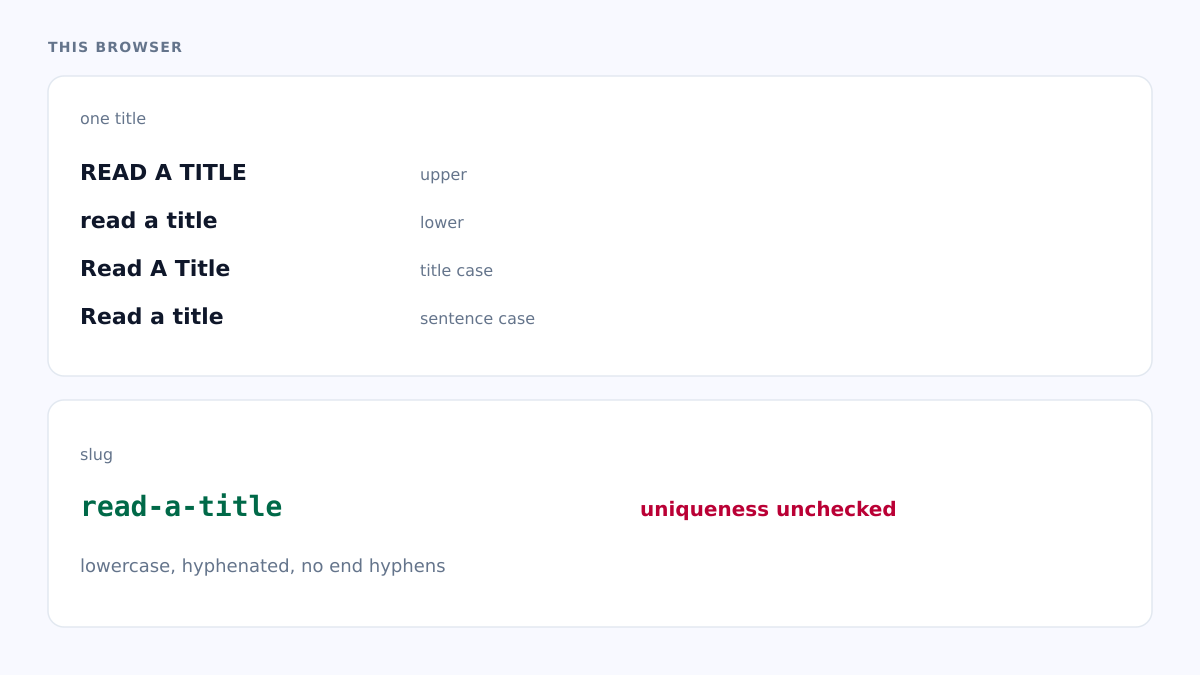
Lowercase, hyphens, no leading or trailing hyphen.
Punctuation is dropped.
The slug is not checked for uniqueness on your site.
What to open next
Open Open Graph Generator using the slug in the URL field. It stays in the browser.
Open Robots.txt Generator if the path should be disallowed. It stays in the browser.
References
Related tools
Frequently asked questions
Is a generated slug checked for uniqueness?
No. The slug is not checked for uniqueness on your site. A slug is lowercase and hyphenated, with no end hyphens.
What does Slug Generator do with punctuation?
Punctuation is dropped. The result is lowercase, with hyphens, and with no leading or trailing hyphen.
Does Slug Generator stay in the browser?
Yes. Open Slug Generator. It stays in the browser.