What to run
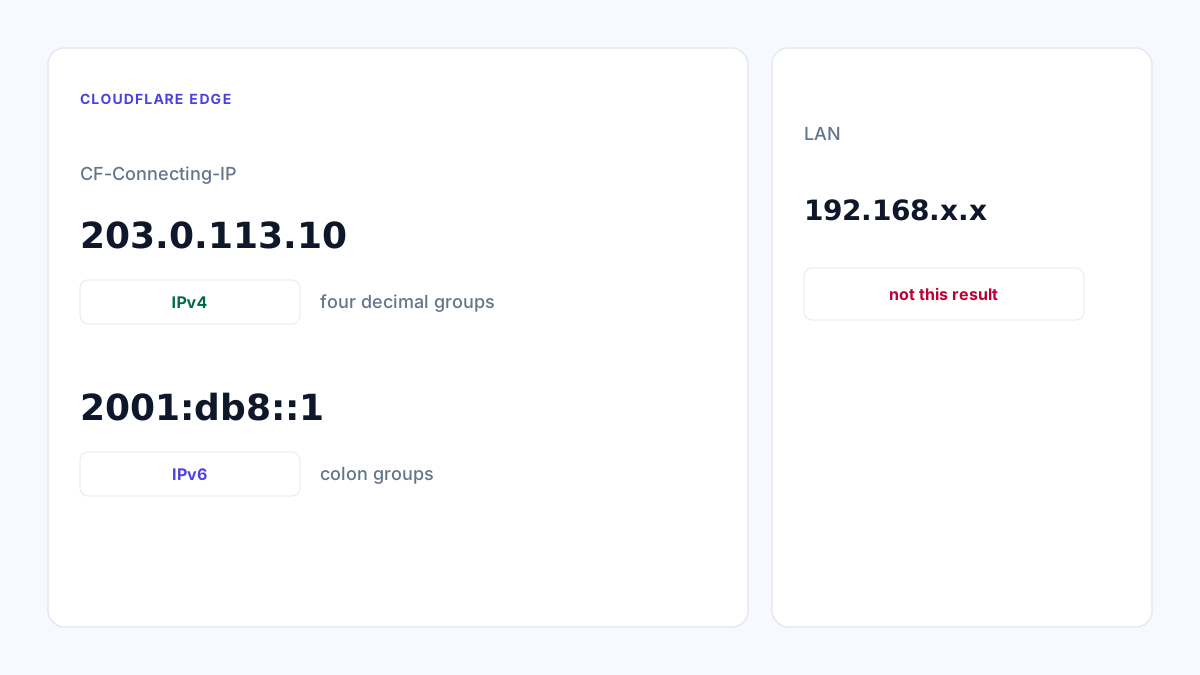
Open What Is My IP. The result is from Cloudflare.
How to read the result
Four decimal groups is IPv4. Groups with colons is IPv6.
The page reports the family of the connecting address only.
What to open next
Open DNS Lookup for A and AAAA on the host you are calling, to see what it publishes. DNS Lookup is DNS-over-HTTPS from the browser and does not follow CNAMEs.