What to run
Open User-Agent Parser. It stays in the browser.
Ask the affected person to open What Is My IP and IP Geolocation on their device. Opening them yourself reports your connection; the tools do not look up a pasted arbitrary IP.
How to read the result
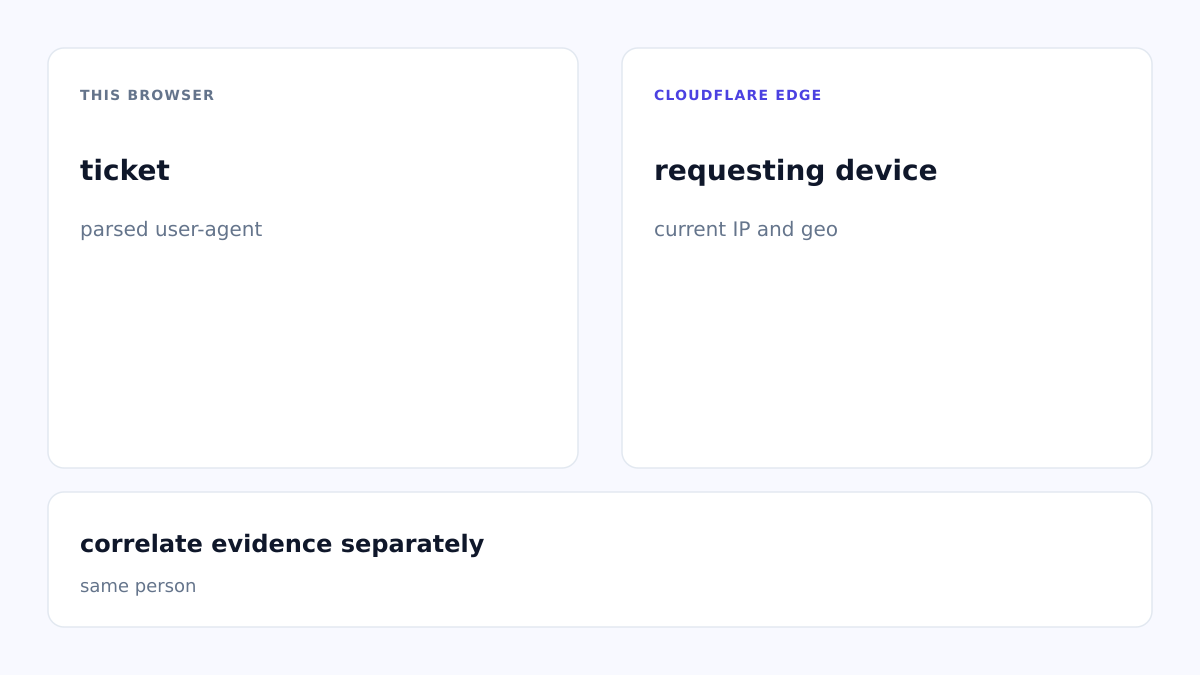
Parser output is the ticket.
IP tools describe the connection making the request. A pasted address does not change that result.
Do not merge them into one identity unless the ticket says so.
What to open next
Open HTTP Headers on the URL they hit, to see if the app redirects mobile. That result is from Cloudflare.
References
Related tools
Frequently asked questions
Is the parsed user-agent the same person as the IP tools?
No. The parsed user-agent is ticket evidence; the IP tools describe whoever actually opens them. Do not merge them into one identity unless the ticket says so.
Does User-Agent Parser stay in the browser?
Yes. User-Agent Parser stays in the browser. What Is My IP and IP Geolocation results are from Cloudflare.
When do the IP tools describe the ticket instead of the caller?
IP tools describe the connection making the request. A pasted address does not change that result. Parser output is the ticket.