What to run
Paste the string into User-Agent Parser. It stays in the browser.
How to read the result
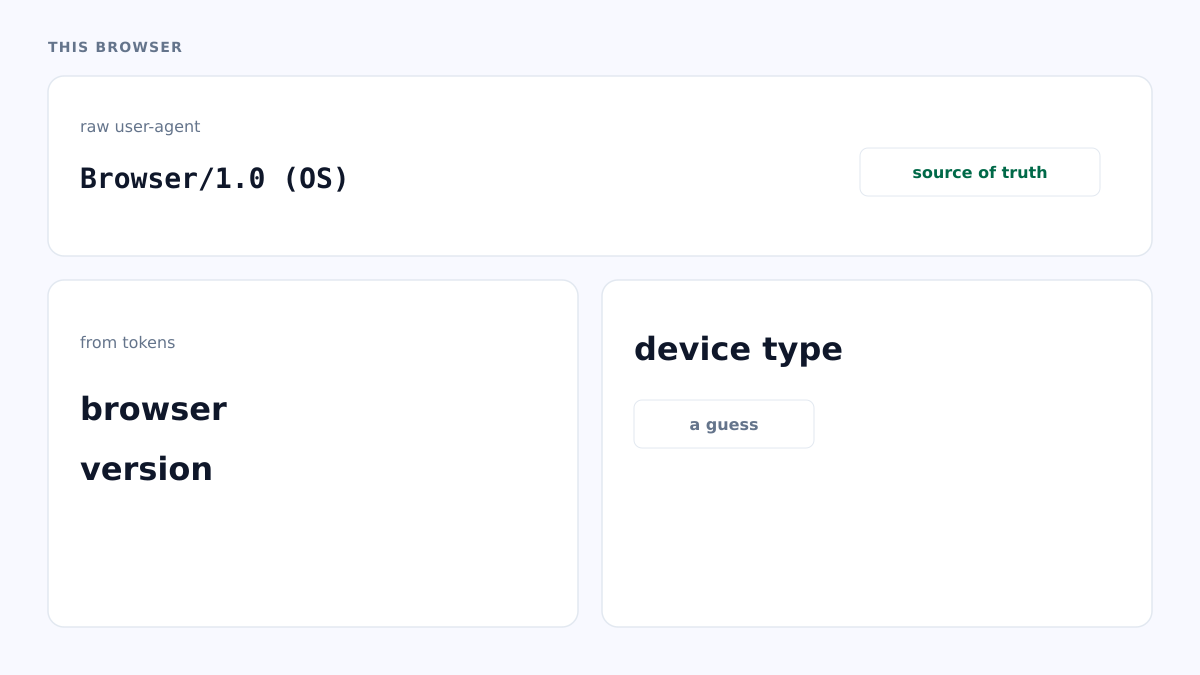
Browser and version come from tokens, not from a live test.
Device type is a guess. The raw string is the source of truth.
Chromium-based browsers can look like several brands at once.
What to open next
Paste the string. Do not expect What Is My IP to know the browser.
References
Related tools
Frequently asked questions
Does User-Agent Parser run a live browser test?
No. Browser and version come from tokens, not from a live test. The raw string is the source of truth.
Is the device type from a user-agent exact?
Device type is a guess. The raw string is the source of truth.
Can one user-agent string look like several browser brands?
Yes. Chromium-based browsers can look like several brands at once. Browser and version come from user-agent tokens.